About this app
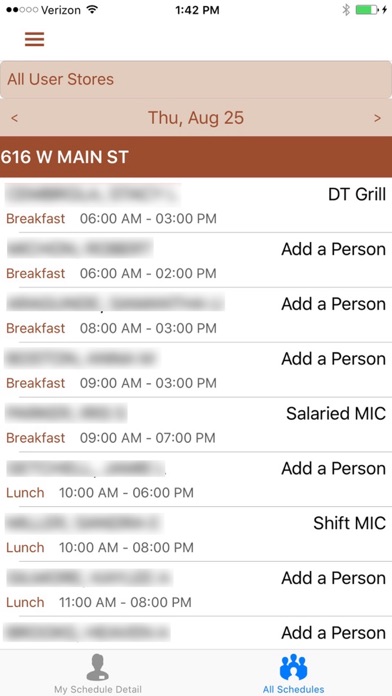
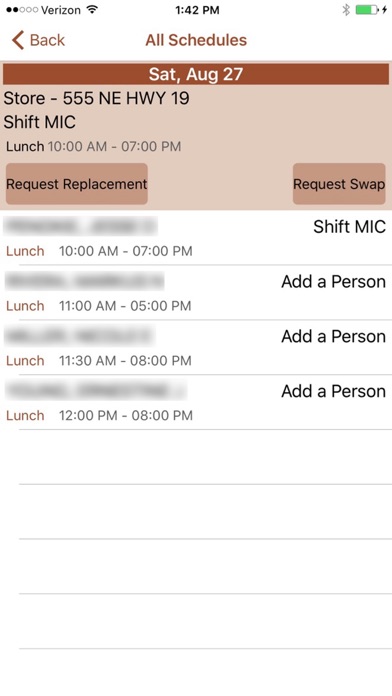
Schedule In lets the employee know exactly that, when the schedule is in. You can see when you work and who works with you. Be notified of posted schedules, shift changes and even request a replacement/swap with another employee. It's easy just download the app and have the store manager generate your app code from the SmartLynX BOH. Need more information? Just contact your Solutions Consultant today!
Latest release
What’s New
Screen changes on Time Punch Edits Removed Cancel Option From Time Record Modification Notification
Audience growth
Ratings growth
Baseline captured. Growth appears after the crawler observes a changed rating count.
Momentum comes from crawler snapshots for the tracked storefront. “Viral growth signal” means unusually fast recent rating gains; it is an indicator, not download data.
Price tracking
Price intelligence
First snapshot captured. The trend line starts after the next crawler price observation.
- First observed Sep 1, 2026 · 3:07 PM Free
Screenshots