About this app
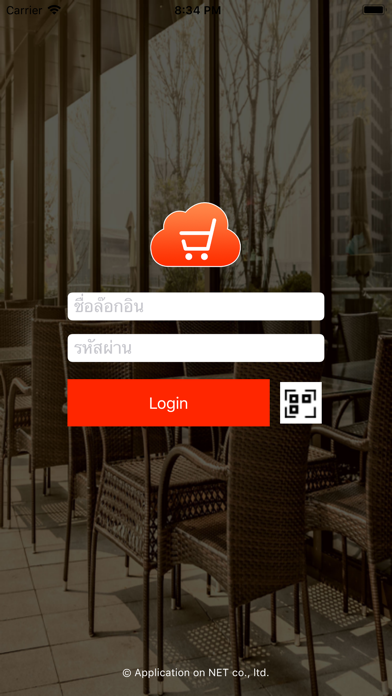
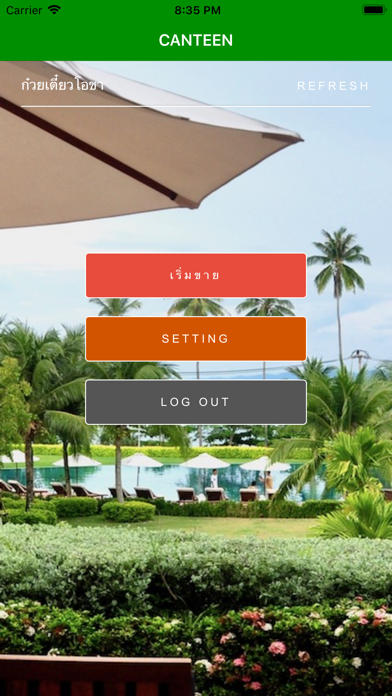
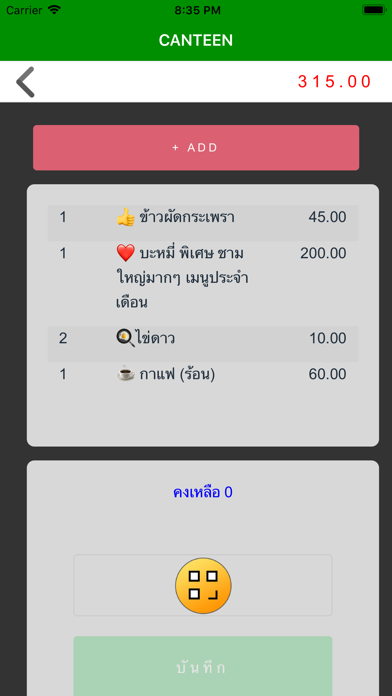
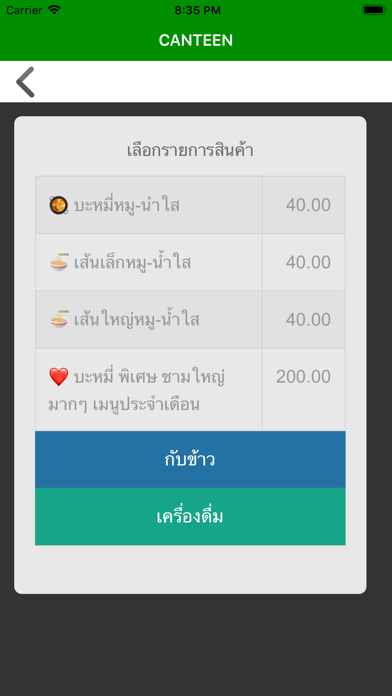
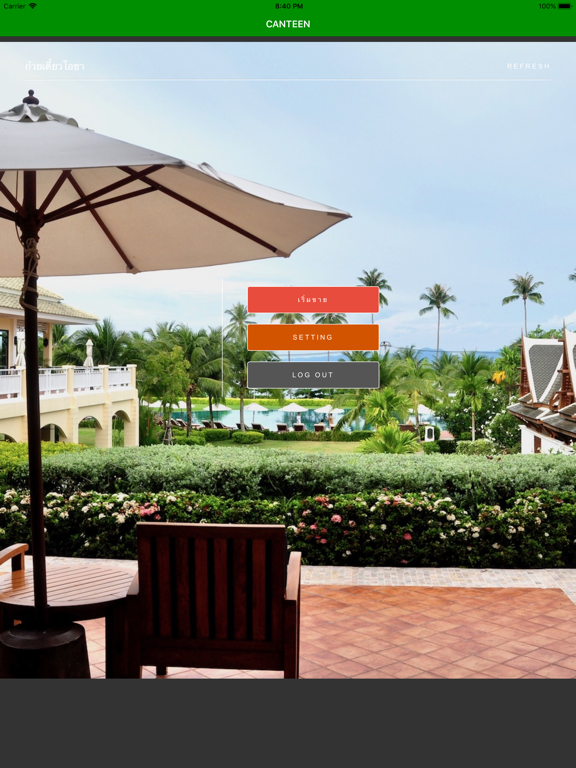
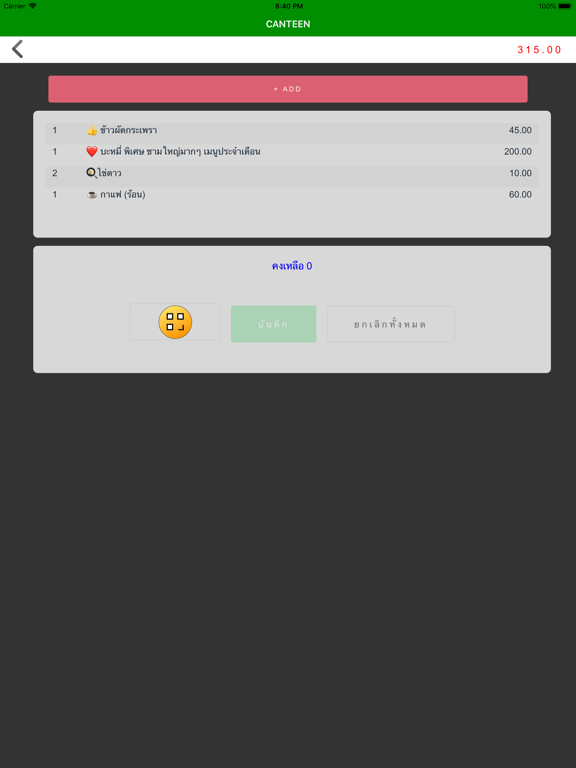
แอพขายของ (SmartPOS) ใช้ง่ายไม่ยุ่งยาก แอพระบบบันทึกการขายประจำวัน สรุปยอดขายได้ง่ายๆ ประกอบด้วย ระบบ แคนที และ ฟู้ดเซ็นเตอร์ และ ฟู้ดคอร์ท - แคชเชียร์ (เค้าเตอร์แลกคูปองเงินสด) - ร้านค้า (บันทึกการขายด้วยคูปองเงินสด) - ลูกค้าสามารถตรวจสอบยอดเงินได้ด้วยตัวเอง - ไม่ต้องมีต้นทุนทำบัตร บันทึกการขายประจำวัน สรุปยอดขายได้ง่ายๆ เหมาะสำหรับร้านค้าที่ต้องการระบบที่ลงทุนน้อยเพียงแค่มี iPad,iPhone. โหลดแอพก็ใช้งานได้เลย ข้อดี - บันทึกยอดขาย ได้แบบ Real-Time - แยกบันทึกรายได้ตามพนักงาน - รองรับหลายจุดขาย หลายร้านค้า - สรุปยอดขายประจำวัน/ประจำเดือน - สามารถวิเคราะห์ได้ว่าสินค้าชนิดไหนขายดี - มีการคำนวณ GP ไม่ต้องลงทุกซื้อเครื่อง POS แพงๆ ไม่ต้องจ่ายรายเดือน ข้อมูลเพิ่มเติม www.smartpos-th.com *** UPDATE *** Version 1.2.0 - Support iOS 14.5 - Bug fixed. (Epson network Printing) Version 1.1.6 - Support iOS 12.4 - Bugfixed. Version 1.1.4 - ปรับปรุง GUI Version 1.1.3 - ปรับปรุง GUI - เพิ่มเมนู เติมเงิน (ไม่ต้องแลกคูปองใหม่) Version 1.1.2 - ปรับปรุง sale slip print layout. Version 1.1.1 - เพิ่มโหมดการพิมพ์สำหรับ CANTEEN-SHOP (Option) ให้ผู้ใช้งานเลือกเองได้ว่าจะพิมพ์ใบเสร็จหรือไม่พิมพ์
Latest release
What’s New
- Update Support iOS 14.5
Audience growth
Ratings growth
Baseline captured. Growth appears after the crawler observes a changed rating count.
Momentum comes from crawler snapshots for the tracked storefront. “Viral growth signal” means unusually fast recent rating gains; it is an indicator, not download data.
Price tracking
Price intelligence
First snapshot captured. The trend line starts after the next crawler price observation.
- First observed Aug 24, 2026 · 1:35 AM Free
Screenshots