About this app
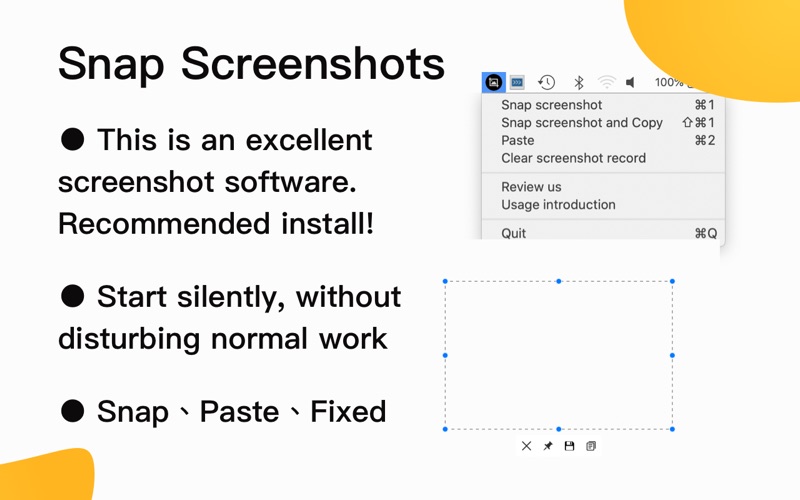
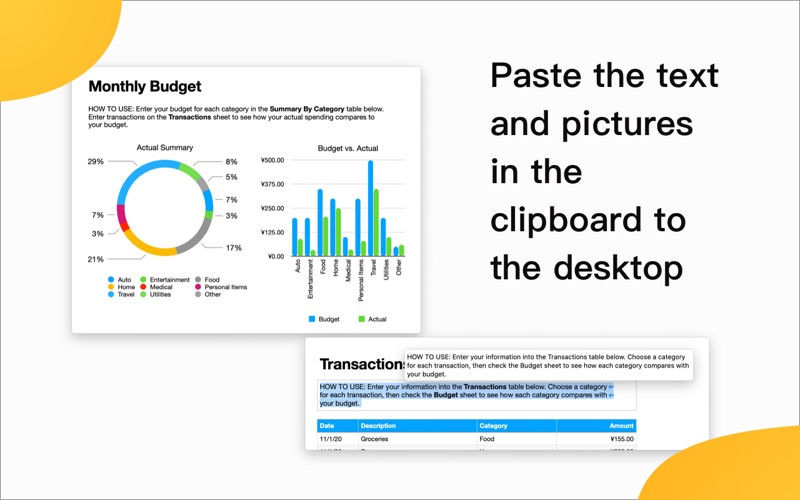
Let Snap Screenshot - Snip & Paste help you improve your work efficiency! This is a simple but powerful screenshot tool that also allows you to paste the screenshot back to the screen! Download and open Snap, click CMD +1 to start the screenshot, and then press CMD + 2, the screenshot will be displayed at the top of the desktop. It's that simple! You can also convert text or pictures in the refractive index into windows and scale them! If you usually spend most of your working time in front of the computer, the mapping function will change the way you work and increase work efficiency. Snap is very easy to use. Snap is very secure, there are no ads, it will not scan your hard drive, nor will it upload user data. It only does what it should do. Tips: 1. Slide the mouse wheel up and down (touch pad: pinch with two fingers or slide up and down with two fingers) to dynamically zoom the map. 2. Double-click the sticker to close the sticker.
Latest release
What’s New
1. Added color picker function 2. Fix problems reported by users 3. Support custom shortcut keys If you have any questions, please contact: ninthgame.team@gmail.com
Audience growth
Ratings growth
Baseline captured. Growth appears after the crawler observes a changed rating count.
Momentum comes from crawler snapshots for the tracked storefront. “Viral growth signal” means unusually fast recent rating gains; it is an indicator, not download data.
Price tracking
Price intelligence
First snapshot captured. The trend line starts after the next crawler price observation.
- First observed Aug 8, 2026 · 11:48 AM Free
Screenshots