About this app
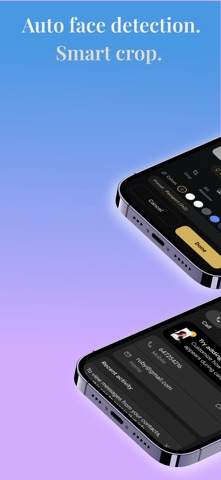
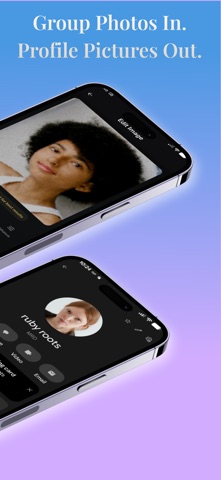
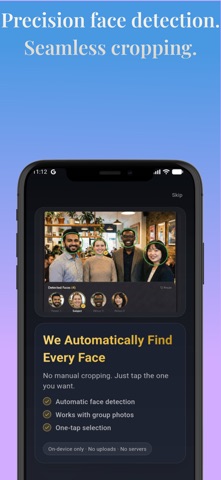
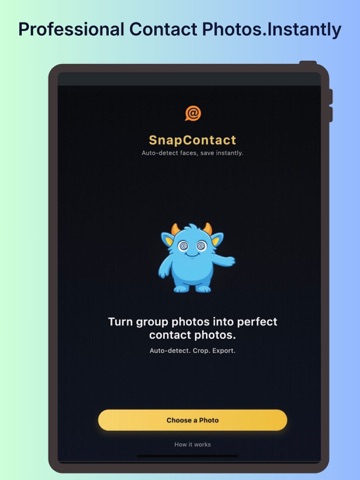
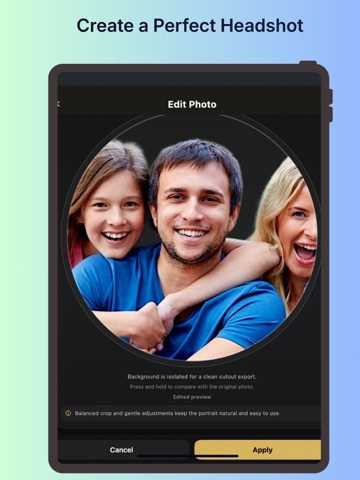
SnapContact – Create Perfect Contact Photos Instantly SnapContact makes it fast and effortless to create clean, professional contact photos from group pictures. No more awkward crops. No more zooming manually. Simply choose a photo from your gallery, let SnapContact detect faces directly on your device, select the right person, adjust the crop if needed, and save it to a new or existing contact — all in just a few taps. Key Features: • Automatic on-device face detection • Convert group photos into clean contact pictures • Easy crop and adjustment tools • Save directly to phone contacts • Private processing — no cloud upload required SnapContact is perfect for: • Cleaning up contact photos • Updating caller ID images • Creating professional-looking contact pictures • Organizing your phonebook visually All face detection happens securely on your device. Your photos never leave your phone. Download SnapContact and upgrade your contact photos today.
Latest release
What’s New
added new screenshots
Audience growth
Ratings growth
Baseline captured. Growth appears after the crawler observes a changed rating count.
Momentum comes from crawler snapshots for the tracked storefront. “Viral growth signal” means unusually fast recent rating gains; it is an indicator, not download data.
Price tracking
Price intelligence
First snapshot captured. The trend line starts after the next crawler price observation.
- First observed Aug 11, 2026 · 8:49 AM Free
Screenshots