About this app
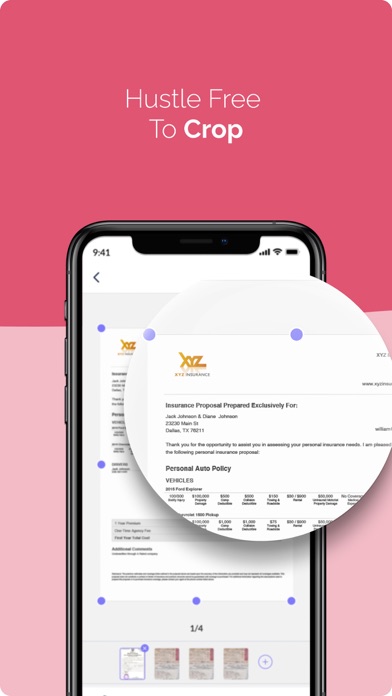
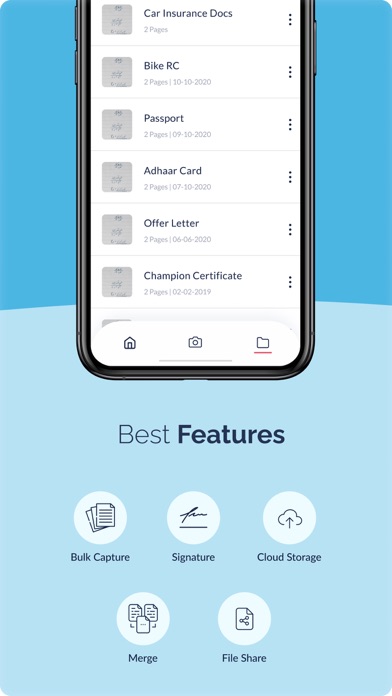
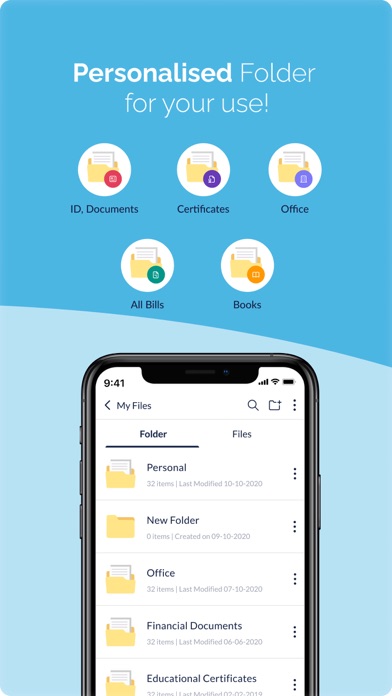
SnapScan - An app that does more than scanning documents. An Omni-channel document management system which allows easier management and secure access. SnapScan stands as the easy to use scanner application and best alternative to CamScanner in Geo's where it is blocked, as it is a Intelligent and an easy-to-use scanner application. With a global shift to making everything accessible online, our app helps you to Scan documents, receipts, photos, books, school notes, and anything else you need in a PDF format for easier access, to edit, view, merge and organize your documents. These scanned documents are saved in custom folders with pre-defined tags which can either be saved in your device or uploaded to Google Drive or other Cloud Storage. SnapScan allows you to share the scanned documents with a group/family which gives it a distinct competitive advantage. Within the short time frame since its release, the feedback of the users has been overwhelmingly positive on the PlayStore, which only pushes us to make SnapScan the best, convenient and secure platform for scanning documents and much more. Key Features of Snap Scan: Auto & Manual Scanning Mode: Multiple custom scanning modes for documents, passport, ID cards and more. An intelligent scanning based on document type. Auto Detect document edges. Add Signature on the Go: Need to put your signature on a scanned document? Signature on a PDF or any document? With SnapScan it’s a breeze to add your signature on the go. Hassle-Free Cloud & Drive Connectivity: Don’t clog your mobile with scanned documents. Upload your scanned document on to Google Drive or other cloud storage. Personalized Folders: Pre-defined, personalized folder for easy and organized storage of your scanned document. Find them easily when you need them. Merge Scanned PDFs: Scanning multi page documents? Snap Scan allows you to merge multiple scanned documents into single PDF. Cross Platform: SnapScan is one of the few scanner apps that is available cross platform. Scan your documents once and access it across all your devices. Customer Review: One of the best "Mobile Scanner" apps on App Store to Scan documents, receipts, photos, books, school notes, and anything else you need in a PDF format for easier access, to edit, view, merge and organise your documents.
Latest release
What’s New
Smarter Scanning Live edge detection, auto-capture, and perspective correction — with smart auto-crop and automatic image enhancement for crisp, professional scans every time. Modernized OCR Faster, more accurate text recognition with multilingual support. Built-in Translation Translate the text from your scanned documents into the language you want.
Audience growth
Ratings growth
Baseline captured. Growth appears after the crawler observes a changed rating count.
Momentum comes from crawler snapshots for the tracked storefront. “Viral growth signal” means unusually fast recent rating gains; it is an indicator, not download data.
Price tracking
Price intelligence
First snapshot captured. The trend line starts after the next crawler price observation.
- First observed Sep 1, 2026 · 3:35 PM Free
Screenshots