About this app
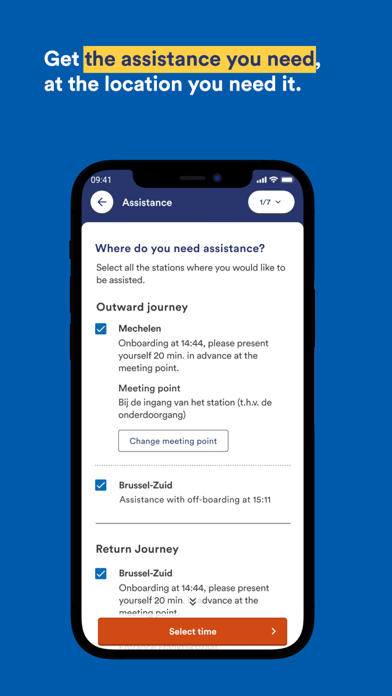
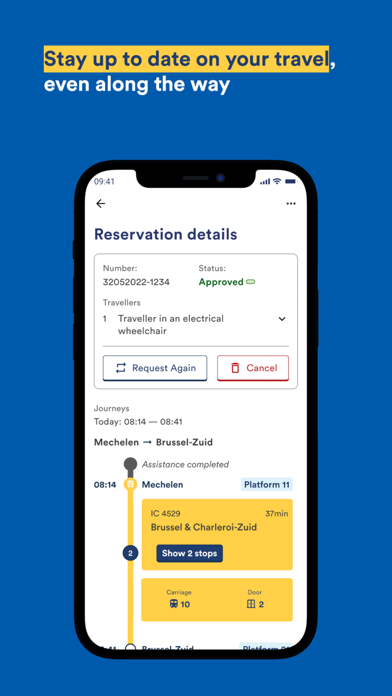
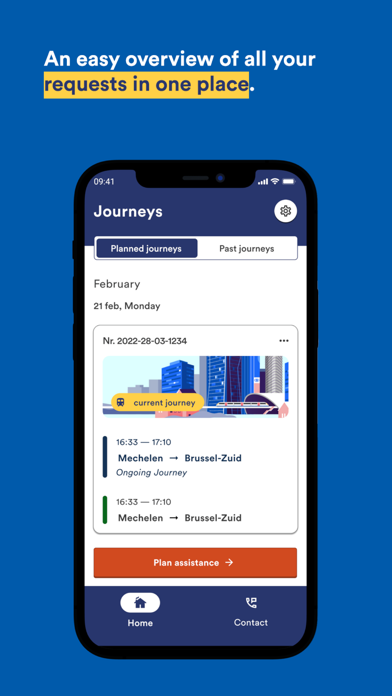
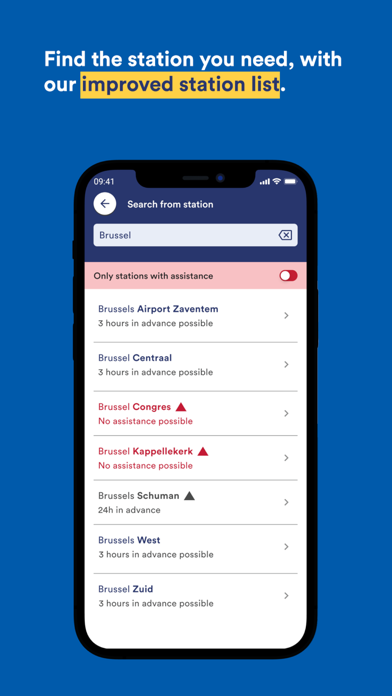
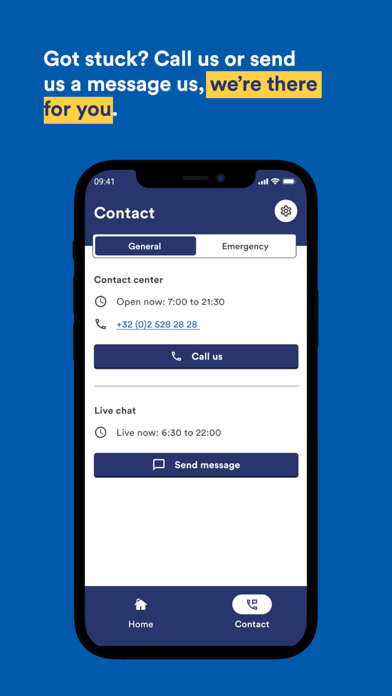
With the SNCB ASSIST app, travellers with limited mobility can plan their own trip, request targeted assistance, monitor their trip in real time and contact the SNCB contact center in an easy way. SNCB ASSIST is a new channel through which you can request assistance during your train journey for yourself or for others. You can request travel assistance up to 30 days in the future. Unlike the existing channels, the app offers the option of putting together your own journey using a custom route planner. You can monitor the status of your request for assistance in the app at any time. During your journey, in addition to the realtime travel times, you can also see whether an assistance agent has been assigned and is already on his way to you.We will provide you with an update on every step of your journey and you can share all of this information with a trusted contact person.For people who are frequently travelling on the same route, there is the convenient option to make a request for multiple dates at once or to make a new request based on a trip that was made in the past. You need a (free) My SNCB account to use the app. If you do not yet have a MySNCB account, you can create one from within the app.
Latest release
What’s New
Bug fixes and improvements
Audience growth
Ratings growth
Baseline captured. Growth appears after the crawler observes a changed rating count.
Momentum comes from crawler snapshots for the tracked storefront. “Viral growth signal” means unusually fast recent rating gains; it is an indicator, not download data.
Price tracking
Price intelligence
First snapshot captured. The trend line starts after the next crawler price observation.
- First observed Aug 20, 2026 · 7:30 AM Free
Screenshots