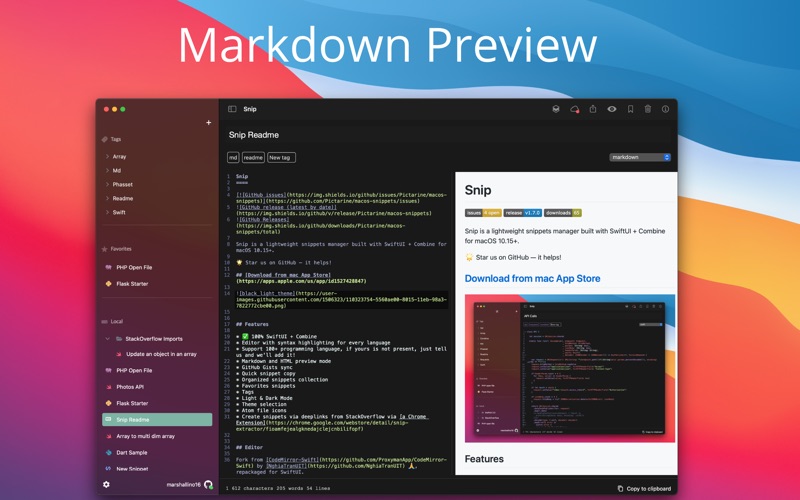
About this app
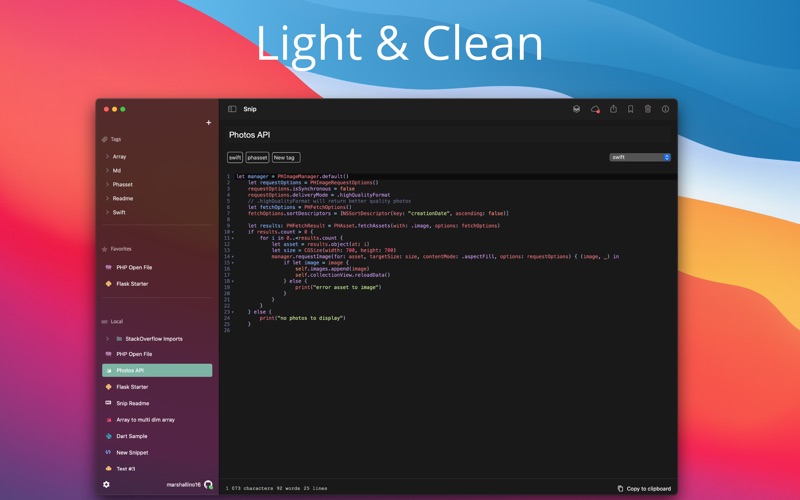
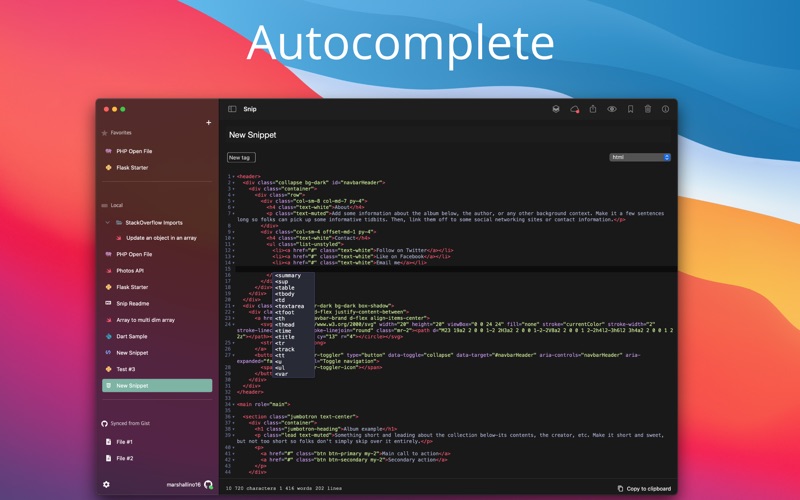
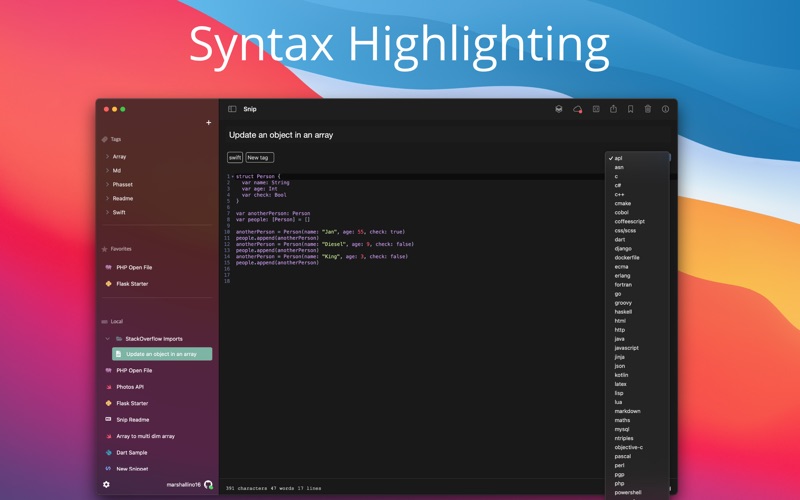
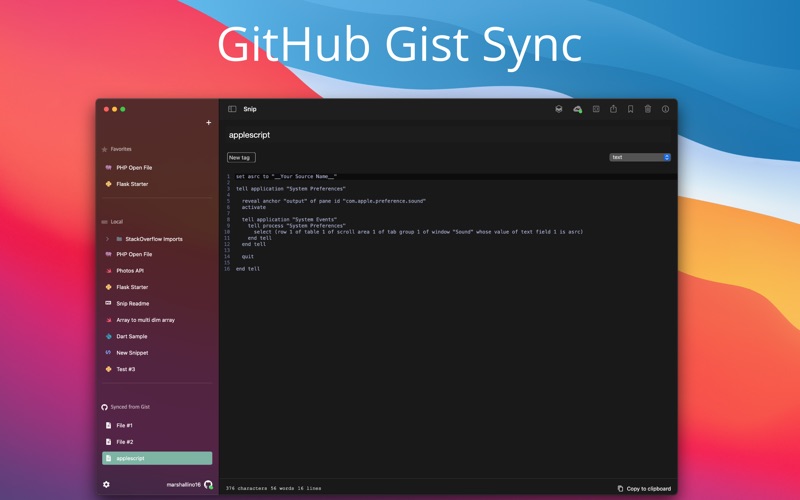
Snip is a native code snippets manager built in SwiftUI and Combine for macOS exclusively, aiming to be a light and simple tool for developers. Save your personal notes, work notes, code snippets, StackOverflow code snippets and stop opening your previous projects to copy and paste a snippet. # Features - Light & Dark Mode Themes - Editor with syntax highlighting for every language - Support 100+ programming language, if yours is not present, just tell us and we'll add it! - Markdown and HTML preview mode - GitHub Gists sync - Quick snippet copy - Organized snippets collection - Favorites snippets - Tags - Light & Dark Mode - Theme selection - Atom file icons - Share code snippets - Create snippets via deeplinks from StackOverflow via a Chrome Extension # Editor - Show invisible characters - Show line numbers - Indent size: 2 or 4 spaces - Search by text or regex - Autocompletion hints - Reindent - Auto close tags and brackets # Incoming - Create snippets from files - iCloud Sync & Restore - Search
Latest release
What’s New
- Auto close tags and brackets - Better search and replace dialog - Added indent size setting (2 or 4 spaces) - Added default mode setting - Disabled window tabbing - New accent color and icon
Audience growth
Ratings growth
Baseline captured. Growth appears after the crawler observes a changed rating count.
Momentum comes from crawler snapshots for the tracked storefront. “Viral growth signal” means unusually fast recent rating gains; it is an indicator, not download data.
Price tracking
Price intelligence
First snapshot captured. The trend line starts after the next crawler price observation.
- First observed Aug 10, 2026 · 6:21 PM Free
Screenshots