About this app
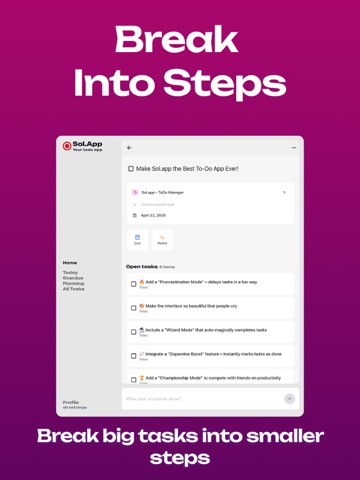
Hey, I’m building Sol.App to be the kind of task manager I’ve always wanted — simple, clean, and actually enjoyable to use. In this update, I completely redesigned the app. It’s now more intuitive, better looking, and easier to navigate. Whether you're planning your day or managing something bigger, Sol.App gives you space to focus — without distractions. Here’s what’s inside: • A brand new design — minimal, thoughtful, and easy on the eyes • Smarter task and project management • Real-time sync to keep everything up to date • Light and dark mode, depending on your mood I use Sol.App every day to keep my own work on track. Hope it helps you do the same.
Latest release
What’s New
This release is about making everyday work feel calmer. Not by adding one loud new feature, but by tightening the moments where the app used to create a little friction and slowly pull attention away from the work itself. I spent time cleaning up how tasks behave in the details. Deadlines now read with the weekday, which makes them easier to parse at a glance. If you close a task that still has open subtasks, the app now asks for confirmation instead of rushing through that decision. And if you reopen a completed task, it moves to the end of its sibling list in a way that feels more natural when you return it to active work. I also tightened the parts of the interface that are supposed to help you read the day quickly. Past events in the calendar are quieter now, so the schedule does not feel equally loud everywhere. The today card behaves better with long month names and now shows open tasks instead of mixing everything together. There are smaller fixes in this release too, but they all point in the same direction: less visual and behavioral noise, more confidence that Sol.App will behave the way you expect when you are trying to stay focused. This is a quiet release in the best sense. The app should feel steadier, clearer, and a little less demanding of your attention.
Audience growth
Ratings growth
Baseline captured. Growth appears after the crawler observes a changed rating count.
Momentum comes from crawler snapshots for the tracked storefront. “Viral growth signal” means unusually fast recent rating gains; it is an indicator, not download data.
Price tracking
Price intelligence
First snapshot captured. The trend line starts after the next crawler price observation.
- First observed Sep 4, 2026 · 4:59 AM Free
Screenshots