About this app
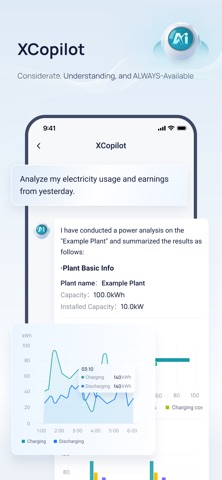
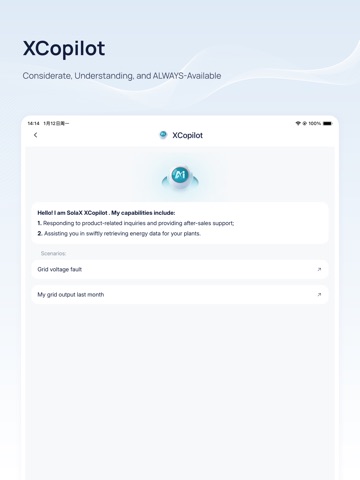
This APP only complies to account registered on www.solaxCloud.com, if you have registered on www.solax-portal.com, please download another APP named SolaX. SolaxCloud is a monitoring App enabling the end-user and the agent to check the inverter status, yield, load consumption and exported energy anytime with the help of cloud data analysis. End-users can use either remote or local login to view the real-time data and change settings of the inverter, but agent can only use the remote login to view the site information and inverter data due to user privacy protection reason. Description of End-user Login: After successful user login, end-users can check various data including site name, panel size, inverter No., battery status, alarm information, inverter yield, load consumption, exported energy and etc. SolaxCloud collects and processes data every 5 mins, users can depend on the dynamic flow chart to monitor the power among panels, inverter, battery, grid and load. At the same time, if inverter data is online, users can change the settings including Date & time, safety, power factor, work mode, charger and etc. Please kindly note that the password will be required to enter Advance and Super parameters setting. Description of Agent Login: After successful agent login, agent can not only check the user, site, inverter list and authorization status, but also the account details including contact person, address, system commission date, rated power, user name, yield today and yield total.
Latest release
What’s New
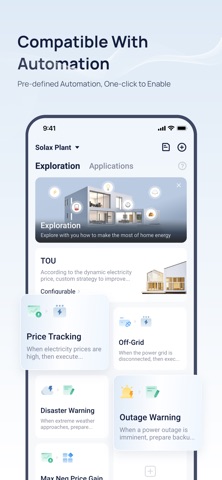
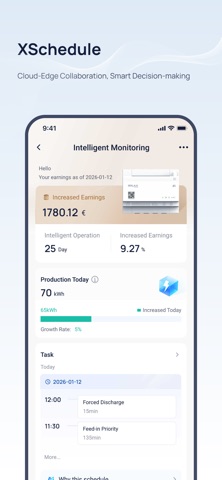
Residential 1. Enabled PV Generation Display for All LV Models on Homepage. Public 2. Integrated Czech OTE 60min Tariff. 3. Added Automation and Remote Settings Shortcuts in System Control. 4. Optimized Live Data Display. 5. Optimized Device Diagram Styling. C&I 6. Added XSchedule EMS AI Segment Mode Explanations. 7. Enabled Phone Registration for C&I in Selected Regions.
Audience growth
Ratings growth
Baseline captured. Growth appears after the crawler observes a changed rating count.
Momentum comes from crawler snapshots for the tracked storefront. “Viral growth signal” means unusually fast recent rating gains; it is an indicator, not download data.
Price tracking
Price intelligence
First snapshot captured. The trend line starts after the next crawler price observation.
- First observed Sep 4, 2026 · 5:34 AM Free
Screenshots