About this app
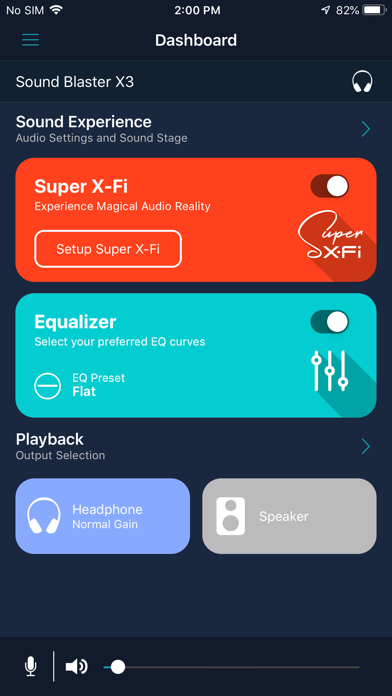
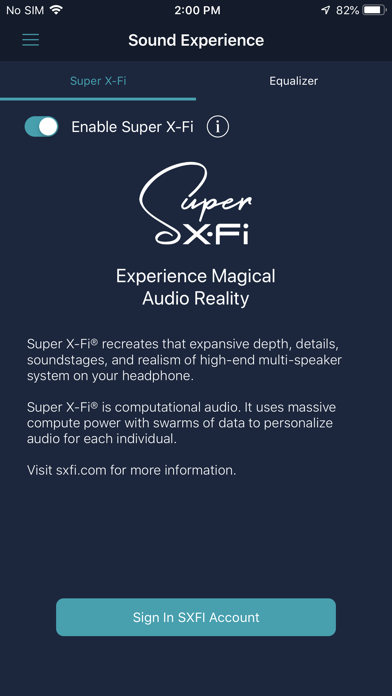
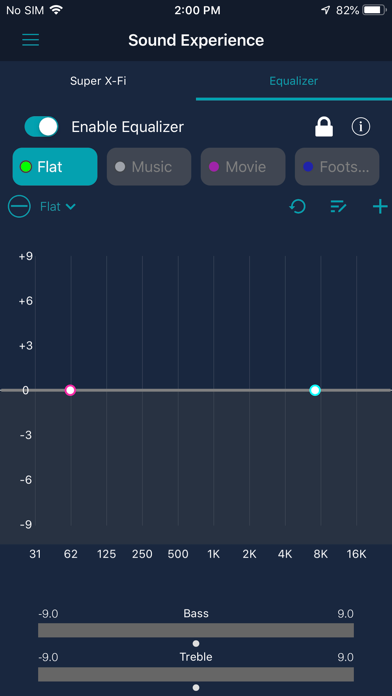
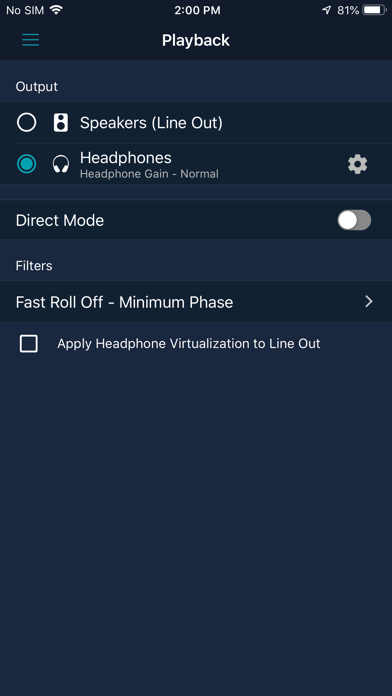
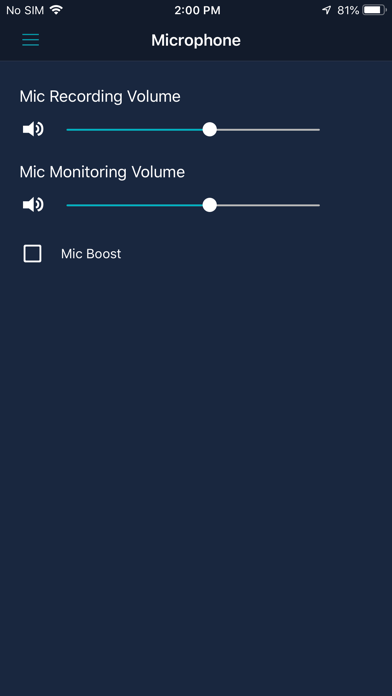
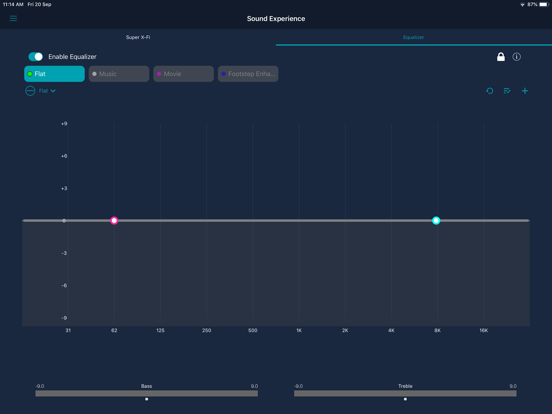
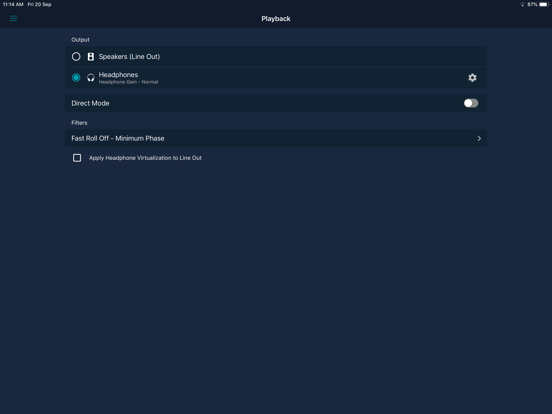
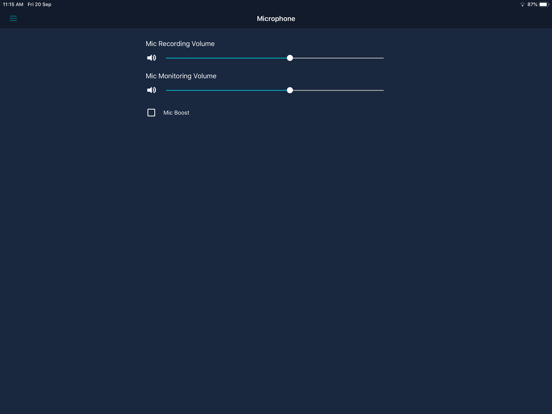
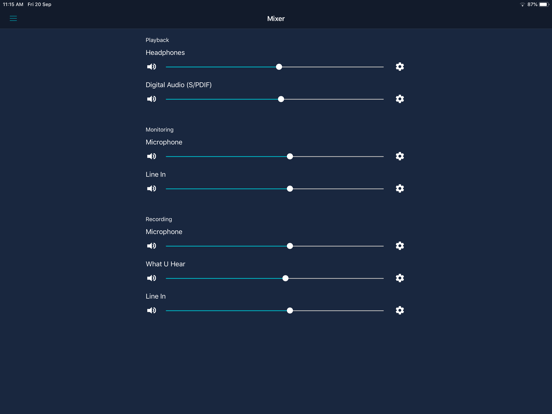
Sound Blaster Command provides you with various configuration options to enhance the performance of your product and personalize your audio settings. With Sound Blaster Command, you can: - Download and manage Super X-Fi profiles - Apply and personalize Equalizer settings - Set up speakers and headphones’ configuration - Adjust playback and recording settings Note: - Some features may not be available for all products. Please check your manual for details. - To enjoy the complete experience of Super X-Fi, please download the SXFI App. Works with: - Sound Blaster X3 - Sound Blaster G3
Latest release
What’s New
- Added USB Audio Connectivity for Sound Blaster G3 - Improvements to Bass and Treble adjustments - Bug Fixes
Audience growth
Ratings growth
Baseline captured. Growth appears after the crawler observes a changed rating count.
Momentum comes from crawler snapshots for the tracked storefront. “Viral growth signal” means unusually fast recent rating gains; it is an indicator, not download data.
Price tracking
Price intelligence
First snapshot captured. The trend line starts after the next crawler price observation.
- First observed Sep 1, 2026 · 2:16 PM Free
Screenshots