About this app
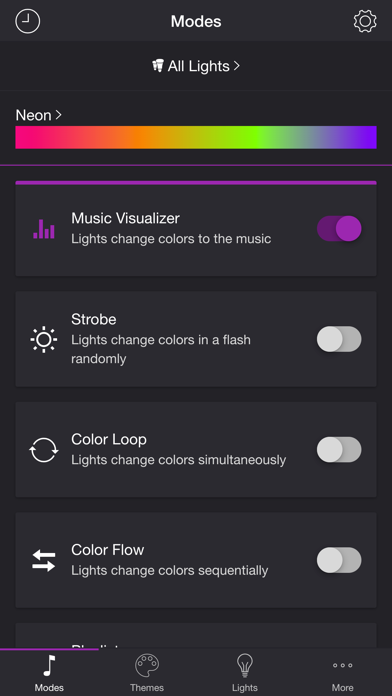
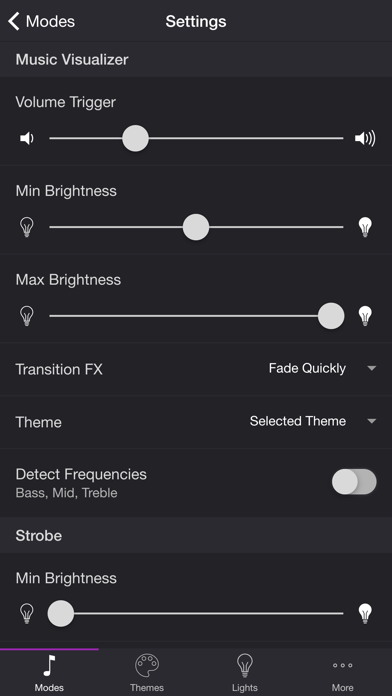
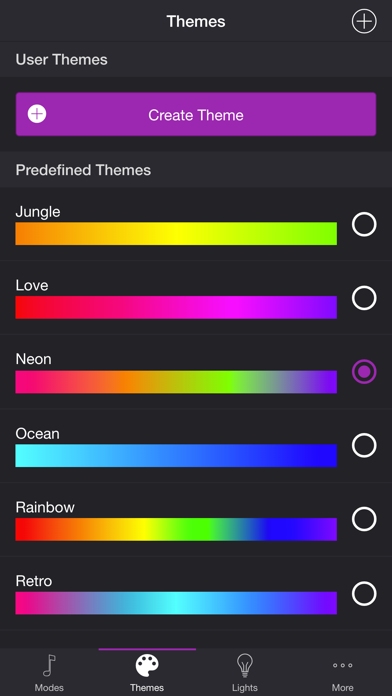
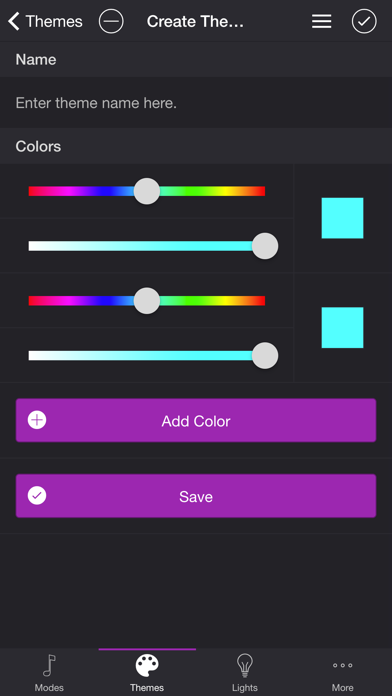
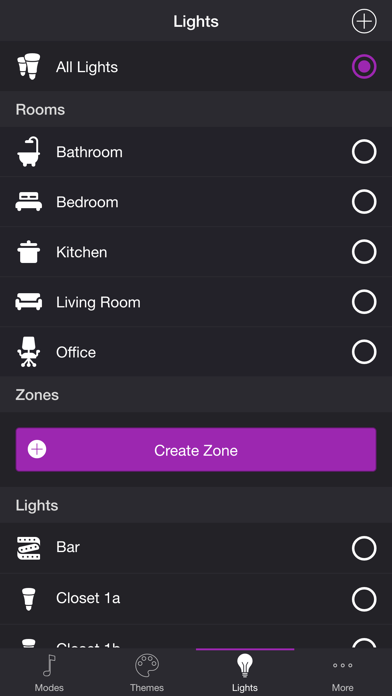
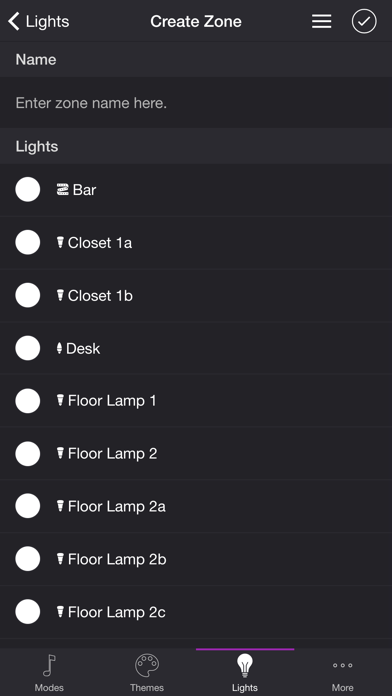
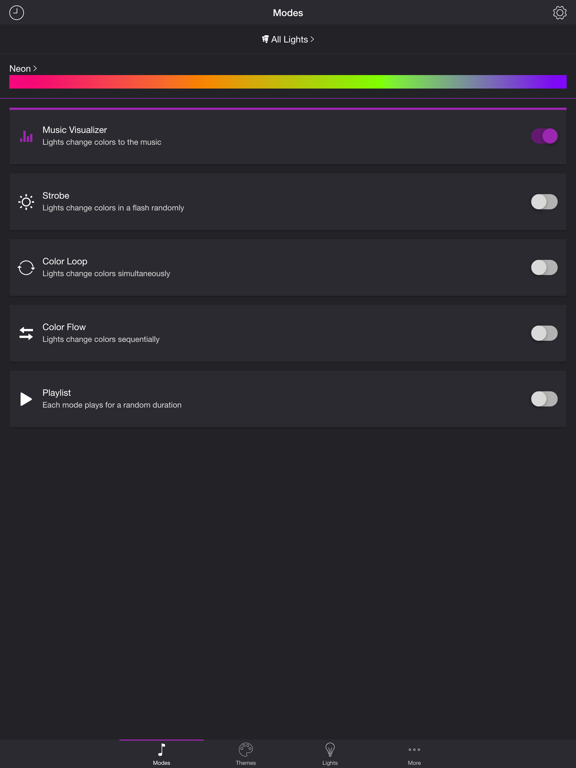
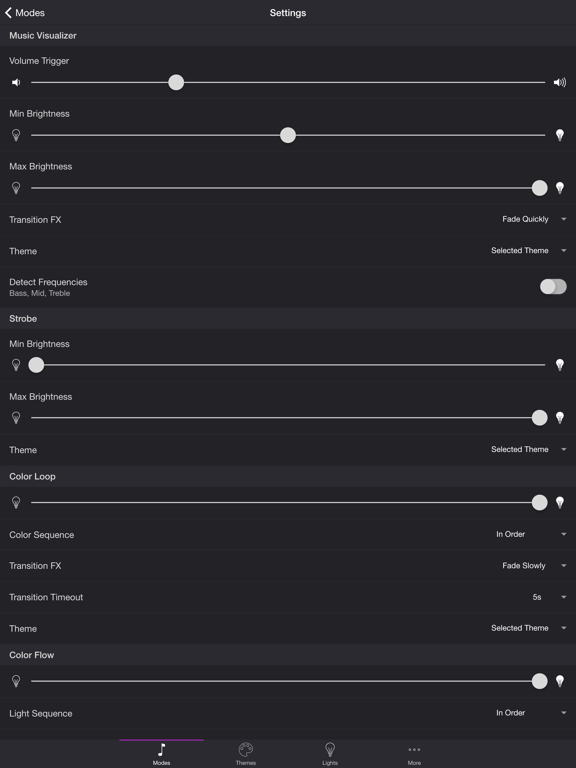
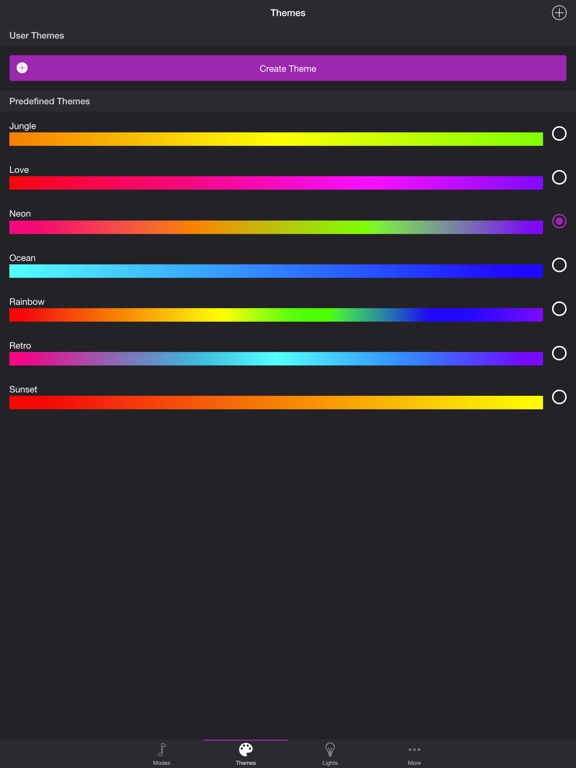
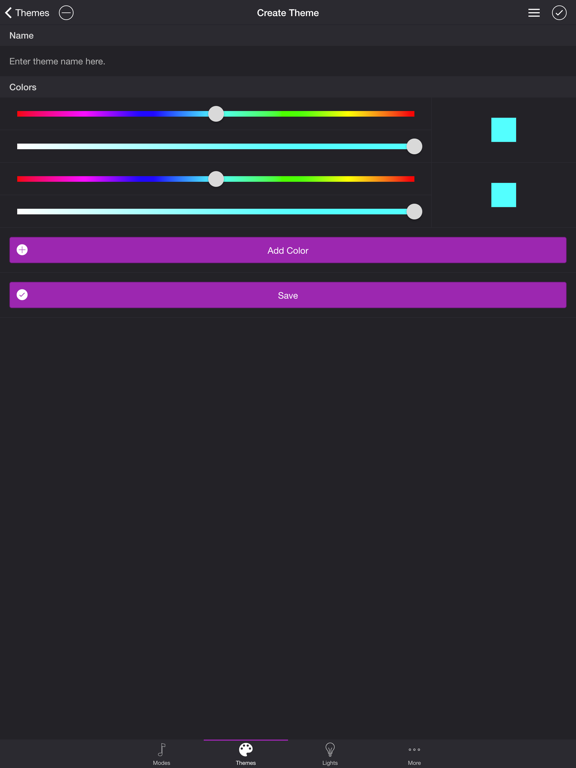
Get your party started using your Philips Hue lights. Watch your lights pulse and flash to your favorite songs.* *Hue Bridge or Hue Bridge Pro required MODES • Music Visualizer — Lights change colors to the music (Microphone access required) • Strobe — Lights change colors in a flash randomly • Color Loop — Lights change colors simultaneously • Color Flow — Lights change colors sequentially • Playlist — Each mode plays for a random duration THEMES Choose from one of the predefined themes or create your own on the Themes tab. Each mode uses the colors in the selected theme. To edit a user theme in the list, swipe the item to the left and tap the pencil icon. You can reorder colors for the Color Loop mode. SETTINGS Music Visualizer • Change volume trigger for light effects • Change minimum brightness of lights when inactive • Change maximum brightness of light effects • Change transition effects: Random, Pulse, Fade Quickly, Fade Slowly • Change theme • Toggle detect frequencies (Bass, Mid, Treble) Bass, Mid, Treble (Music Visualizer) • Toggle light effects • Target lights for effects • Change transition effects: Random, Pulse, Fade Quickly, Fade Slowly • Change theme • Change frequency range trigger Strobe • Change minimum brightness of lights when inactive • Change maximum brightness of light effects • Change theme Color Loop, Color Flow • Change brightness of lights • Change color or light sequence: In Order, Reverse Order, Random Order • Change transition effects: Random, Pulse, Fade Quickly, Fade Slowly • Change transition timeout • Change theme Playlist • Change sequence: In Order, Reverse Order, Random Order • Change order • Toggle modes • Change duration range for each mode General • Change default end state: Revert, Off • Change sleep end state: Revert, Off • Select mode to automatically start when app opens • Choose time to automatically stop selected mode LIGHTS / GROUPS Select one or more lights for your light show on the Lights tab. Choose a group that you set up using the Philips Hue app, or create a new zone in the Soundstorm for Hue app. To edit a room or zone in the list, swipe the item to the left and tap the pencil icon. You can reorder lights for the Color Flow mode. When you add, remove, or change lights, pull down the list to refresh. ADDITIONAL FEATURES • Sleep Timer — Choose the state of your lights after the timer ends with the Sleep End State setting. Please contact me at support@soundstorm.scottdodson.dev if you experience any issues. I'd love to hear your thoughts and appreciate you taking the time to rate and review the app. I want to continue to improve Soundstorm for Hue and create a great experience for you and future users. Thank you! —Scott
Latest release
What’s New
Need help? Email support@soundstorm.scottdodson.dev - fixed compatibility issue
Audience growth
Ratings growth
Baseline captured. Growth appears after the crawler observes a changed rating count.
Momentum comes from crawler snapshots for the tracked storefront. “Viral growth signal” means unusually fast recent rating gains; it is an indicator, not download data.
Price tracking
Price intelligence
First snapshot captured. The trend line starts after the next crawler price observation.
- First observed Sep 4, 2026 · 9:33 PM $2.99
Screenshots