About this app
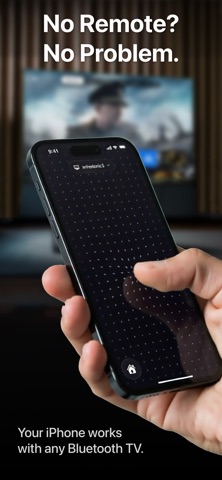
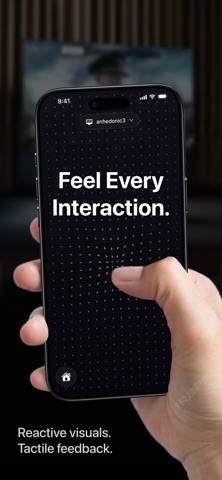
Spatial Pointer turns your iPhone into a wireless mouse using motion tracking. No extra software, hardware, or dongles required — just your iPhone and Bluetooth. Move your iPhone to control the cursor. Touch the screen to click. Swipe to scroll. It's that simple. Works with: • Mac, iPad & Vision Pro • Meta Quest • Any PC, TV, or device that supports Bluetooth mouse input How it works: 1. Open Spatial Pointer and pair with your device 2. Hold your iPhone and move it through the air — the cursor follows 3. Tap anywhere on screen to click 4. Swipe with your finger to scroll 5. Long press for right-click Features: • Motion-controlled cursor with high precision at 120Hz • Tap to click, swipe to scroll with momentum • Long press for secondary click (right-click) • Beautiful reactive interface – dots flow and respond to every touch • Keyboard • Zero configuration – pairs instantly via Bluetooth HID • No companion app needed on the target device Perfect for presentations, controlling your TV from the couch, navigating your Vision Pro or Quest, or whenever a mouse isn't handy.
Latest release
What’s New
Improve experience for upgrading to lifetime access.
Audience growth
Ratings growth
Baseline captured. Growth appears after the crawler observes a changed rating count.
Momentum comes from crawler snapshots for the tracked storefront. “Viral growth signal” means unusually fast recent rating gains; it is an indicator, not download data.
Price tracking
Price intelligence
First snapshot captured. The trend line starts after the next crawler price observation.
- First observed Aug 20, 2026 · 12:20 AM Free
Screenshots