About this app
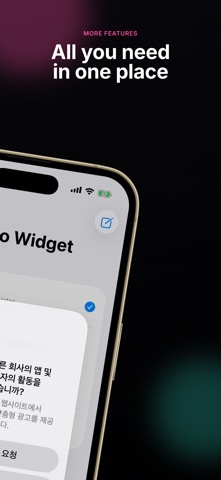
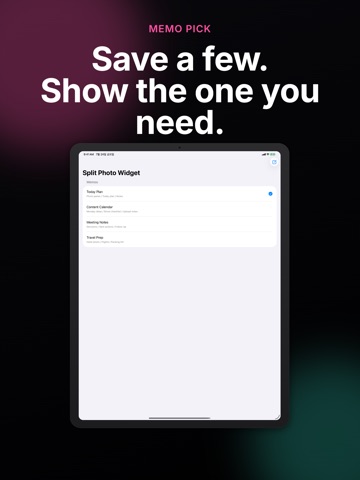
Split Photo Widget divides photos and memo text into panes, then places the layout on your Home Screen. [Split Photo Widget] Each pane can hold one photo or one text note. Build a layout for couple photos, family moments, travel memories, quick tasks, and small reminders in one view. [Adjust Ratios] Drag dividers to make an important photo larger or give text more space. Keep different pane ratios for different widget layouts. [Photo Display] Choose Fill for a clean center crop, or Fit when you want the full photo visible with the background preserved. [Home Screen Widgets] Add square and wide widgets, then choose which layout should appear without opening the app. [Photos And Memos Together] Use photos for mood and memories. Use text panes for lists, schedules, routines, and quick ideas. Use Split Photo Widget for couple photo widgets, travel boards, family photos, daily plans, checklists, and anything you want to keep visible on your Home Screen.
Latest release
What’s New
You can now add checklists to each split and complete items right from the widget. Edits are applied when you tap Save in the top-right corner.
Audience growth
Ratings growth
Baseline captured. Growth appears after the crawler observes a changed rating count.
Momentum comes from crawler snapshots for the tracked storefront. “Viral growth signal” means unusually fast recent rating gains; it is an indicator, not download data.
Price tracking
Price intelligence
First snapshot captured. The trend line starts after the next crawler price observation.
- First observed Aug 24, 2026 · 5:26 AM Free
Screenshots