About this app
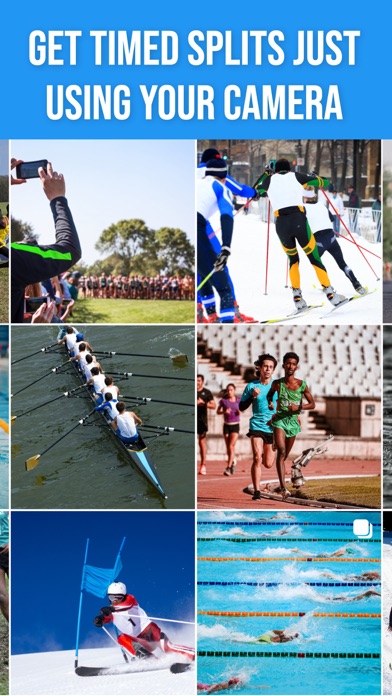
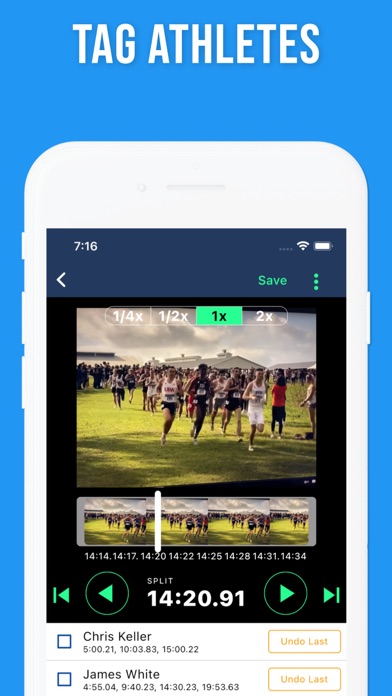
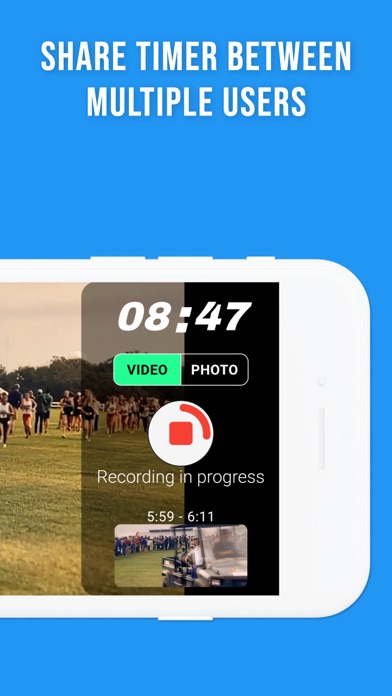
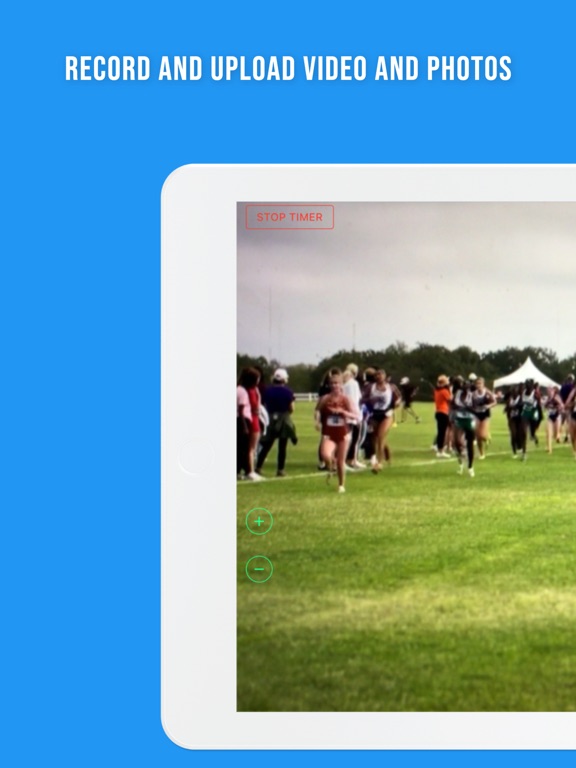
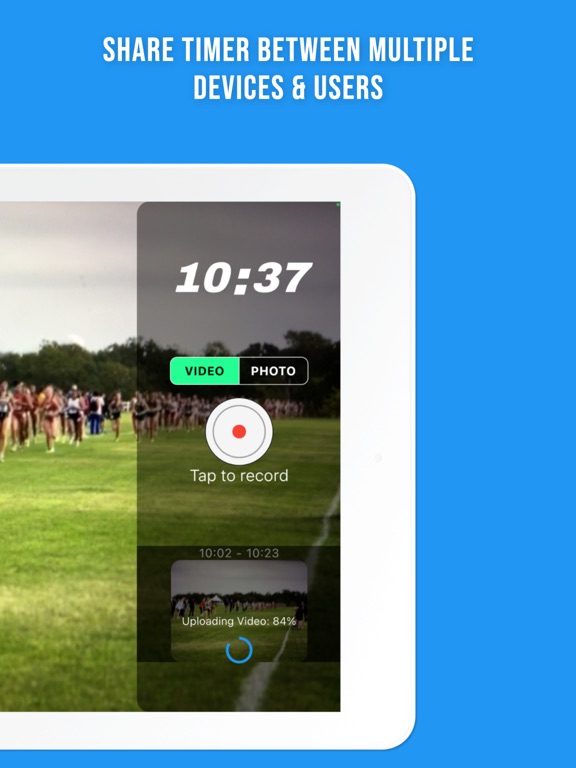
Split Tracker is the ultimate timing and split taking app for coaches and teams who want to take their athletes to the next level. With Split Tracker, you can easily take splits of multiple athletes using your iPhone's camera, making it the perfect companion for coaches in training sessions or during a race. Capture Splits with Ease The app allows you to effortlessly take photos and videos of your athletes during their performance. After capturing the footage, tag each athlete and let Split Tracker do the hard work for you. The app will automatically calculate the splits and results for each athlete, providing you with accurate, easy-to-understand data. Multiple Coaches? No Problem! With Split Tracker, you can have multiple coaches time and take videos at once. The app conveniently coordinates their photos and videos to create accurate splits during training or a race. Say goodbye to stopwatch struggles and hello to seamless teamwork! Analyze and Improve Performance Split Tracker provides in-depth analysis of your athletes' performance, giving you insights into their strengths and weaknesses. Use this valuable information to tailor your coaching and help your athletes reach their full potential. Secure and Private Your athletes' data is secure and private with Split Tracker. The app ensures that only authorized users can access the data, giving you peace of mind when it comes to privacy. Download Split Tracker Today! Get started with Split Tracker now and take your coaching to the next level. Download the app today and experience the difference for yourself!
Latest release
What’s New
Redesigned from the ground up! Enjoy a fresh new look, improved split tracking, and a smoother experience throughout. Exporting to Excel is now cleaner and more reliable than ever.
Audience growth
Ratings growth
Baseline captured. Growth appears after the crawler observes a changed rating count.
Momentum comes from crawler snapshots for the tracked storefront. “Viral growth signal” means unusually fast recent rating gains; it is an indicator, not download data.
Price tracking
Price intelligence
First snapshot captured. The trend line starts after the next crawler price observation.
- First observed Aug 12, 2026 · 5:02 PM Free
Screenshots