About this app
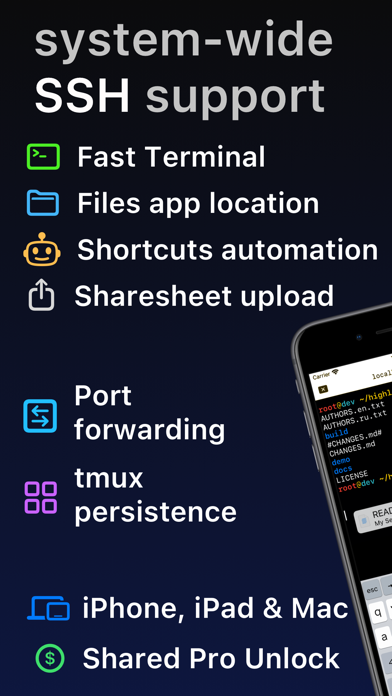
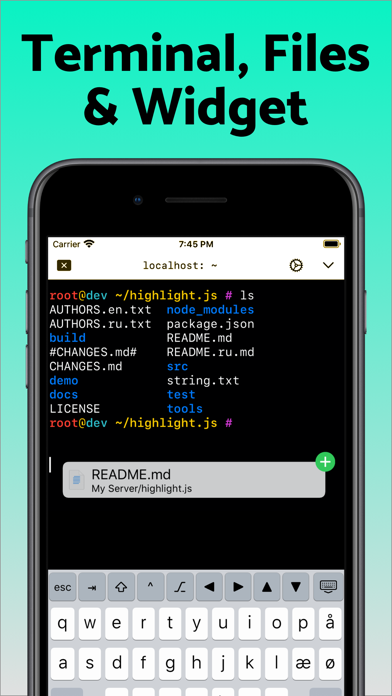
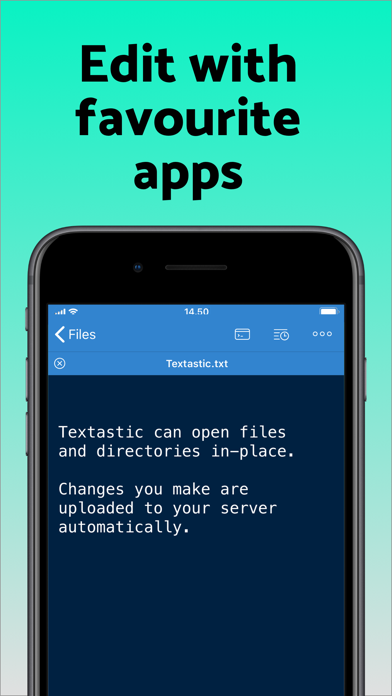
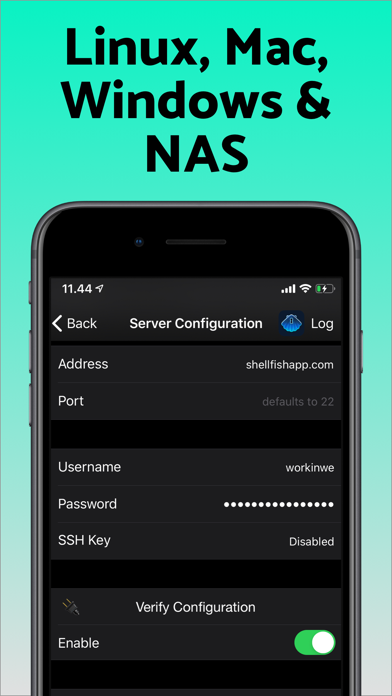
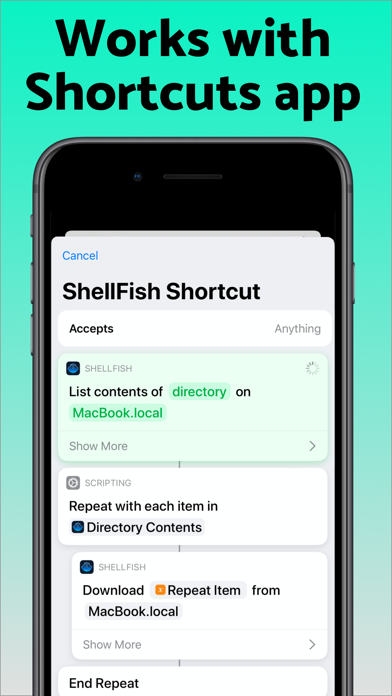
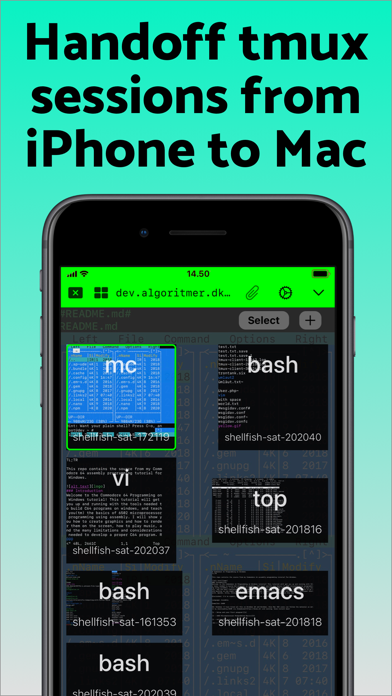
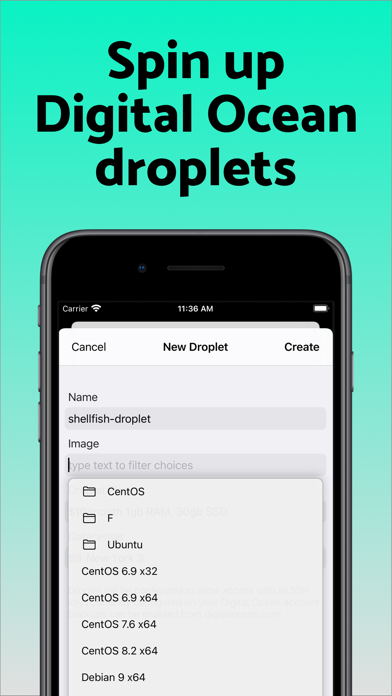
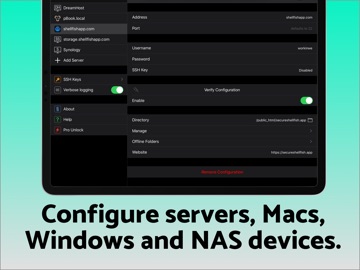
Lightning fast SSH terminal with remote file access. No other app fuses your SSH servers and iOS devices as well as Secure ShellFish. Tap Get and see for yourself. Terminal supports standard text editing gestures for selection, scrolling and copy/paste as well as custom gestures to send arrow keys and tabulator making shell entry and full screen editing with vim or emacs delightful. Bar above the keyboard makes it easy to type special keys and insert snippets. Select and drag filenames out of the terminal as actual files and drag files from other apps into the terminal to upload. Use built-in tmux support to persist terminal sessions if you lose Internet access, pick existing sessions with thumbnails and Handoff sessions between devices. Server file system is available in the Files app and recently accessed files and directories are cached to make them available when offline. Use apps like Textastic and iA Writer for a native editing experience working on your remote server files. Upload files or entire directories from the share sheet with minimal friction as the last destination directory for each kind of file is remembered or automate file transfers in the Shortcuts app. Connect to your Mac, Synology NAS and any other SSH server or create new Digital Ocean droplets right from the app. Secure ShellFish is useful as a free app and paying pro users can disable ads in the terminal, upload through the Files app and configure unlimited number of servers.
Latest release
What’s New
The server list now has a selection mode. Start it from the (...) button to pick multiple servers, then move the whole selection to a group, delete it, export it, or open a new terminal that runs a shared command across every selected server. You can now generate and import SSH keys directly from the pop-up menu used to pick an SSH key for a server. Keyboard Shortcut Change The Type Sentence shortcut is now Command-Shift-E (previously Command-E).
Audience growth
Ratings growth
Baseline captured. Growth appears after the crawler observes a changed rating count.
Momentum comes from crawler snapshots for the tracked storefront. “Viral growth signal” means unusually fast recent rating gains; it is an indicator, not download data.
Price tracking
Price intelligence
First snapshot captured. The trend line starts after the next crawler price observation.
- First observed Aug 10, 2026 · 11:15 AM Free
Screenshots