About this app
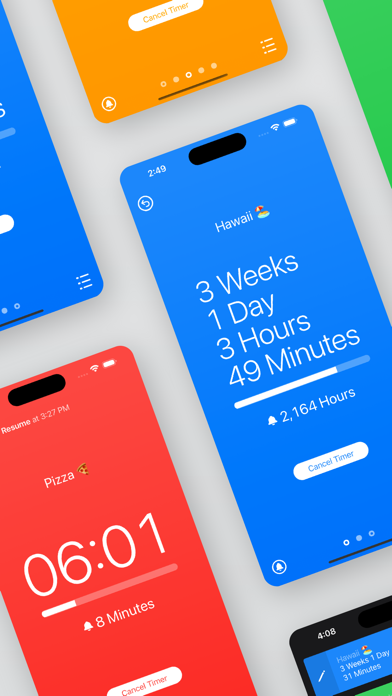
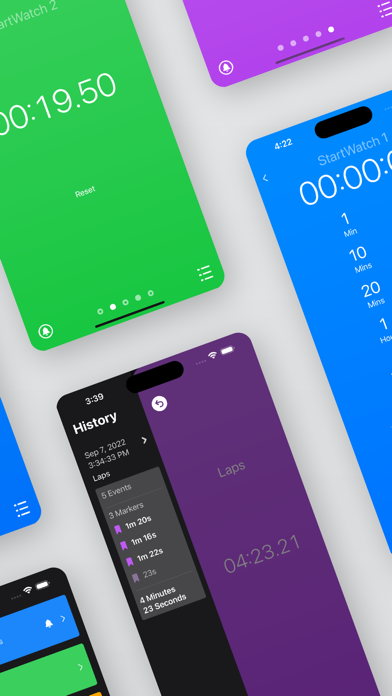
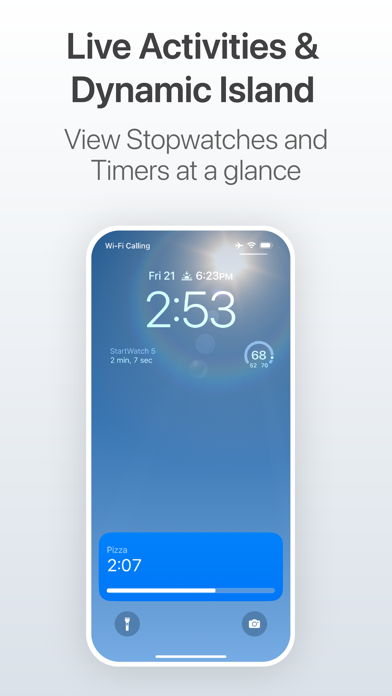
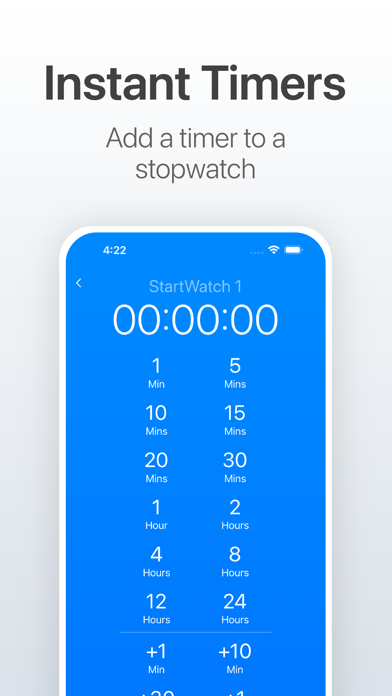
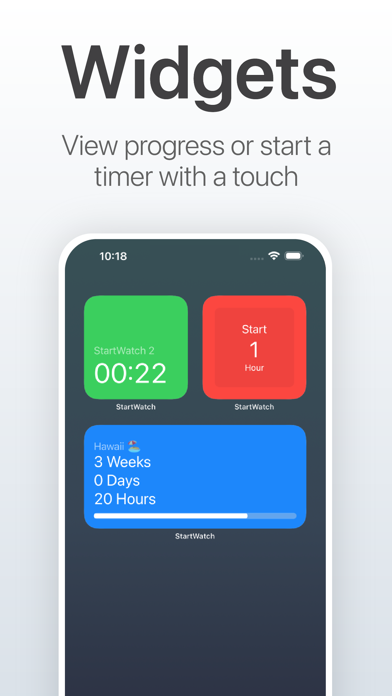
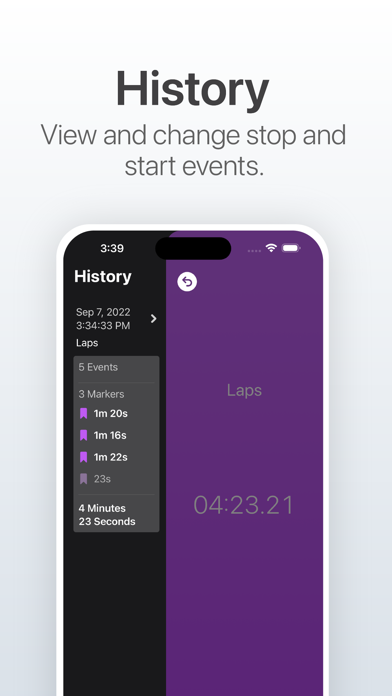
Start the stopwatch instantly, then turn it into a timer. Most timers are inaccurate because it takes 5 to 30 seconds to set the timer while time slips away. With StartWatch, you start the timer like a stopwatch, then you can take as much time as you need to set the alarm. Features Include: Run multiple stopwatches and timers. Convert a stopwatch to a timer and back to a stopwatch. Stopwatch continues to count after the timer is finished. Set a timer based on the time the stopwatch began, or the current time. Change a timer without losing the start time. Customize how the StartWatch is displayed. For example you can choose to show in weeks, days, or years. History - Undo an accidentally stopped StartWatch or change the start time of any event. Markers - Mark a moment in time on a running StartWatch. View how much time has elapsed from the previous Marker. Icon Badges - View how many StartWatches are running at a glance. Live Activities with support for Dynamic Island on iPhone 14 Pro Watch Features: Complications for timers and stopwatches. Run timers and stopwatches in the background.
Latest release
What’s New
Timers now use AlarmKit instead of notifications for more reliable timer functionality. New iOS widgets. New WatchOS complications. Set a timer with the Digital Crown on WatchOS. Shortcuts. Bug fixes and performance improvements.
Audience growth
Ratings growth
Baseline captured. Growth appears after the crawler observes a changed rating count.
Momentum comes from crawler snapshots for the tracked storefront. “Viral growth signal” means unusually fast recent rating gains; it is an indicator, not download data.
Price tracking
Price intelligence
First snapshot captured. The trend line starts after the next crawler price observation.
- First observed Aug 19, 2026 · 6:09 AM Free
Screenshots