About this app
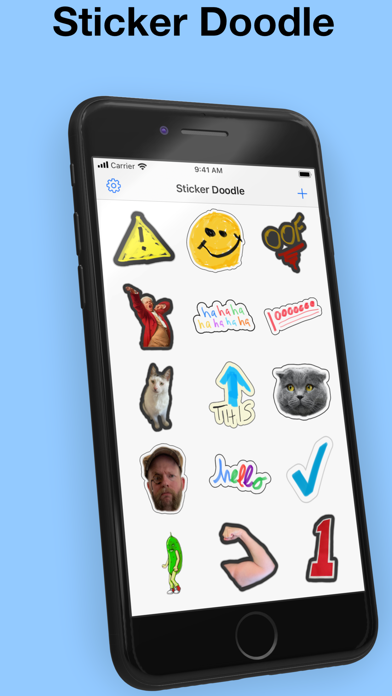
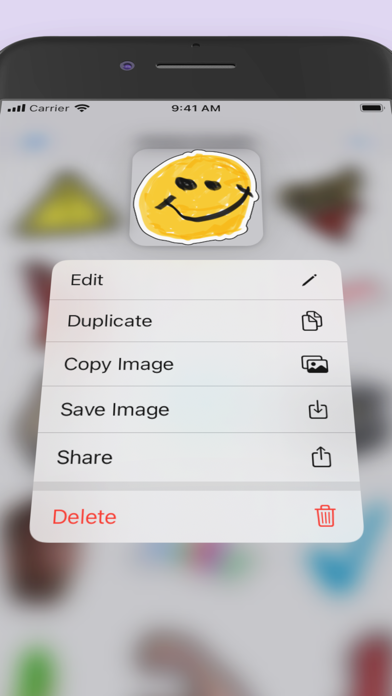
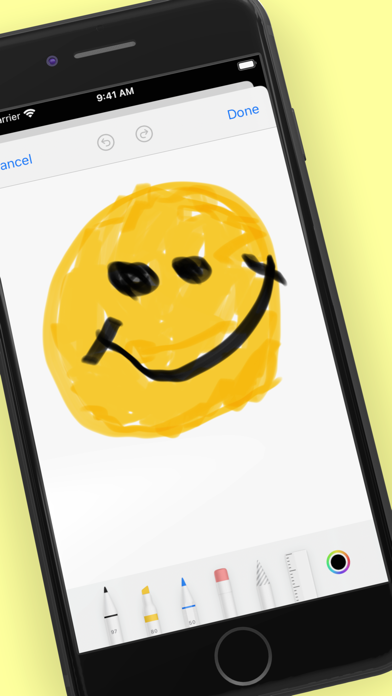
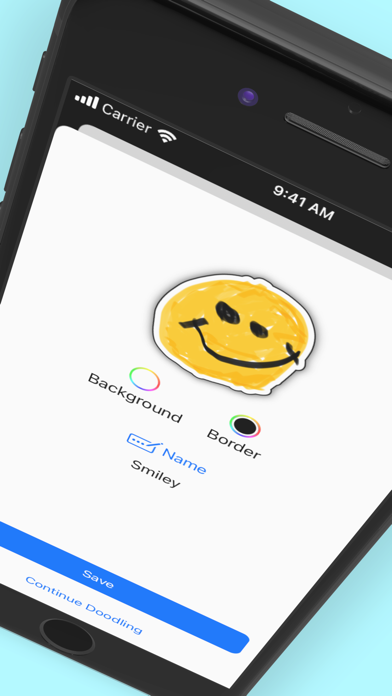
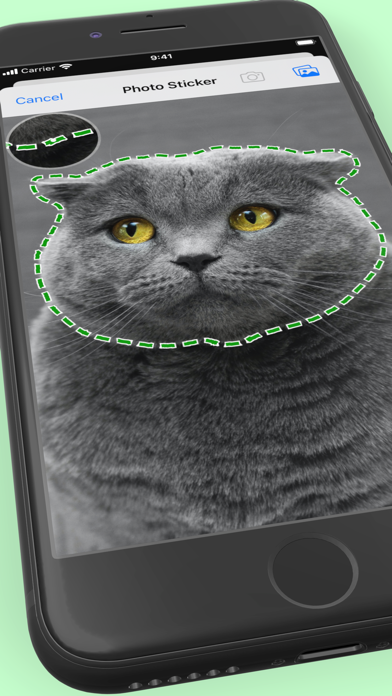
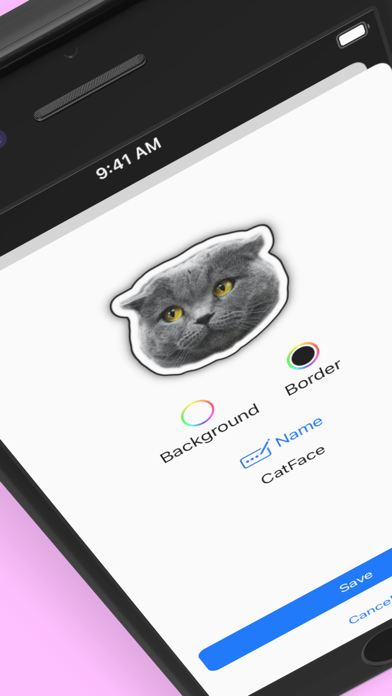
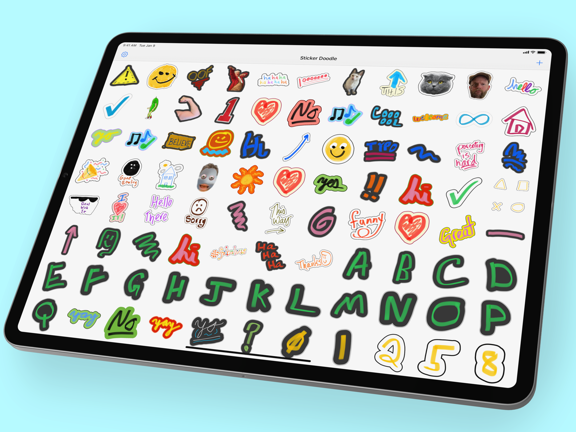
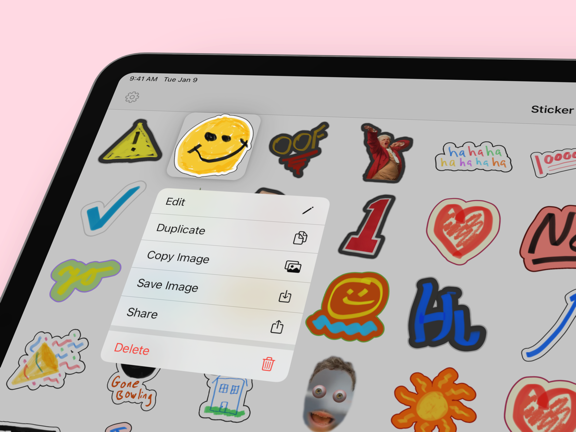
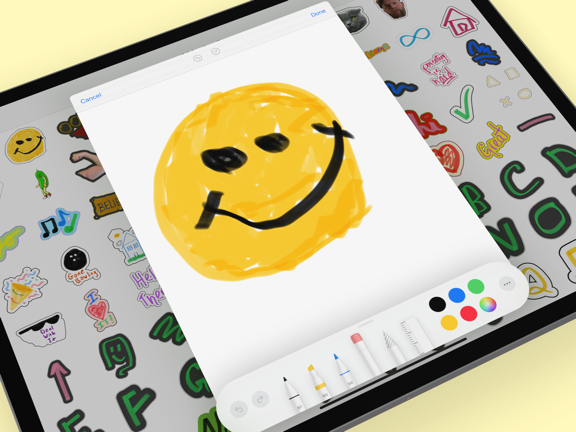
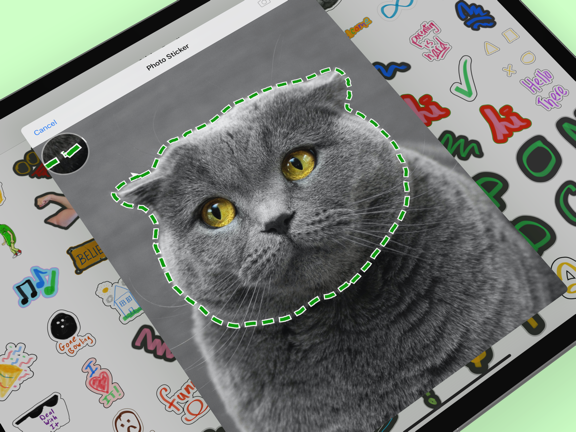
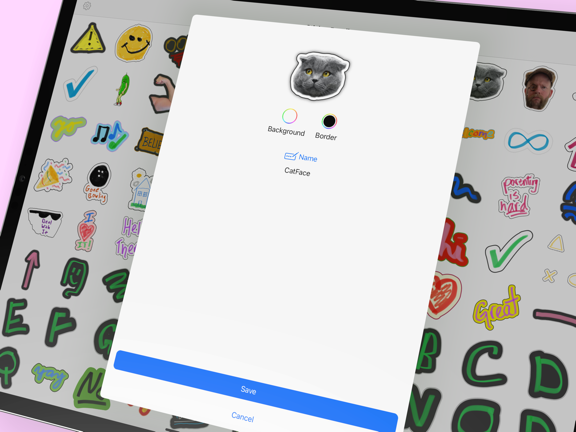
Instantly create stickers from your photos or a hand drawn doodle. Sending stickers to your friends over iMessage is cool, but do you know what's even cooler? Sending stickers that you made yourself! Sticker Doodle is an app for creating your own stickers that can then be sent to anyone via iMessage. That's what Sticker Doodle is all about, and you're just a tap away from sending your very best finger paintings! Got an iPad? Get serious about your Sticker Doodles with an Apple Pencil, too. Want to turn your favorite photo into sticker? Sticker Doodle does that, too! Whether you're sending finger-drawn masterpieces to your friends or in-jokes to your kids, Sticker Doodle unlocks your creativity and the means to share it with the world! That photo of your kid pulling a face can be the new sticker you send when you're happy! The App Store is already full of sticker packs, but none of them are as personal as the ones you create yourself. You can even export your doodles for use in WhatsApp, Telegram, Slack, and Discord, too! Features include: - The ability to turn any photo — or portion of a photo — into a sticker, including colorful borders and backgrounds. - Support for using your finger to draw anything on-screen and turning it into a sticker. - Apple Pencil support for those who want to get serious about their doodles. - Create WhatsApp sticker packs. - Create Telegram sticker packs. - Discord support so you can export your doodles as Discord stickers. - Slack support for exporting doodles as custom Slack emojis. - iCloud syncing support, so you can share stickers between devices. Want to draw a sticker using an Apple Pencil and send it using your iPhone? Sticker Doodle has you covered! - Editable images, so you can always make tweaks to your existing stickers as well as creating new ones. - Full color palette support so the only limit to your creativity is your imagination. - Support for the built-in iPhone and iPad drawing tools including a ruler and different pens, pencils, and more. Creating a new photo sticker or doodle is quick and easy, and you'll be sending them to your friends and family in no time! Create up to 5 stickers for free, then unlock unlimited stickers with a one-time in-app-purchase. A note on privacy — Sticker Doodle does not collect any of your drawings or photos and the only people who will ever see your creations are you and the people you send them to. Privacy policy: https://stickerdoodle.app/privacy.html
Latest release
What’s New
Updated app icon, fixes, and improvements.
Audience growth
Ratings growth
Baseline captured. Growth appears after the crawler observes a changed rating count.
Momentum comes from crawler snapshots for the tracked storefront. “Viral growth signal” means unusually fast recent rating gains; it is an indicator, not download data.
Price tracking
Price intelligence
First snapshot captured. The trend line starts after the next crawler price observation.
- First observed Aug 15, 2026 · 6:48 PM Free
Screenshots