About this app
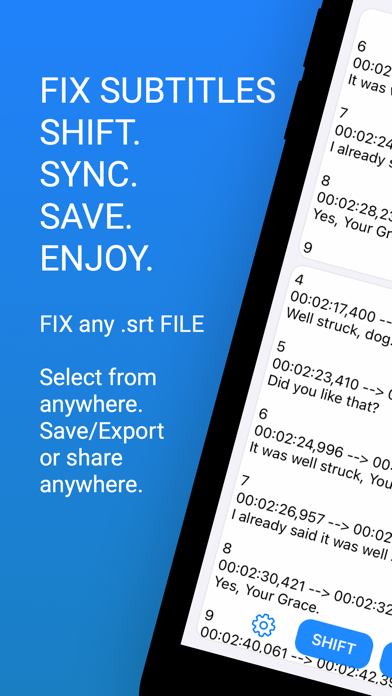
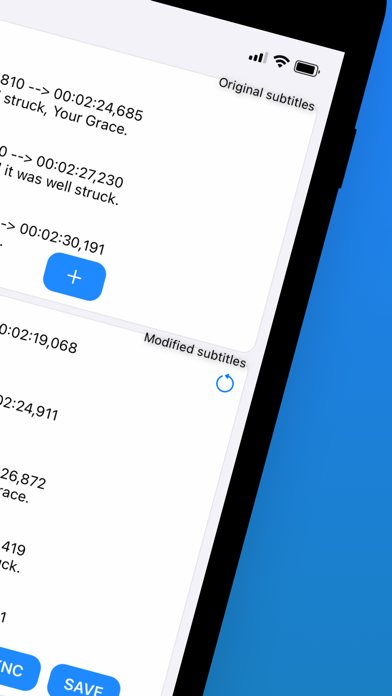
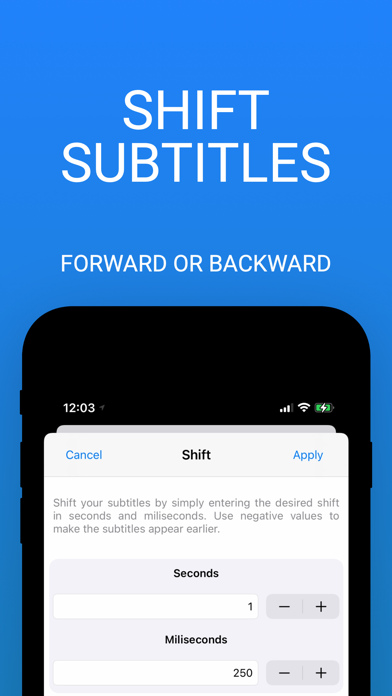
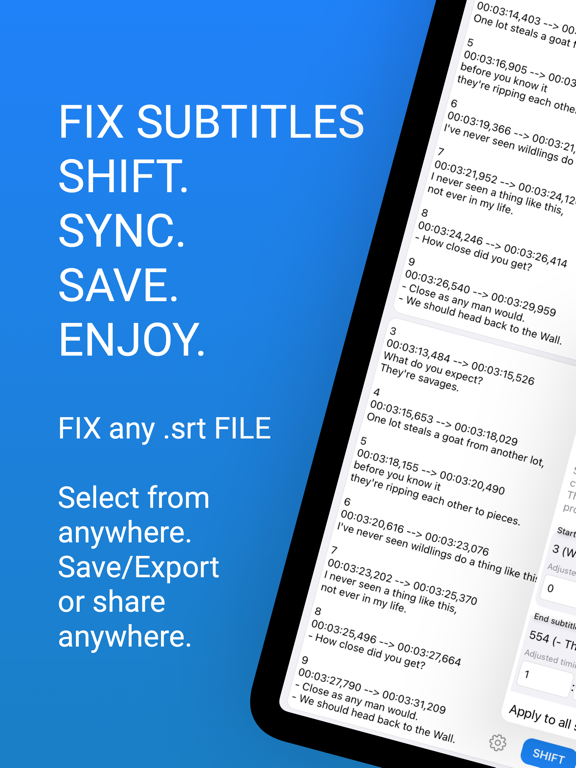
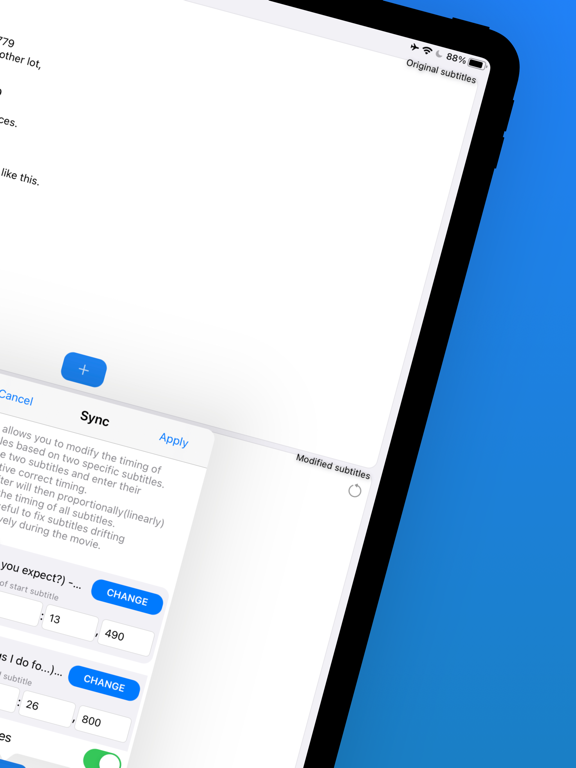
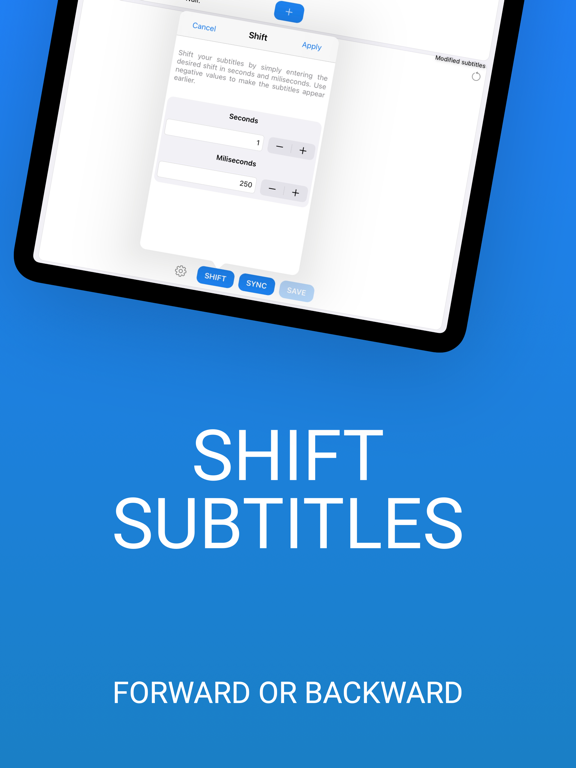
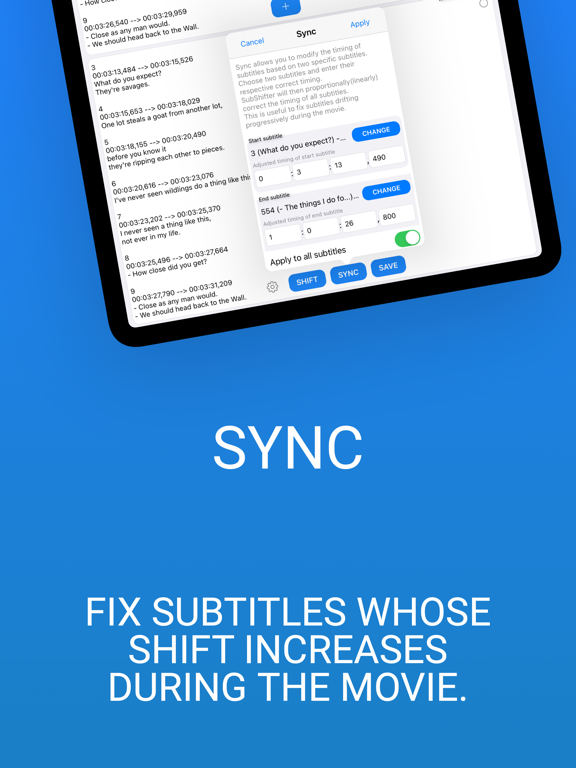
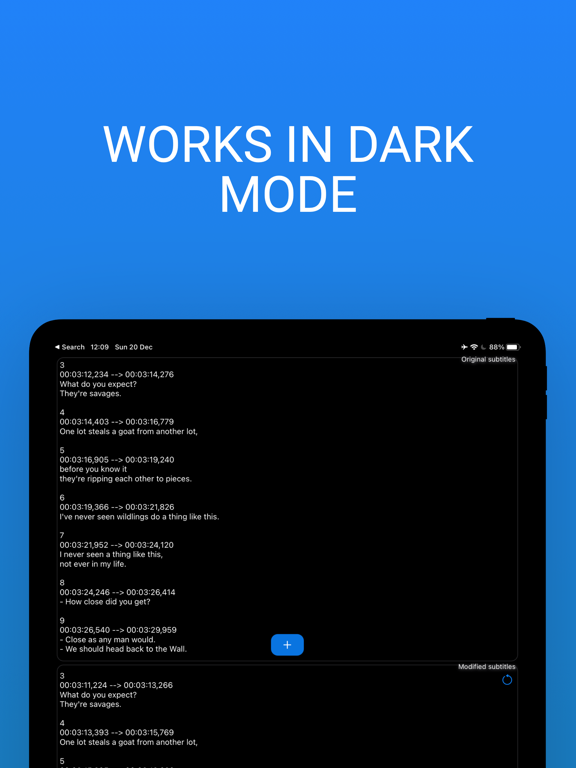
SubShifter will help you fix your subtitles. There are 2 main functions: Shift or Sync. • Shift your subtitles files by adjusting the timing forward or backwards. • Sync your subtitles whose shift is increasing through time (during the movie). Quick and easy: 1. Choose your subtitles (pick from the Files app) 2a. Shift your subtitles (timing of your choice) or 2b. Sync your subtitles by entering the correct timing of 2 subtitles, and the rest of the subtitles will be automatically adjusted. 3. Save your shifted subtitles to the location of your choice (Files) or share anywhere. The app works 100% OFFLINE. There is no server, no data collection and no ads. Your privacy matters! ------ All users get 30 minutes per file for FREE. Perfect for TV-shows for example. If need more, you can upgrade to premium. It’s a one-time purchase valid forever that will help improving the app. Discover the macOS version on the Mac App Store.
Latest release
What’s New
Hello, in this version I improved the app performance and efficiency.
Audience growth
Ratings growth
Baseline captured. Growth appears after the crawler observes a changed rating count.
Momentum comes from crawler snapshots for the tracked storefront. “Viral growth signal” means unusually fast recent rating gains; it is an indicator, not download data.
Price tracking
Price intelligence
First snapshot captured. The trend line starts after the next crawler price observation.
- First observed Aug 12, 2026 · 10:12 PM Free
Screenshots