About this app
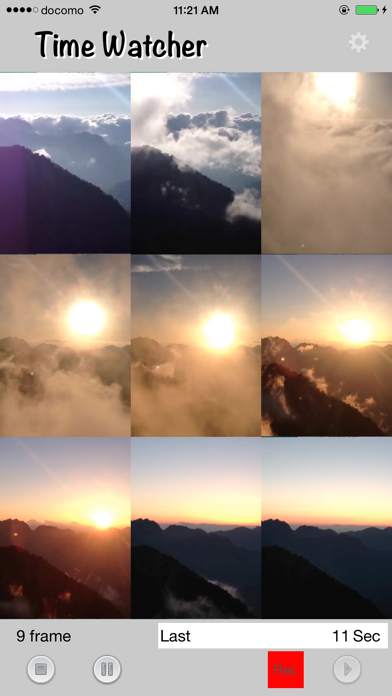
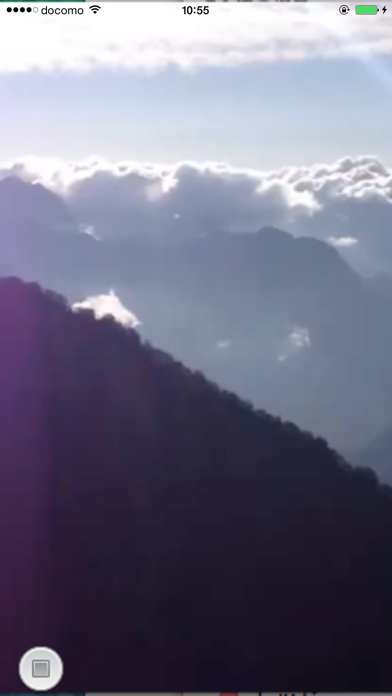
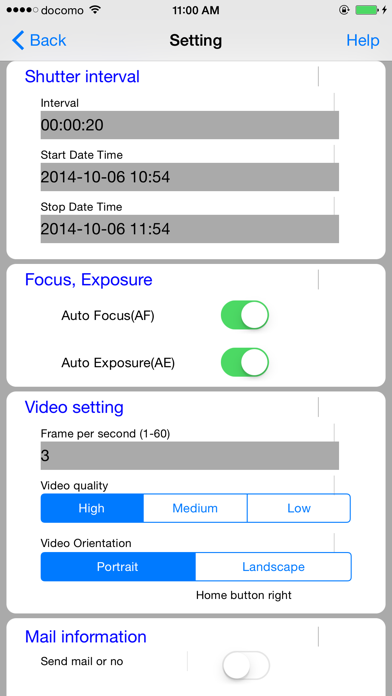
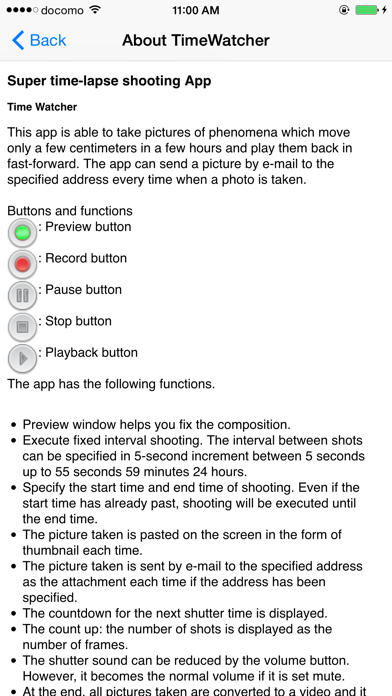
This is a video app that allows you to take super-time-lapse photos. It takes videos of phenomena that move only a few centimeters over the course of a few hours, and plays them back in a compressed time format. You can also store images in iCloud Drive every time you take a photo if you specify. * iCloud Drive must be turned on in order to share content in iCloud Drive. * When taking landscape photos, be sure to disable the display rotation lock. It has the following features: - You can check the composition on the preview screen before starting shooting. - Shoots at regular intervals. The shooting interval can be specified in 5-second increments from 5 seconds to 24 hours 59 minutes 55 seconds. - Shooting time can be specified in 5-second increments from 5 seconds to 998 hours 59 minutes 55 seconds. (About 41 days) - You can specify the start time and shooting time. - After shooting starts, the time until the start time is counted down. During this time, the camera will not start and battery consumption will be reduced. - If the start time is past the current time, shooting will start from the current time. - You can specify auto focus (AF) and auto exposure (AE). (If the camera supports it) - The frame rate and playback time are automatically set by setting the playback magnification (1x to 300x). - Video quality can be specified in three levels: high, medium, and low. The following resolutions will be used depending on the device. Models capable of 4K video recording: 3264 x 2448, 1280 x 720, 640 x 480 iPhone 6 and later: 1920 x 1080, 1280 x 720, 640 x 480 - Whether the video is portrait or landscape will depend on the orientation of the device. - Photos taken can be stored in iCloud Drive (when specified). - Each photo taken is made into a thumbnail and pasted on the screen. - A countdown is displayed until the next shutter release. - The number of shots taken is counted up as the number of video frames. - When you exit, the images you have taken are converted to video and saved in the app and in the camera roll. - Videos in the app are overwritten each time. - Videos in the app can be played. [Note] - We cannot guarantee that images will be taken at the specified time under any circumstances. - If the time limit for sending emails or autofocusing is exceeded, images may not be taken. - We cannot compensate customers for any damages for any reason.
Latest release
What’s New
- The minimum frame rate has been set to 1.0. This will resolve the issue where recording could not be started.
Audience growth
Ratings growth
Baseline captured. Growth appears after the crawler observes a changed rating count.
Momentum comes from crawler snapshots for the tracked storefront. “Viral growth signal” means unusually fast recent rating gains; it is an indicator, not download data.
Price tracking
Price intelligence
First snapshot captured. The trend line starts after the next crawler price observation.
- First observed Aug 21, 2026 · 1:56 AM $0.99
Screenshots