About this app
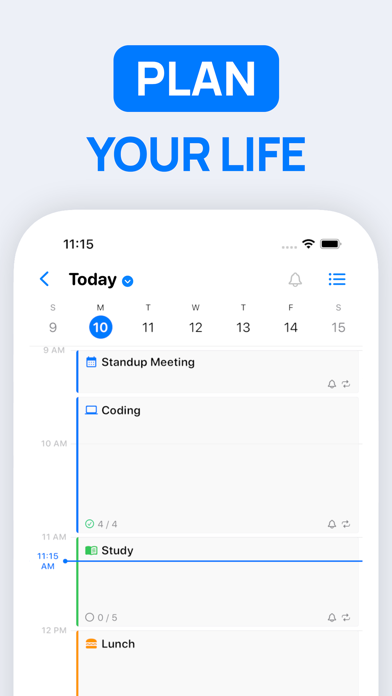
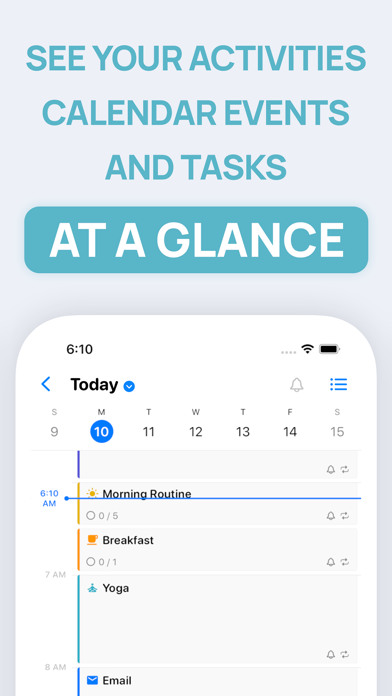
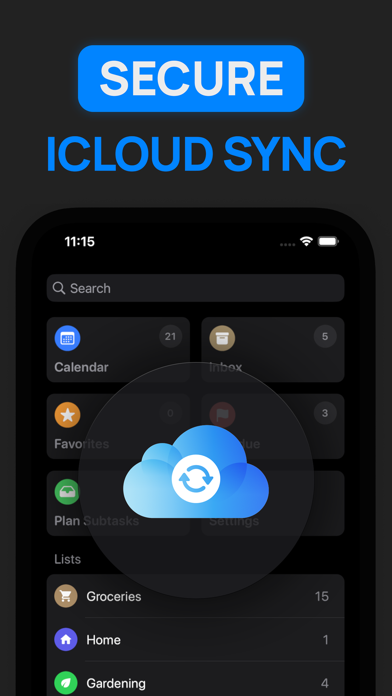
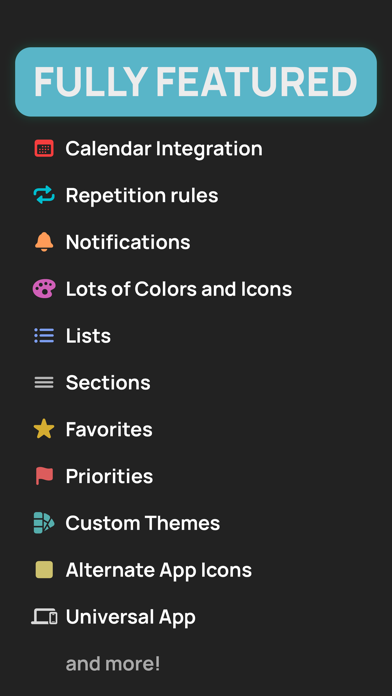
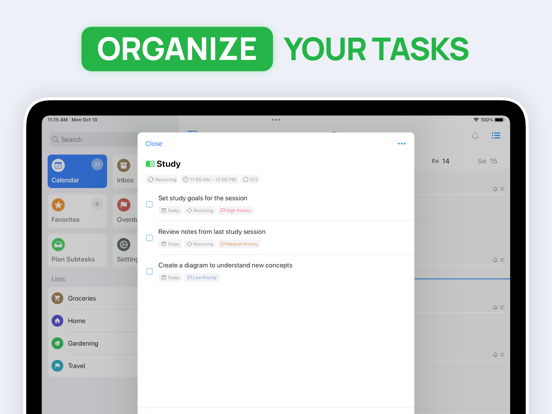
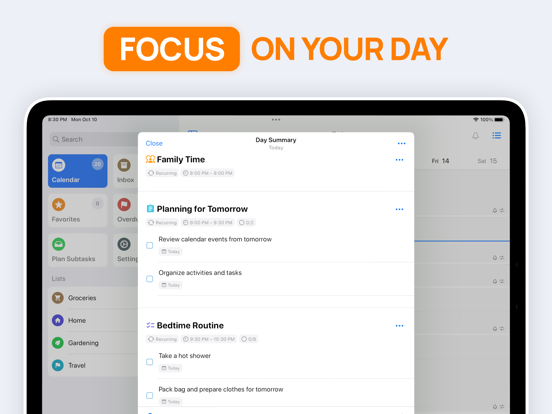
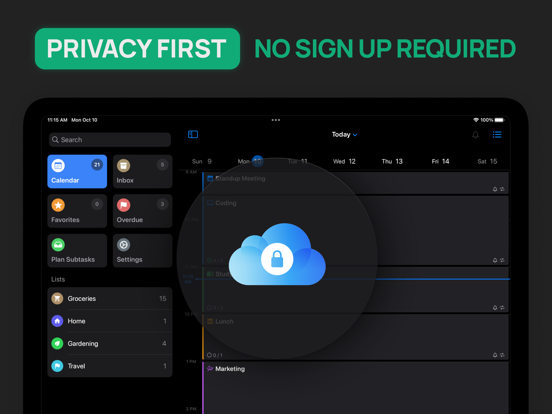
** Featured by Apple on "Best New Apps & Updates" and "Best Calendar Apps" ** Take control of your day and achieve your goals with SuperPlanner. SuperPlanner is a day planner that allows you to plan your day and focus using time blocking. With built-in calendar and task management features, you can easily organize your activities, calendar events, and tasks in one convenient daily planner. The user-friendly interface and powerful features make it easy to stay organized and on top of your schedule. As a schedule planner, it combines an agenda and organizer to help you boost your productivity and manage your routine. The visual timeline and time blocking features help you stay focused and avoid procrastination. You'll have the tools you need to stay organized and productive, no matter how busy your schedule may be. You can even set reminders for important activities, calendar events and tasks, so you never forget anything important. The app is perfect for people with ADHD, as it provides a comprehensive view of your entire day. You can see how your activities and appointments fit into your daily schedule, helping you avoid conflicts and manage your time more effectively. _____________________ FULLY FEATURED: SuperPlanner offers a comprehensive set of features to help you manage your day. It supports activities, calendar events, and tasks, as well as repetition rules and lists. You can also customize your digital planner with colors, icons, and themes to suit your preferences. Plus, it offers notifications, widgets and other helpful features to keep you organized and on track. _____________________ PRIVACY FOCUSED: SuperPlanner is designed with privacy in mind. No login or authentication is required, and your data is securely synced across all your devices using iCloud. _____________________ Take control of your day, focus and boost your productivity with SuperPlanner. Download the app today and start achieving your goals! _____________________ Privacy Policy: http://superplanner.app/privacy-policy Terms of Use: https://superplanner.app/terms
Latest release
What’s New
What's New in This Version Day View Enhancements • Tasks with notifications now displayed directly in Day View for better visibility • Navigate between dates in Day Summary with next/previous controls New Features: • Redesigned advanced filter interface in task lists with improved usability • New option to hide empty sections for a cleaner view • Improved search functionality with better performance Task Organization • Sections now available for anytime tasks, making long lists more manageable • Improved task positioning and section management Activity Management • New activity rescheduling interface for easier time adjustments UI/UX Improvements • Improved inline task addition experience • Numerous layout and display refinements • Various stability and performance fixes
Audience growth
Ratings growth
Baseline captured. Growth appears after the crawler observes a changed rating count.
Momentum comes from crawler snapshots for the tracked storefront. “Viral growth signal” means unusually fast recent rating gains; it is an indicator, not download data.
Price tracking
Price intelligence
First snapshot captured. The trend line starts after the next crawler price observation.
- First observed Sep 5, 2026 · 5:30 AM Free
Screenshots