About this app
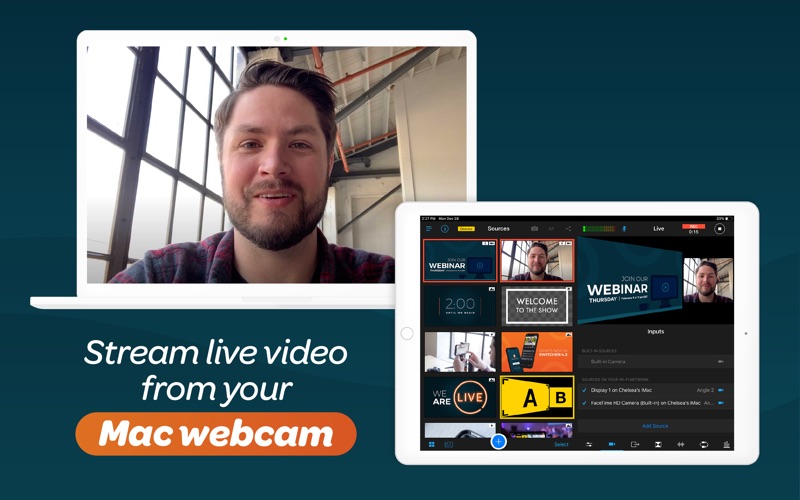
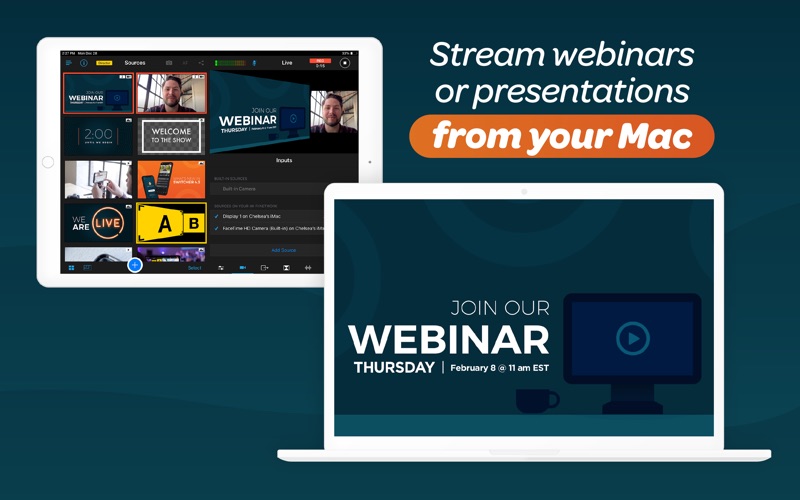
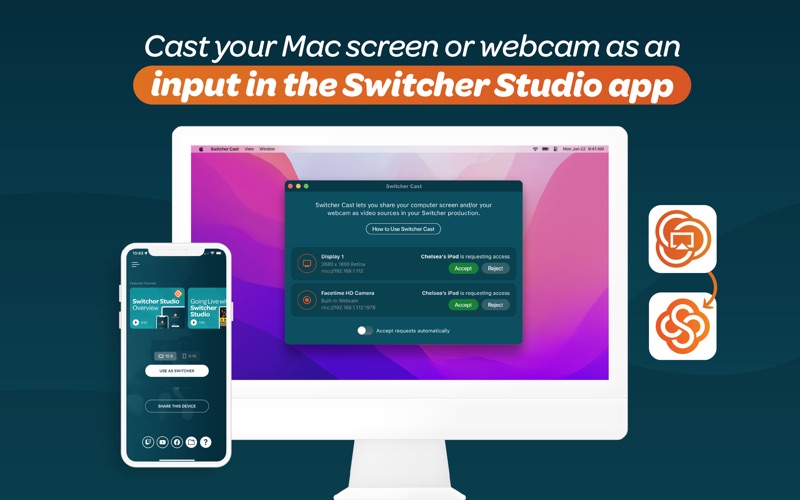
Switcher Cast is the macOS companion app for Switcher, that lets you send your Mac screen into your live production and cast or mirror your stream to TVs and displays on your network. Looking for the full Switcher Studio app? Switcher Cast is a companion tool designed specifically for screen sharing and stream casting. The full Switcher Studio production app is also available on Mac via the “iPhone & iPad Apps” tab in the Mac App Store. View it here: https://apps.apple.com/ni/app/switcher-live-streaming-app/id908386221?l=en-GB ▶ SHARE YOUR MAC SCREEN WITH SWITCHER CAST Send your Mac screen to your Switcher Studio production as a video input, so you can share: • Presentations and slides • Websites and documents • Software demos and tutorials • Gameplay and apps Your Mac screen appears as a selectable broadcast source inside Switcher Studio, just like a camera. ▶ CAST YOUR LIVESTREAM TO TVS & DISPLAYS Switcher Cast also lets you send your Switcher Studio livestream to TVs and displays. Ideal for: • Churches displaying services on TVs inside the building • Conferences and events with overflow rooms • Studios and venues with multiple screens • Production teams using TVs as livestream monitors Everything runs over your local Wi-Fi network without routing video through the internet, so you get a stable, high-quality feed with minimal delay. ▶ HOW IT WORKS 1. Download and open Switcher Cast on your Mac 2. Connect your device running the Switcher Studio app to the same Wi-Fi network 3. Grant permission to capture your screen 4. Open the Switcher Studio app 5. Tap “Inputs” and select your Mac under “Sources on Your Wi-Fi Network” 6. Select your Mac to share your screen or cast your stream to displays To explore Switcher’s full suite of tools, visit switcherstudio.com Have questions? Drop us a line! support@switcherstudio.com Privacy Policy: switcherstudio.com/privacy-policy Terms of Use: switcherstudio.com/terms-of-use Compatible Devices: switcherstudio.com/compatible-devices
Latest release
What’s New
Bug fixes and stability improvements
Audience growth
Ratings growth
Baseline captured. Growth appears after the crawler observes a changed rating count.
Momentum comes from crawler snapshots for the tracked storefront. “Viral growth signal” means unusually fast recent rating gains; it is an indicator, not download data.
Price tracking
Price intelligence
First snapshot captured. The trend line starts after the next crawler price observation.
- First observed Aug 15, 2026 · 9:45 PM Free
Screenshots