About this app
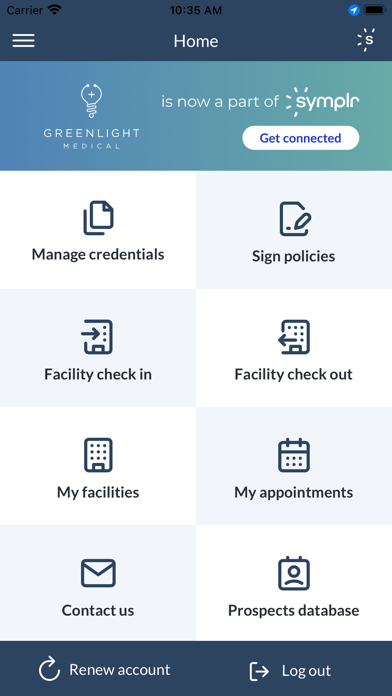
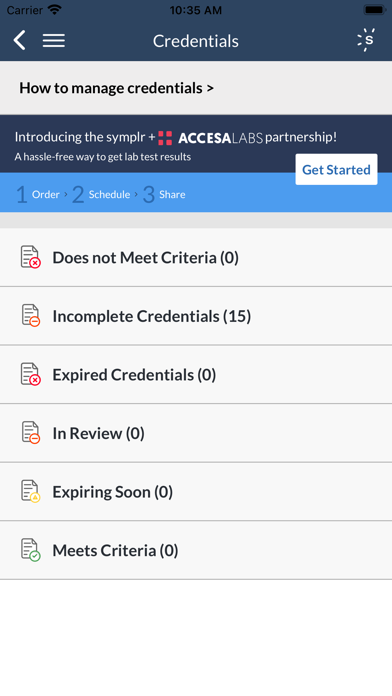
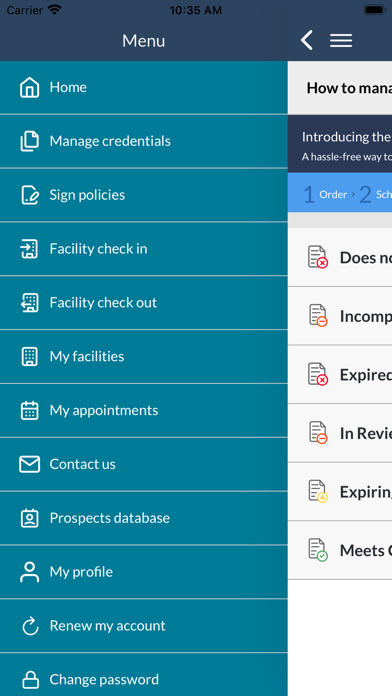
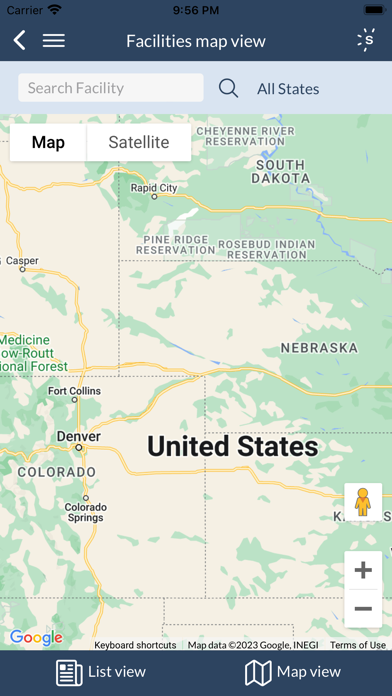
Manage your symplr account and get quick access to facilities with our mobile app. While on-site, a virtual badge will display that includes the vendor profile photo in addition to appointment details. Track your credentials on the go: you can easily see the status of your credentials and view detailed credential descriptions. While on-site, use the app to check in, view your appointments, display a virtual badge with your profile photo & appointment details, and check out. For hospital administrators, the symplr mobile app improves your vendor management process with a rep on-site dashboard and rep look-up function. BE INFORMED • Easily identify Incomplete, Declined, & Expired credentials that need action • Easily identify Incomplete or Expired policies that need action • View scheduled appointments STAY COMPLIANT • Read & sign facility policies • Upload credential documents • Schedule and accept facility appointments • Mobile check-in & check-out (at supporting facilities) MANAGE YOUR ACCOUNT • View and add facilities to your territory • Update account details • Upload profile picture or driver’s license • Access symplr support email, phone, and live chat Fresh updates for hospital administrators include the following features: • Mobile On Site Dashboard to quickly view details including vendor name, vendor appointment details, and vendor light status • Rep Look Up to quickly locate vendors listed in our database to identify compliance • Rep Sign In option to facilitate capturing rep visit details • App permissions that sync with customizable permissions structure in desktop site Send your comments and feedback to our Product Developers: feedback@symplr.com About symplr Symplr is an industry leader in compliance and credentialing Software as a Service (SaaS) solutions that help healthcare organizations mitigate risk and ensure compliance. We have a single mission: to make healthcare compliance and credentialing orders of magnitude simpler for all constituents of the healthcare community.
Latest release
What’s New
• Specify visit duration at check-in — Smart Badge expires automatically • 15-minute reminder before visit ends with extend option • Accurate declination status showing facility eligibility • In-app guide shows flu declination details by hospital
Audience growth
Ratings growth
Baseline captured. Growth appears after the crawler observes a changed rating count.
Momentum comes from crawler snapshots for the tracked storefront. “Viral growth signal” means unusually fast recent rating gains; it is an indicator, not download data.
Price tracking
Price intelligence
First snapshot captured. The trend line starts after the next crawler price observation.
- First observed Aug 19, 2026 · 6:19 AM Free
Screenshots