About this app
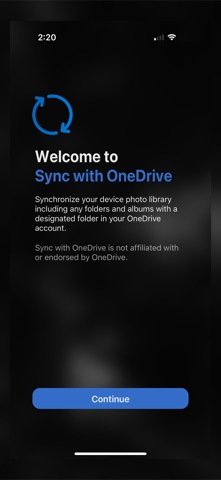
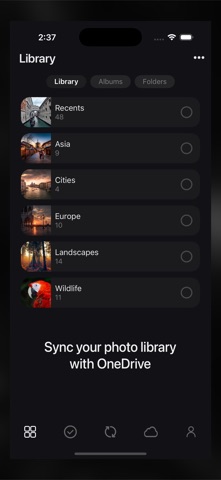
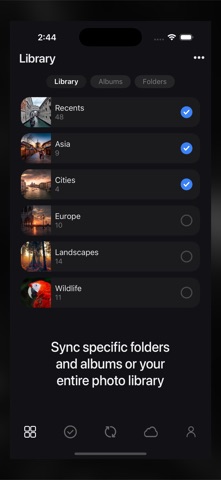
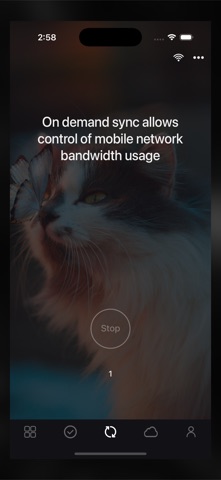
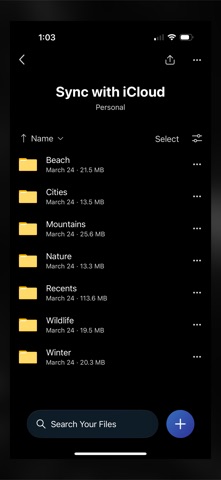
Sync for OneDrive synchronizes your phone’s photo library, including the album and folder hierarchy, to OneDrive. For users who like to organize their photos into folders and albums, Sync offers many advantages to the camera backup feature of the native OneDrive app. Unlike the native OneDrive app, Sync will also - Sync automatically creates folders and albums you may have created in your phone’s photo library on OneDrive. - Uploads the video component for Live Photos. - Uploads the edited versions of photos and videos. - Mirror or backup your photo library. - Synchronize your entire photo library or only certain folders and albums. In summary, each time you run Sync, it will make sure any changes to your phone’s photo library are updated on OneDrive, overwriting, renaming, uploading, and moving items to OneDrive trash if needed. Sync will also NEVER delete any photos from your phone. Sync performs a ONE-WAY sync only, making a folder in your OneDrive account match your phone’s photo library. Any changes made on OneDrive will not be synced to your phone, rather, the changes on OneDrive will simply be overwritten the next time you run a Sync. Free Plan The free plan is limited to syncing up to 3 top-level folders and albums and up to 200 photos. Premium Plan Our affordable premium plan removes all restrictions and unlocks access to all future features. Subscription Pricing and Terms - Annual or monthly subscription billing will start immediately after you subscribe and will auto-renew each year or month. - Subscriptions will automatically renew unless canceled at least one day before the renewal date within 24 hours before the end of the current period. Payment will be charged to your Apple ID account at the confirmation of purchase. You can manage and cancel your subscription by going to your account settings in the App Store. - Subscriptions are non-refundable, so please choose this option carefully. - Please refer to the In-App Purchases section for pricing. Terms of Use — https://www.apple.com/legal/internet-services/itunes/dev/stdeula Privacy Policy — https://sync.photosplus.app/privacy.php
Latest release
What’s New
We’ve made it easier to select and filter your photos and videos with new smart albums, alongside the existing Recents album. The Recents album still includes all your photos and videos, while the new smart albums let you filter by Photos, Videos, Live Photos, RAW Images, Edited, Favorites, Screenshots, and Hidden items.
Audience growth
Ratings growth
Baseline captured. Growth appears after the crawler observes a changed rating count.
Momentum comes from crawler snapshots for the tracked storefront. “Viral growth signal” means unusually fast recent rating gains; it is an indicator, not download data.
Price tracking
Price intelligence
First snapshot captured. The trend line starts after the next crawler price observation.
- First observed Aug 15, 2026 · 2:36 PM Free
Screenshots