About this app
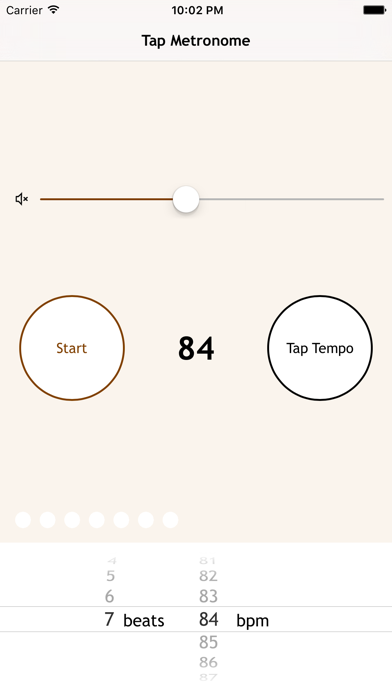
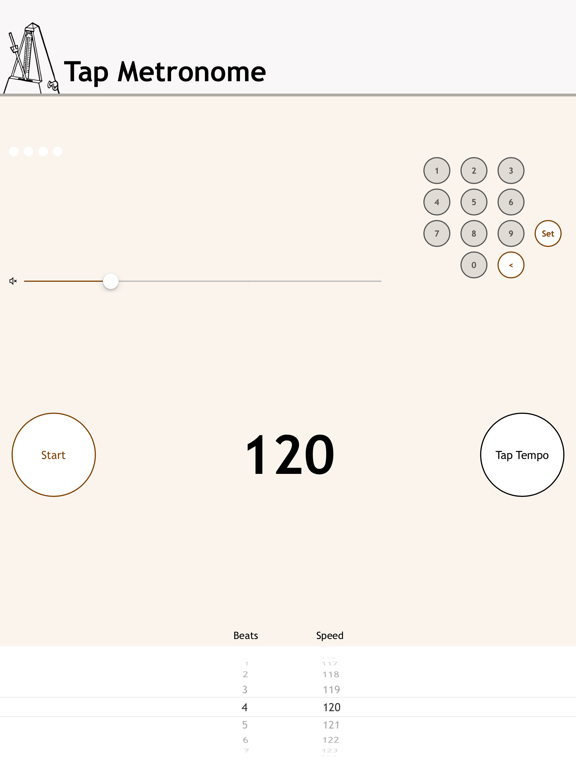
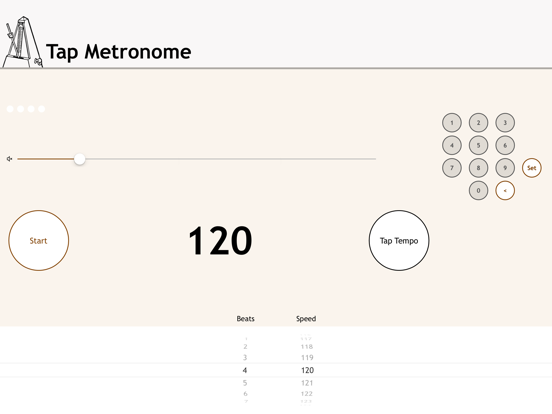
Tap Metronome is a simple metronome for those who want quick access to a reliable metronome. Features: - Three ways to choose tempo: tap the speed you want, select from the picker list or type the number (access by tapping on the white tempo on the iPhone). - Loud beeps: Volume as loud as possible to be audible above music. Visible volume control so you can increase it further. - Choose the number of beats in the bar (from 1 to 7). - Visible beat indicator. - Rotate the view for a Landscape version, so you can put the device on a music stand without covering the speaker. - Accurate: many of the free metronomes in the App Store are not accurate because they are based on old sample code, and over a number of seconds they get a beat out. This metronome is one of the few which is accurate for hours. - Add the Metronome as a Today View extension (drag down from the top of the screen). - On Apple Watch: a simple independent metronome which quietly taps you on the beat. In addition, a Glance, and multiple Complications, allow you to see your current tempo and quickly access the metronome app through them. - Use 3D Touch Quick Actions to start the metronome at multiple tempos directly from the Home Screen icon. This app makes sounds even when your device is on silent, so that you can use it in situations where you want other phone functions silenced. To quickly mute the metronome, press the mute icon. Look out for Tap Metronome Plus, which is ad-free, provides many more sounds, and has a screen flash function.
Latest release
What’s New
This update from Apple will improve the functionality of this app. No new features are included. - Minor bug fix. - Change of advertising supplier.
Audience growth
Ratings growth
Baseline captured. Growth appears after the crawler observes a changed rating count.
Momentum comes from crawler snapshots for the tracked storefront. “Viral growth signal” means unusually fast recent rating gains; it is an indicator, not download data.
Price tracking
Price intelligence
First snapshot captured. The trend line starts after the next crawler price observation.
- First observed Aug 21, 2026 · 1:56 AM Free
Screenshots