About this app
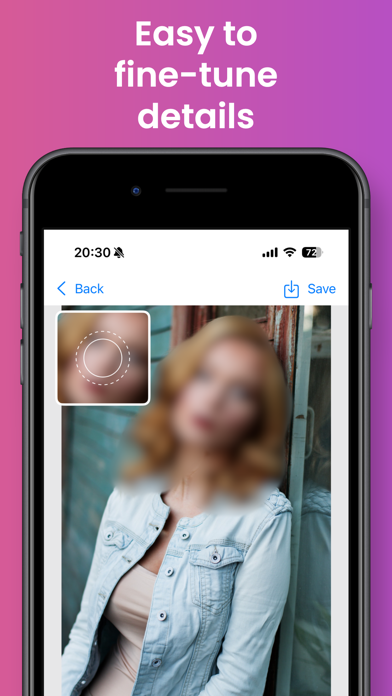
This app allows you to easily process blurs on people, objects, and backgrounds. It automatically recognizes what you touch and completes processing in an instant. Of course, you can also process by tracing with your finger. Features - More than 20 filter effects - Switch between various effects - Automatic recognition of people and text - Blur edges for a natural look
Latest release
What’s New
The app name has been changed
Audience growth
Ratings growth
Baseline captured. Growth appears after the crawler observes a changed rating count.
Momentum comes from crawler snapshots for the tracked storefront. “Viral growth signal” means unusually fast recent rating gains; it is an indicator, not download data.
Price tracking
Price intelligence
First snapshot captured. The trend line starts after the next crawler price observation.
- First observed Aug 7, 2026 · 3:45 AM Free
Screenshots