About this app
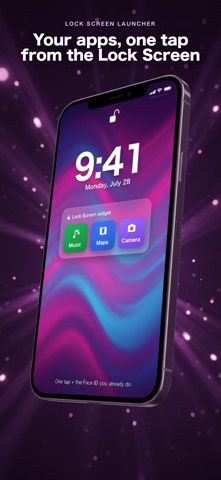
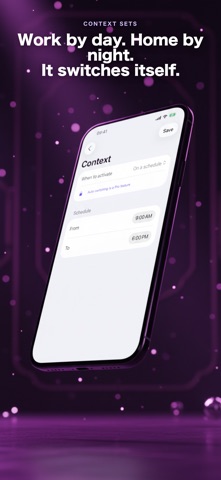
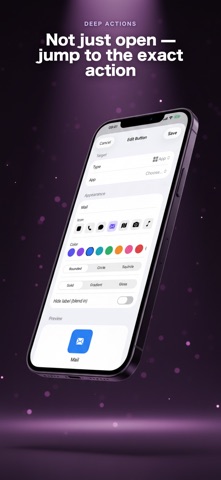
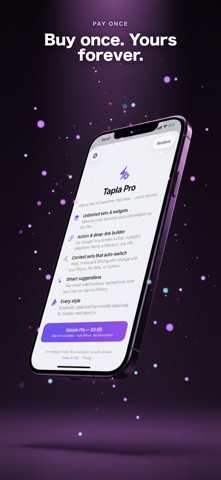
Your apps and actions, one tap from the Lock Screen — right under the clock. Tapla adds a single Lock Screen widget that holds up to three launch buttons. Tap one to jump straight to an app, an action, a deep link, or a Shortcut — no hunting through pages of icons. RIGHT UNDER THE CLOCK Add the rectangular Tapla widget to your Lock Screen and fill it with the three things you reach for most. They are waiting the moment you raise your phone. ONE TAP TO ANYTHING - Open any app - Your route in Maps - A favorite playlist - A chat with one specific contact - The selfie camera - A call to someone you love - Any Shortcut you have built - A website or deep link SETS THAT SWITCH THEMSELVES Group your three buttons into sets like Work, Morning and Gym. Tapla can switch the set on its own — by schedule, by Focus, or when you reach a place — so the right buttons are there without you touching a thing. HONEST ABOUT iOS Tapla lives on your Lock Screen. A tap opens your target, and for many of them iOS asks for the Face ID you already use — that is the system keeping your phone secure, not a step we add. A locked iPhone still needs you; Tapla just makes the first move a single tap instead of a hunt. MADE TO FIT Pick clean icons and colors for each button so your Lock Screen still looks like yours. PAY ONCE Buy Tapla one time and keep it. No subscription. Set it up once, then reach what matters from the Lock Screen — in a tap.
Latest release
What’s New
Bug fixes and stability improvements.
Audience growth
Ratings growth
Baseline captured. Growth appears after the crawler observes a changed rating count.
Momentum comes from crawler snapshots for the tracked storefront. “Viral growth signal” means unusually fast recent rating gains; it is an indicator, not download data.
Price tracking
Price intelligence
First snapshot captured. The trend line starts after the next crawler price observation.
- First observed Aug 18, 2026 · 10:30 AM Free
Screenshots