About this app
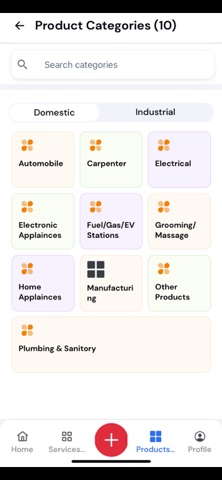
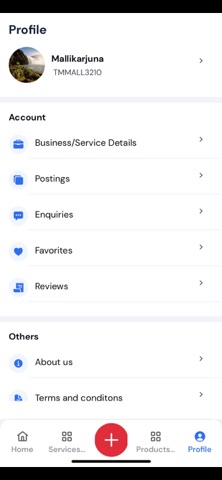
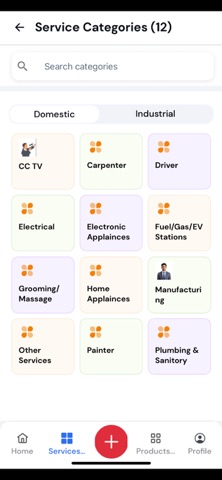
TechMate – Connect with Trusted Businesses & Professionals TechMate is a smart platform that helps you discover, connect, and engage with trusted service providers and businesses—all in one place. Whether you’re looking for products, services, or promotions, TechMate makes it simple to find reliable providers and interact with them directly. Key Features Provider Registration & Approval – Businesses and professionals can register to showcase their services, products, and promotions. Every profile is reviewed and approved by admins to ensure authenticity. Products, Services & Posts – Registered providers can list offerings and promotions. All submissions are admin-approved for quality and security. Explore & Connect – Discover providers, call them directly, or raise enquiries. If no provider is available, submit a public request to reach suitable businesses. Favorites & Notifications – Stay updated with instant notifications and save favorite providers for quick access later. Ratings & Reviews – Share your experiences with providers. Reviews are monitored to keep feedback authentic and reliable. Refer & Earn – Invite friends to TechMate and earn points. Points can be converted into cash through simple withdrawal requests. User Access Levels Guest Login – Explore providers and public requests without registration. Limited access (no posting, no favorites, no notifications, no refer & earn). User Login – Get full access to explore, favorites, notifications, and refer & earn. Posting services/products and receiving enquiries remain exclusive to providers. Service Provider – Enjoy all user features plus the ability to create posts, list services/products, and manage enquiries from the dedicated Enquiries tab. With TechMate, discovering trusted businesses is quick, secure, and convenient. Whether you’re a customer searching for services or a provider showcasing your expertise, TechMate brings opportunities together in one platform.
Latest release
What’s New
Updated the user interface for a smoother experience.
Audience growth
Ratings growth
Baseline captured. Growth appears after the crawler observes a changed rating count.
Momentum comes from crawler snapshots for the tracked storefront. “Viral growth signal” means unusually fast recent rating gains; it is an indicator, not download data.
Price tracking
Price intelligence
First snapshot captured. The trend line starts after the next crawler price observation.
- First observed Sep 6, 2026 · 7:58 PM Free
Screenshots