About this app
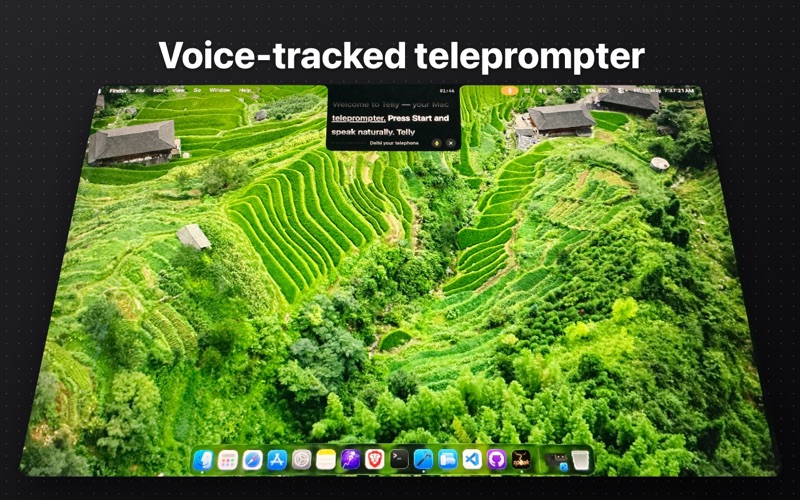
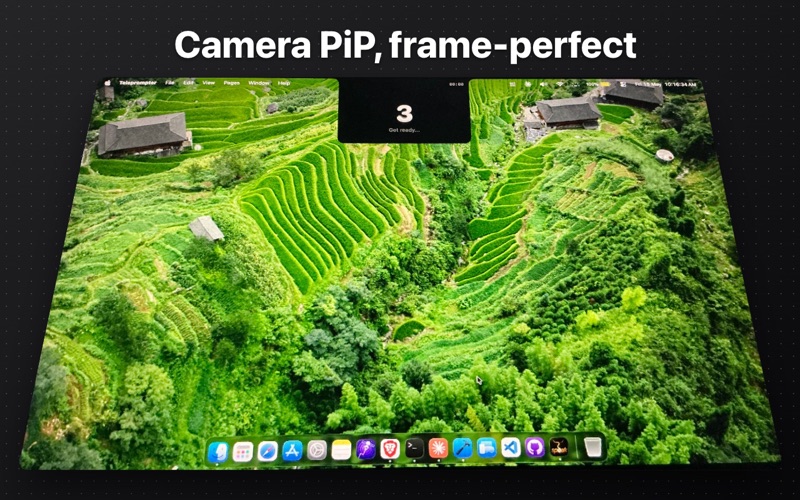
Voice-tracked teleprompter for Mac that actually keeps up. Words highlight in real time as you speak — built on Apple's native speech engine, no clicker, no drift, no second screen. Eye contact with the camera, every take. Built for creators, podcasters, voice-over artists, broadcasters, presenters, and anyone who reads on camera. WHY TELLY • Voice-tracked scrolling — Read at your own pace. Telly's speech engine tracks every word and keeps the script in sync. Skip ahead, pause, re-read — it follows you. • 140pt mirror-rig type — From a 30pt notch overlay up to 140pt for hardware teleprompter rigs. Mirror-axis flip for beamsplitter prompters. • OBS chroma-key and browser source — Drop the prompter into OBS over green or blue chroma, or pull it as a transparent browser source. Stream Deck and Shortcuts remote via the tele:// URL scheme. • Live take controls — Up/Down arrow keys adjust scroll speed mid-take. R restarts from the top without dismissing the overlay. ? shows the shortcut cheat-sheet. • Universal script import — PDF, DOCX, RTF, Markdown, plain text, or PPTX. Telly splits on pages, paragraphs, or form feeds. • Auto-pace to target time — 60-second ad read? Set a target and Telly auto-derives scroll speed so the script finishes on the dot. • Camera PiP — Floating self-monitor while you record. Frame-perfect alignment for your lens. • Transcript export — Save the last take as plain text or as SRT captions ready for Premiere, CapCut, or Final Cut. • Session stats — Words per minute, total reading time, sessions completed. All offline. FEATURES - Speech-tracked auto-scroll plus classic constant-speed mode - 3-2-1 countdown with audio cue - Multi-page scripts with auto page advance - Live mic-level meter - Markdown **bold** rendering - Cue markers: [PAUSE], [LOOK AT CAMERA], [B-ROLL] - Background presets: Black, White, Chroma Green, Chroma Blue - Browser server with QR pairing - Reading history with WPM stats - ALL CAPS broadcast view - Focus line for active reading position - Liquid Glass on macOS 26+ - Global hotkey to start from any app - Keyboard shortcuts: Space pause, Left/Right arrow keys pages, Up/Down arrow keys speed, R restart, ? help - Auto-save with crash recovery - Dyslexia-friendly font option - CJK language support PERFECT FOR - YouTubers, TikTok and Reels creators - Podcasters and voice-over artists - Livestreamers using OBS, Streamlabs, Zoom - News anchors, presenters, broadcasters - Pastors, sermon delivery, mirror-rig setups - Anyone reading scripts on camera Privacy: Telly collects no data. No analytics, no tracking, no servers. Your scripts and recordings stay on your Mac.
Latest release
What’s New
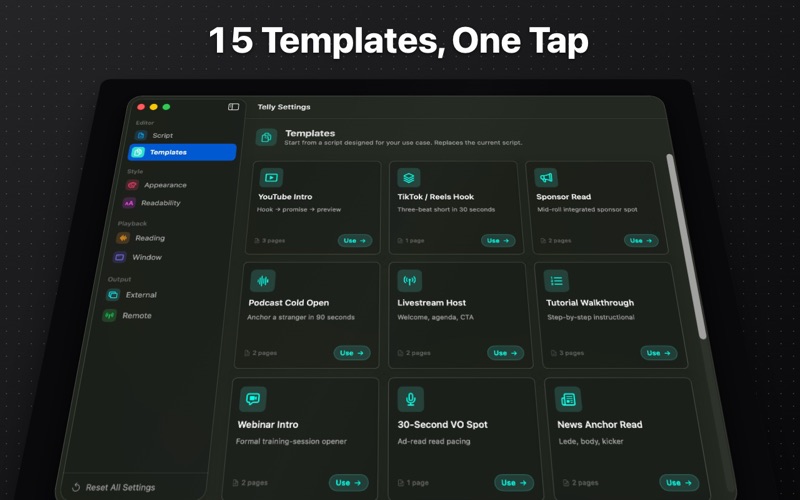
Built for take after take. - Live speed nudge: press ↑ / ↓ during playback to speed up or slow down without stopping - Restart take: press R to jump back to the top of the current page — camera keeps rolling - Live camera preview overlaid on the prompter (opt-in) so solo creators can frame themselves - Templates gallery: YouTube, podcast, livestream, VO, news, sermon, wedding officiant starter scripts - Markdown in scripts: **bold** and # headings render in the prompter - Mirror-rig ready: type scales up to 140pt with new line-spacing and margin controls plus an inline mirror preview - ALL CAPS display mode for broadcast-style legibility - Focus line marks the active reading position - Audio countdown cue so you can keep eyes on the lens, plus a page-advance sound - Auto-pace: set a target reading time and Telly locks the scroll speed - Import scripts directly from PDF, DOCX, RTF, TXT and Markdown - OBS / streaming preset: chroma green, chroma blue, and transparent background URLs - Remote control via URL scheme — wire Telly into Stream Deck, Shortcuts, or any HTTP client (tele://play, pause, next, prev, restart, stop, speed) - Live microphone meter, transcript export to .txt and .srt, reading-stats history - New: first-run onboarding tour and full VoiceOver labels on take controls
Audience growth
Ratings growth
Baseline captured. Growth appears after the crawler observes a changed rating count.
Momentum comes from crawler snapshots for the tracked storefront. “Viral growth signal” means unusually fast recent rating gains; it is an indicator, not download data.
Price tracking
Price intelligence
First snapshot captured. The trend line starts after the next crawler price observation.
- First observed Aug 11, 2026 · 8:25 AM $24.99
Screenshots