About this app
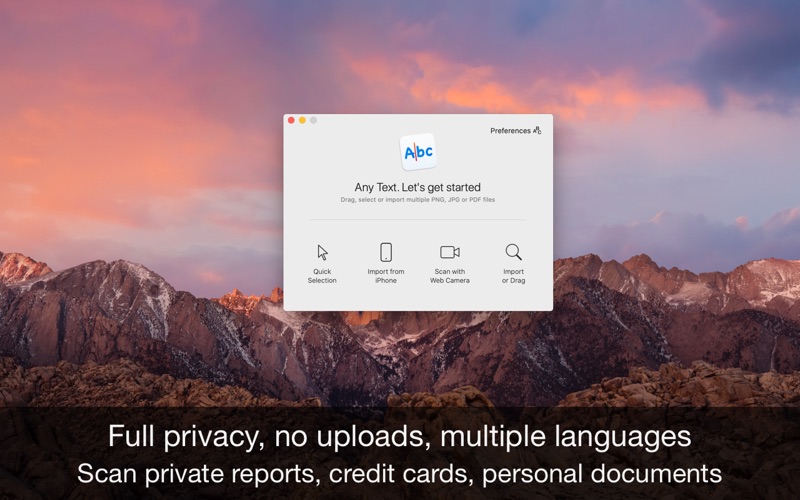
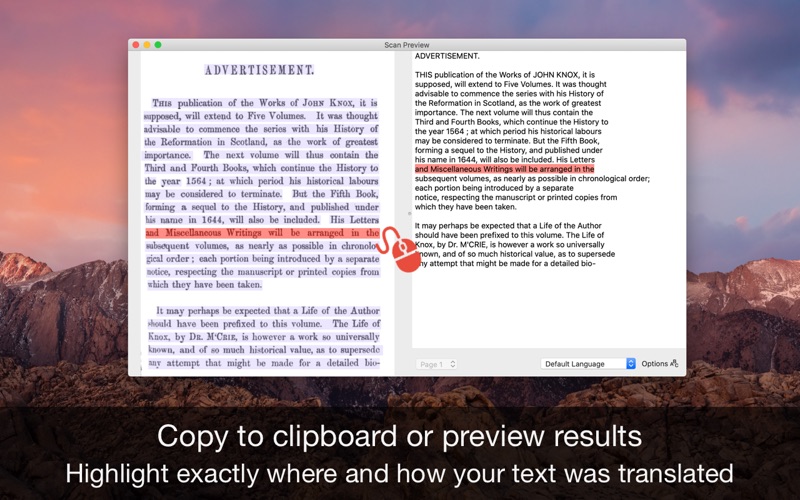
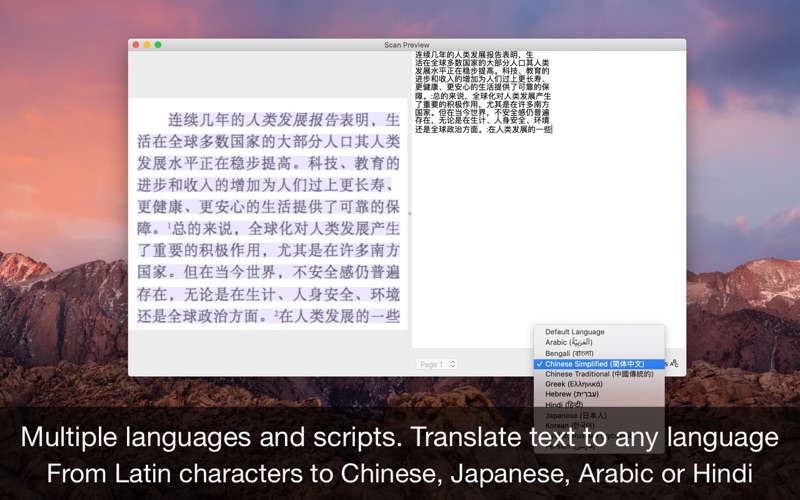
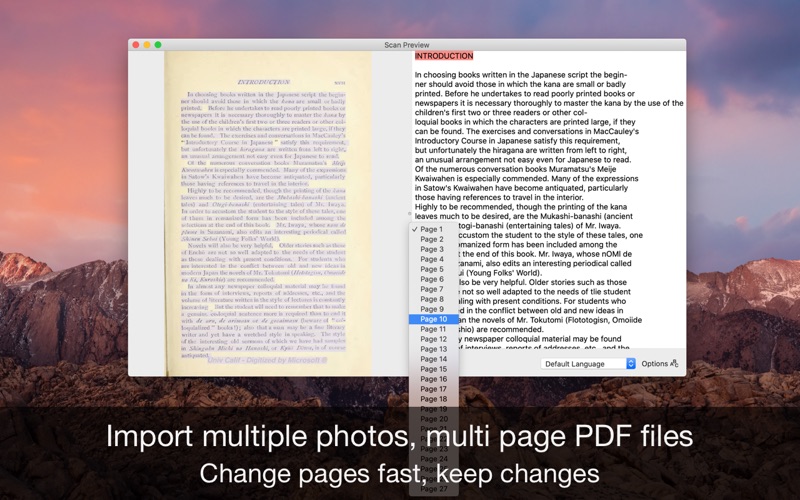
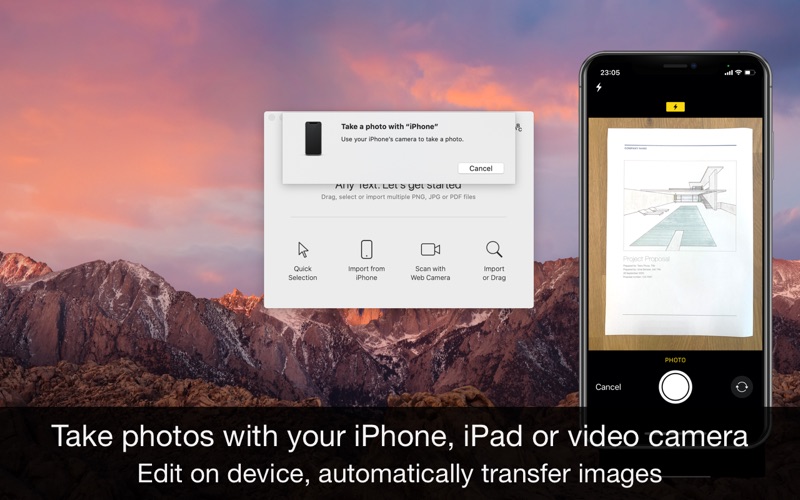
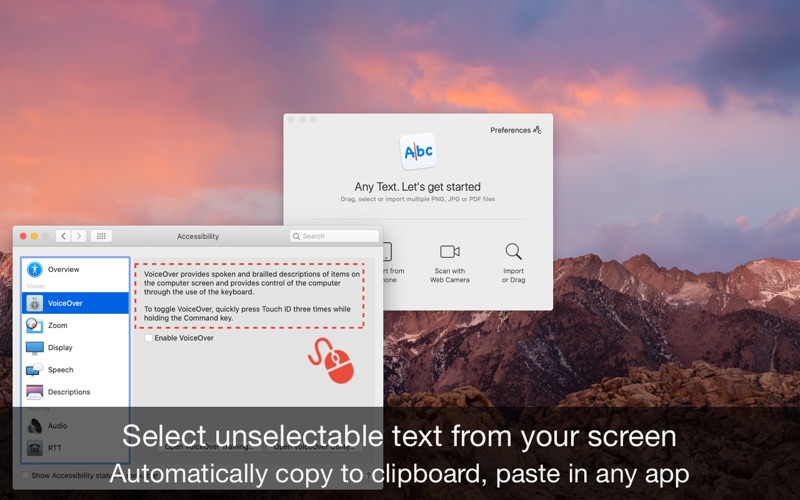
• Turn your Mac into a scanning machine. Full privacy, no uploads, multiple languages. Translate scanned documents and photos to any language • This app turns any screen area, photo, PDF or scanned document into fully editable text. You can select parts of the screen or import files from your Mac, iPhone and iPad or take photos from your video camera. The scanned text can also be translated to any language. You can also import multi pages PDF files and multiple photos at once. It can recognise not only English or Latin characters, but also Chinese, Japanese, Arabic and many more script styles from all over the world. It also offers full privacy: nothing is uploaded and no data is collected. Everything is done on your computer so you can scan private reports, credit cards, personal documents. Only if you choose to translate text from documents or photos, your document will be sent to Google Translate. The text is automatically copied to the clipboard, but you can preview and edit the content. In preview you can clearly see highlighted where and how your document was translated so you can make changes very fast and easy. How is this app special? • Privacy: everything is done on your computer only, nothing is uploaded and no data is collected. Scan private reports, credit cards, personal documents. Only if you choose to translate text, you document will be sent to Google Translate. • Highlighting: know exactly where and how your text was translated with highlights • Multiple text scripts: recognise not only English or Latin characters, but also Chinese, Japanese, Arabic and many more script styles from all over the world • Multiple pages at once: Import PDFs with multiple pages, import any number of images and select them later for scanning • iPhone, iPad and web camera integration: take photos with any device FEATURES • Convert any screen area, PDF or photo into editable text • Translate resulted text from documents and photos to any language • Multi script (languages) supported, not just English or Latin characters • Integrated spell checker • Automatically copy into clipboard or preview and edit text • Import files from your Mac, iPhone or iPad, take photos from your web camera, select parts of the screen Support We read your support emails every day, day by day. Write with confidence any question, feedback or complaint and you will receive an answer in a very short period of time.
Latest release
What’s New
• The app is now ready for macOS 26
Audience growth
Ratings growth
Baseline captured. Growth appears after the crawler observes a changed rating count.
Momentum comes from crawler snapshots for the tracked storefront. “Viral growth signal” means unusually fast recent rating gains; it is an indicator, not download data.
Price tracking
Price intelligence
First snapshot captured. The trend line starts after the next crawler price observation.
- First observed Aug 7, 2026 · 11:25 PM Free
Screenshots