About this app
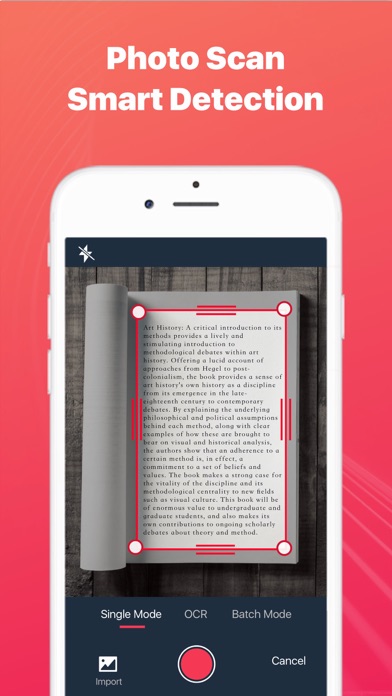
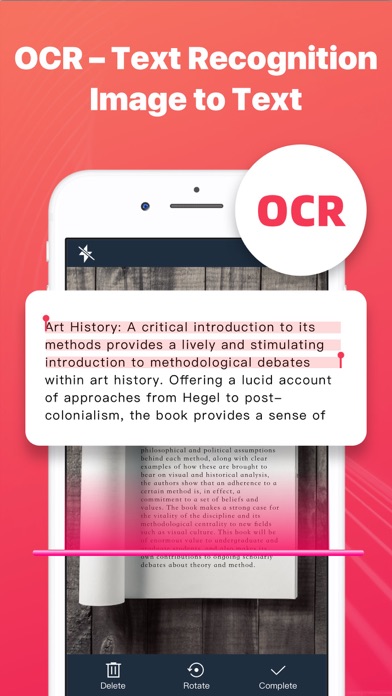
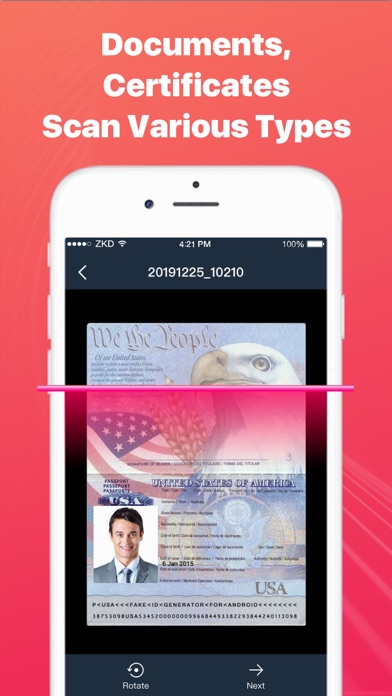
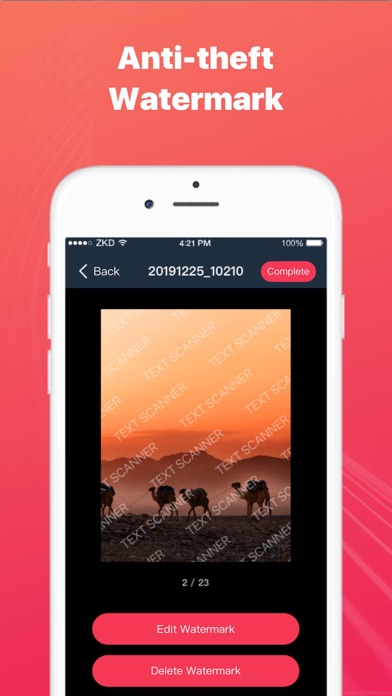
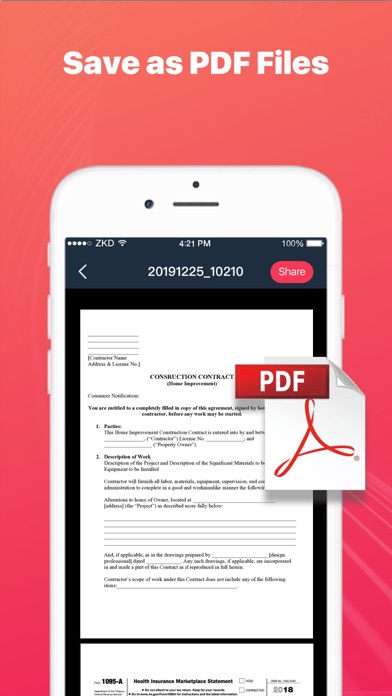
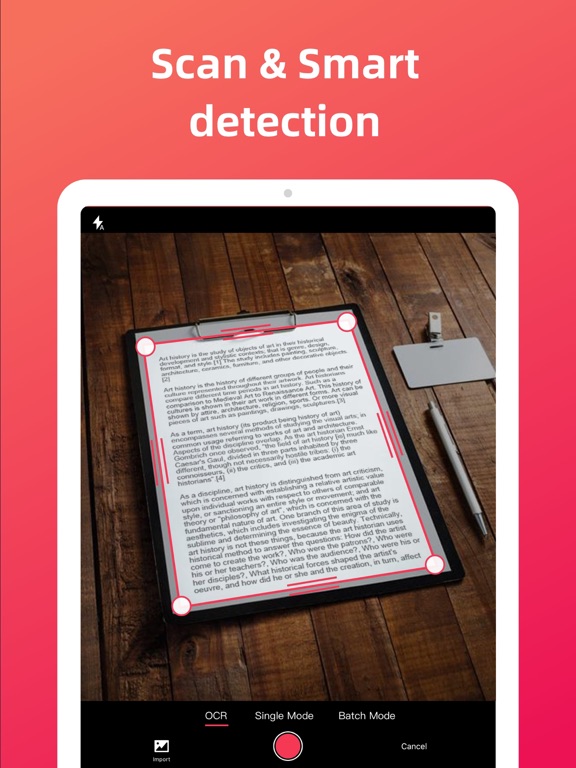
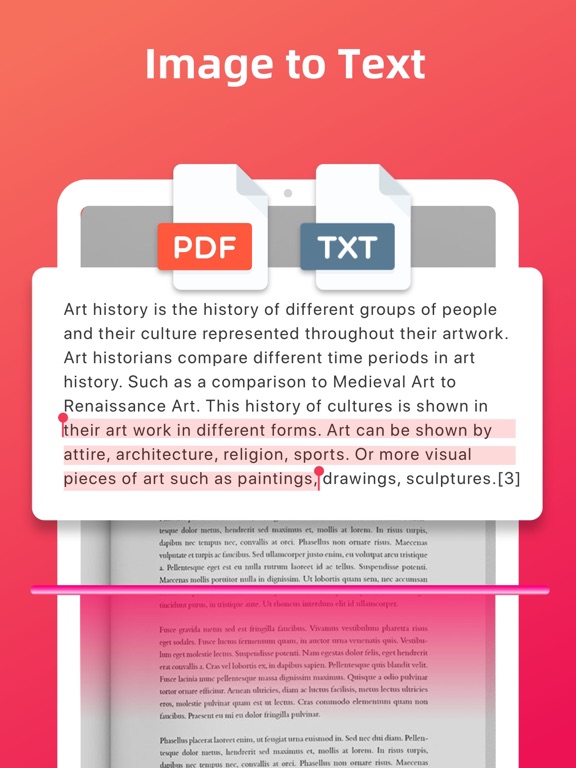
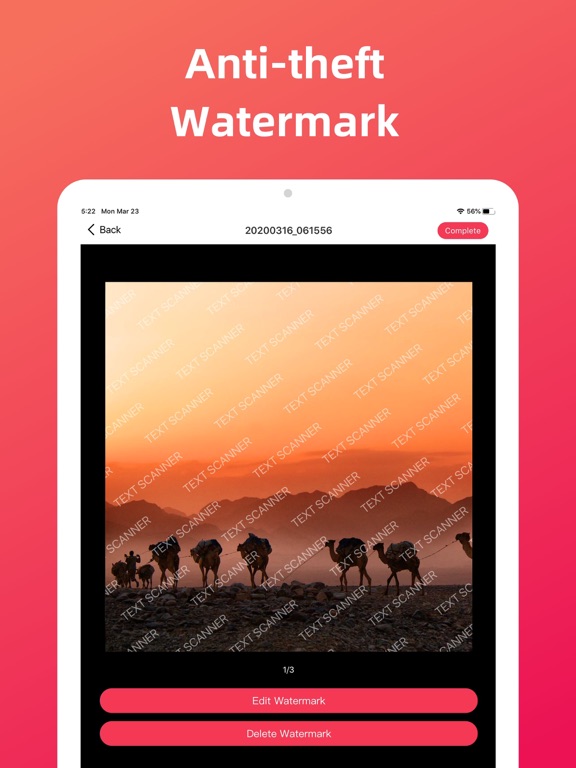
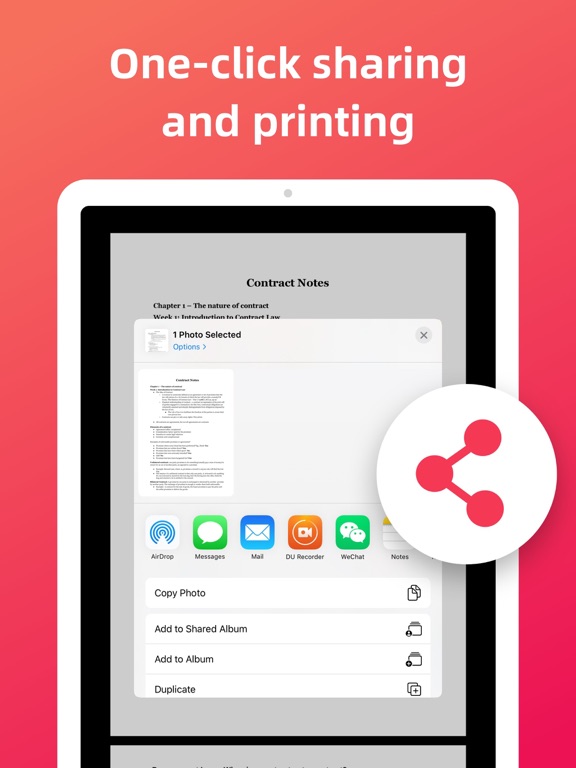
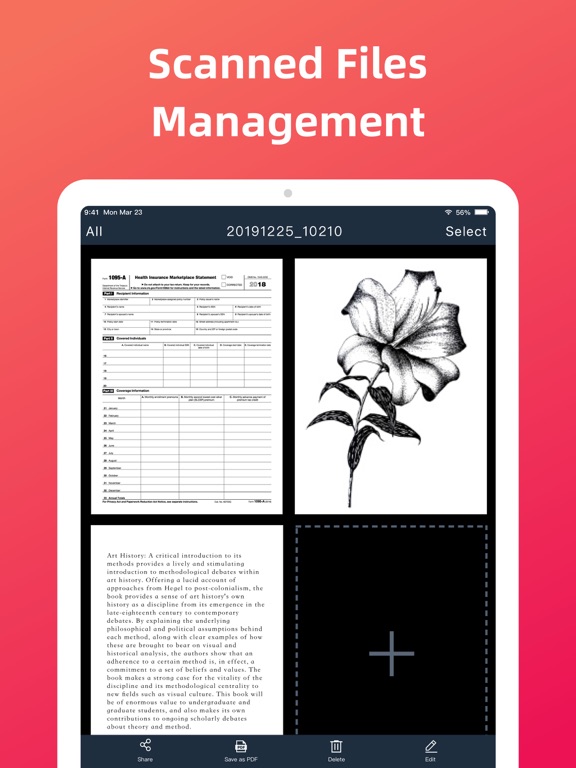
Text Scanner – Image to Text can turn your mobile phone into a scanner. Scan a variety of documents, certificates and contracts by taking a photo. Text Scanner can identify the texts on pictures, then copy and save it as a TXT file. It can also automatically cut off the background of documents and generate an HD file in PDF or JPG format. You can easily share scanned files via WhatsApp, Email, fax, etc., and connect to printer for file printing. Scan and recognize texts with Text Scanner now! Smart Scanner - Smartly detect the page edges and automatically remove the background - Automatically optimize the file quality, provide different filters, and make the scanned contents look clear and sharp - Support single mode/batch mode/select images from your device - Scan various types of contents, such as documents, contracts, certificates, receipts, invoices, notes, books, business cards, etc. Image to Text - Support OCR - Text recognition function. Take a photo to turn image to texts! - Support text copy / save as TXT file / save as PDF file - Support Chinese / English recognition with high accuracy Easily Share Scanned Files - Share scanned files in JPG and PDF format - Share scanned files via WhatsApp, Email, fax, etc. - Support wireless connection to printer and print the scanned files File Management - Add more pages to your scanned documents - Reorder or delete the scanned pages When you go out for a meeting, Text Scanner - Image to Text can help you scan contracts and share them in real time. In the spare time, you can use Text Scanner - Image to Text to scan class notes and view at any time. When traveling, you can use Text Scanner - Image to Text to scan ID cards, passports, and driving licenses in case of emergency. Use Text Scanner - Image to Text and manage your portable documents now! Subscribe to Text Scanner - Image to Text Premium - Subscribe to Text Scanner - Image to Text to enjoy all the features - Subscription fee will be charged monthly or yearly depending on the plan - Payment will be charged to iTunes Account at confirmation of purchase - Subscription automatically renews unless auto-renewal is turned off at least 24 hours before the end of the current period - Your account will be charged for your renewal plan within 24 hours prior to the end of the current period. Subscriptions may be managed by the user and auto-renewal may be turned off by going to the user’s Account Settings after purchase. For any suggestions and feedback, please contact us via textscanner@yandex.com. We appreciate your support for Text Scanner - Image to Text. Privacy Policy: https://sites.google.com/view/textscannerocrprivacy User Agreement: https://sites.google.com/view/textscannerocragreement
Latest release
What’s New
Bug fixed.
Audience growth
Ratings growth
Baseline captured. Growth appears after the crawler observes a changed rating count.
Momentum comes from crawler snapshots for the tracked storefront. “Viral growth signal” means unusually fast recent rating gains; it is an indicator, not download data.
Price tracking
Price intelligence
First snapshot captured. The trend line starts after the next crawler price observation.
- First observed Aug 19, 2026 · 10:09 AM Free
Screenshots