About this app
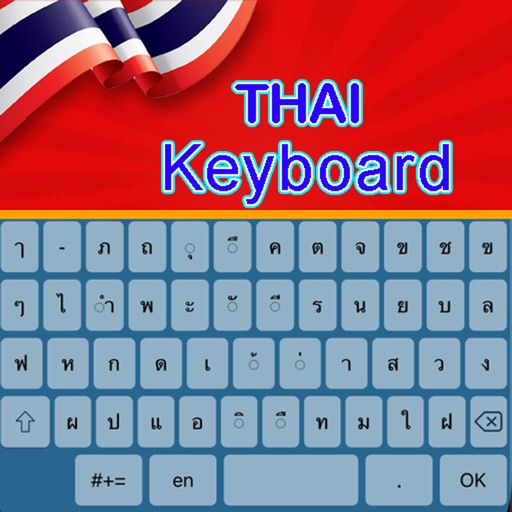
Thai Keyboard: Thai Language Keyboard is Best Thai Language with Stylish Themes and New Emoji’s. Thai Language Keyboard is an easy typing of Thai language and make it simple for all Thai Typing Keyboard user who want to write English to Thai and switch Thai to English at the same time. Thai Typing Keyboard special design for these people who love Thai Language. With Thai Translator feature you can very easily translate from thai to English language and from English to Thai language for free. Thai Keyboard is best mobile Keyboard for typing in Thai language. Thai Typing Keyboard allows the user to write and type message in Thai language and Thai text words. Send message, email, and update status in Thai. New Features of Thai Keyboard Thai Keyboard: Easy to Use for typing in the Thai Language Keyboard. Thai Typing Keyboard: Fast Typing in the Trending Thai Typing Keyboard. Thai Language Keyboard: Thai Keyboard is Working offline. Thai Language Keyboard: Thai English Keyboard with complete Dictionary and auto correction. Thai Keyboard: Thai Typing Keyboard is more than 1000 plus Emoji’s, stylish stickers, And cute emotions Emoji’s. Thai Keyboard: Thai typing app suggested words to write your emotions in Your own language & save your time while typing. Thai Language Keyboard: Thai to English and switch English to Thai Keyboard & get full access to the Thai language. Thai Language Keyboard: Set of key press sounds to use your sound during typing like water sound, wood sound, vibration key press etc. How to Use Thai Keyboard 1. Download and Install! 2. Open (“Thai Keyboard”). 3. Enable Keyboard (“Choose the Thai Keyboard”). 4. Select Keyboard (“Choose Thai Keyboard”). 5. Themes (“Select Favourite of your Choice”).
Audience growth
Ratings growth
Baseline captured. Growth appears after the crawler observes a changed rating count.
Momentum comes from crawler snapshots for the tracked storefront. “Viral growth signal” means unusually fast recent rating gains; it is an indicator, not download data.
Price tracking
Price intelligence
First snapshot captured. The trend line starts after the next crawler price observation.
- First observed Sep 8, 2026 · 7:22 PM Free
Screenshots


