About this app
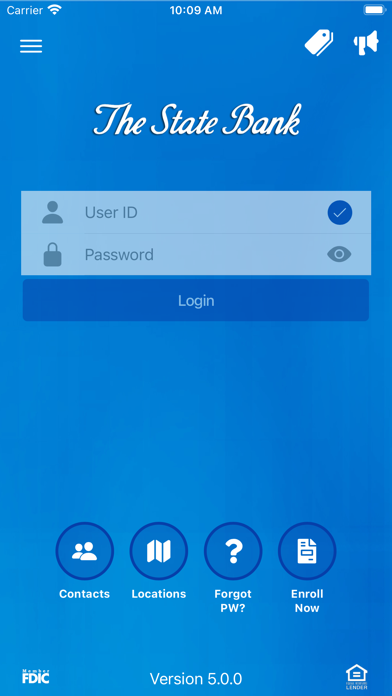
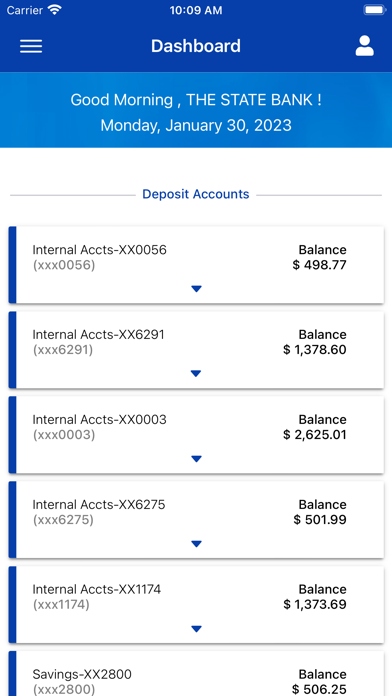
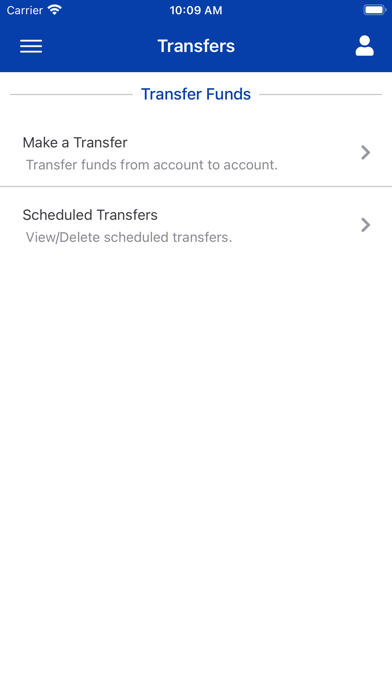
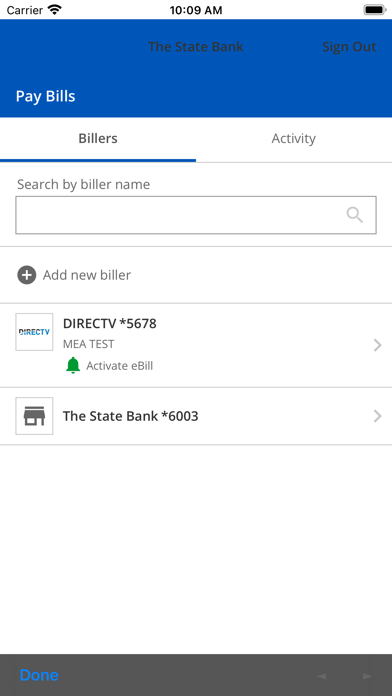
The State Bank Mobile Banking allows you to bank on the go. It’s free to download and offers quick access for managing your bank accounts. Check your balances, make deposits, pay bills, transfer money, and locate ATMs and banking locations with just a touch. Our native app is fast, secure and free. Use your current login information to start banking today. To use The State Bank Mobile Banking app you must be an online banking user. Access to the app uses your existing online banking username, password, and challenge question answers. To enroll in online banking please visit our website at www.statebankspiritlake.com Member FDIC Features: • Check Account Balances • Transfer funds between accounts • Make Deposits • Pay Bills** • Locate ATMs and branch locations.*** *Must be an Online Banking Customer **Must be enrolled in The State Bank Bill Pay to pay bills with the app. ***This is limited to locating our banking locations and ATMs. Please refer to your carrier for any fees that may apply.
Latest release
What’s New
UI Improvements Updates for new FDIC requirements
Audience growth
Ratings growth
Baseline captured. Growth appears after the crawler observes a changed rating count.
Momentum comes from crawler snapshots for the tracked storefront. “Viral growth signal” means unusually fast recent rating gains; it is an indicator, not download data.
Price tracking
Price intelligence
First snapshot captured. The trend line starts after the next crawler price observation.
- First observed Aug 24, 2026 · 1:40 AM Free
Screenshots