About this app
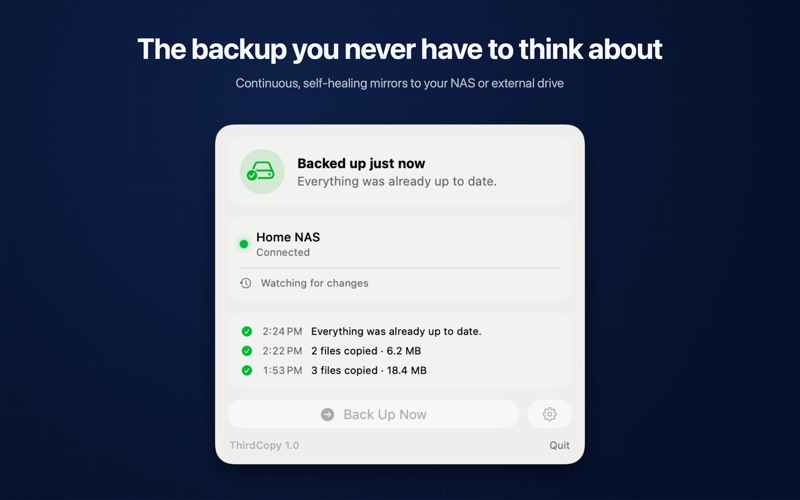
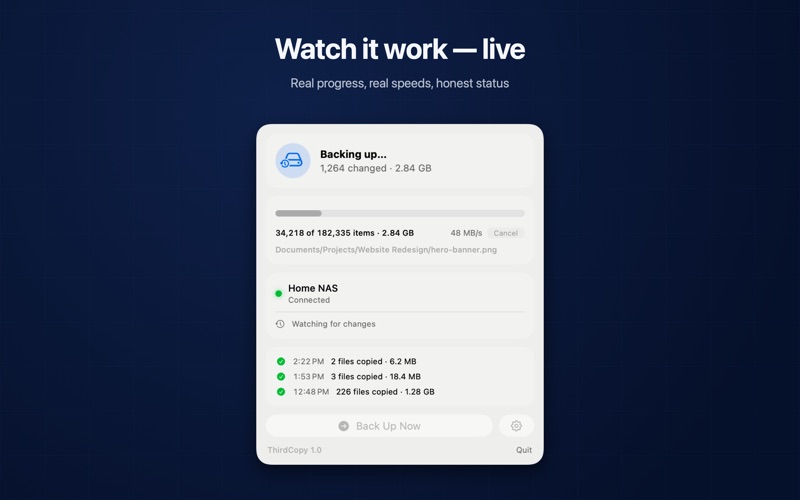
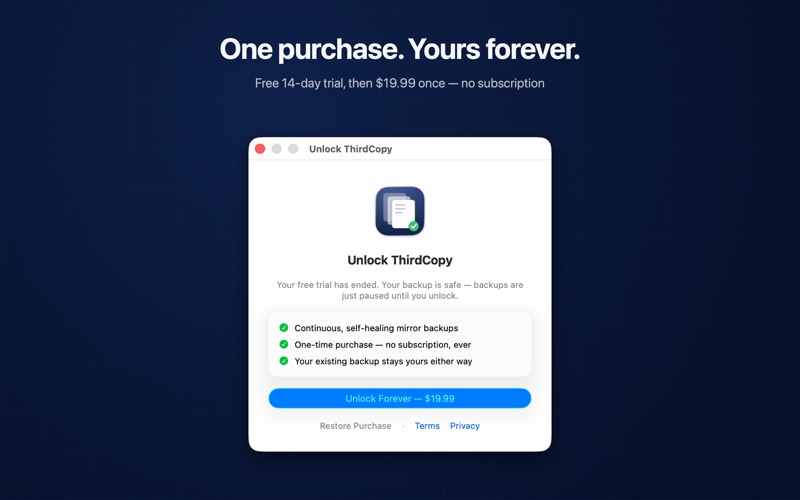
Your Mac is copy one. iCloud is copy two. ThirdCopy is the third copy — the one you never have to think about. ThirdCopy is a small, focused menu bar app that keeps an exact, one-way mirror of the folders you care about on your NAS, network share, or external drive. No sync jargon, no tasks to configure, no manual to read. SET UP IN A MINUTE One click adds your whole user folder (Desktop, Documents, Pictures, and everything else you keep there), or pick specific folders yourself. Pick where the backup lives, done. BACKS UP AS YOU WORK ThirdCopy watches your folders and mirrors changes within seconds of them happening. Prefer a schedule? Hourly, daily, weekly, or manual — your call. ONE DIRECTION. NO SURPRISES. Mirror backup means the backup always matches the source, exactly. Files you add are copied, files you change are updated, and files you delete are removed — or kept for a while with the optional deleted-files safety net. There is never a risk of a stale backup overwriting your real files. HEALS ITSELF If files at the backup are deleted or damaged, ThirdCopy notices and repairs them. A periodic health check keeps the backup verified even when nothing changed. WORKS WITH iCLOUD Files that are “on demand” in iCloud are downloaded just long enough to back up, then returned to the cloud — your disk space stays free. SKIPS WHAT DOESN'T NEED BACKING UP Common developer folders like node_modules are excluded automatically, so your backup stays focused on what you actually made. Exclude anything else by name too: build output, dependencies, whatever you don't need duplicated. ALWAYS HONEST The menu bar icon shows your backup’s state at a glance, with live progress while it runs. Every run records exactly what changed — and when a backup can’t run, ThirdCopy tells you why in plain language: drive not connected, disk full, no permission. Never a silent skip. BUILT FOR TRUST • One-way mirror only — no bidirectional sync ambiguity • Deletions are safety-gated: ThirdCopy will never wipe a folder it doesn’t own • An empty or unreadable source can never empty a healthy backup • Sandboxed, no accounts — your files never leave your Mac except to the destination you choose ThirdCopy backs up to any local drive, external disk, or mounted network share (SMB/AFP) — Synology, QNAP, UGREEN, TrueNAS, or a plain shared folder on another machine. Questions? support@thirdcopy.app
Latest release
What’s New
Faster, simpler setup, plus a couple of fixes: - One click now adds your whole user folder as a single backup source, with Library and hidden system files (like SSH keys) skipped automatically. - Common developer folders (node_modules, .build, and others) are excluded by default in new setups. - Fixed the folder picker sometimes opening in the wrong location. - Fixed the menu bar icon getting stuck on an old percentage after resetting backup setup.
Audience growth
Ratings growth
Baseline captured. Growth appears after the crawler observes a changed rating count.
Momentum comes from crawler snapshots for the tracked storefront. “Viral growth signal” means unusually fast recent rating gains; it is an indicator, not download data.
Price tracking
Price intelligence
First snapshot captured. The trend line starts after the next crawler price observation.
- First observed Aug 20, 2026 · 1:53 AM Free
Screenshots