About this app
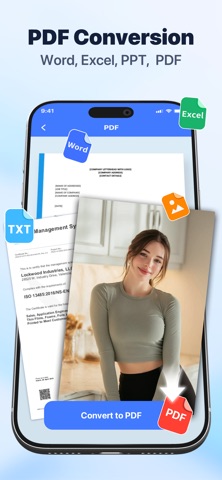
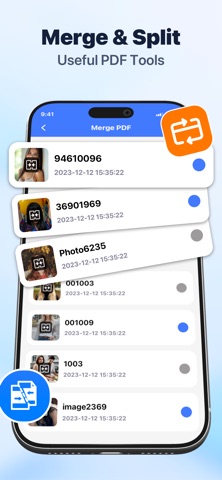
Tidy PDF- Make PDF processing a breeze. Whatever your needs, Tidy PDF is your go-to tool. We've streamlined complex PDF processing features into simple fingertip operations, allowing you to efficiently work with any document, anytime, anywhere. Core Features Professional PDF Editing: Directly modify text content, adjust font styles, add highlights, underlines, and annotations. Multi-Format Conversion: Supports image formats like JPG and PNG, as well as Word, Excel, and TXT documents for one-click PDF conversion. Document Management: Merge multiple PDFs, split files by page, and extract specific pages for easy document organization. From simple PDF reading to complex document editing, Tidy PDFmeets all your PDF needs. Download now and experience a new way to work with PDFs efficiently and smoothly!
Latest release
What’s New
What’s New in This Update: • UX Enhancements: We’ve polished up the user interface to give you a cleaner and more intuitive experience. Download it now to enjoy all these great improvements!
Audience growth
Ratings growth
Baseline captured. Growth appears after the crawler observes a changed rating count.
Momentum comes from crawler snapshots for the tracked storefront. “Viral growth signal” means unusually fast recent rating gains; it is an indicator, not download data.
Price tracking
Price intelligence
First snapshot captured. The trend line starts after the next crawler price observation.
- First observed Sep 2, 2026 · 5:09 AM Free
Screenshots