About this app
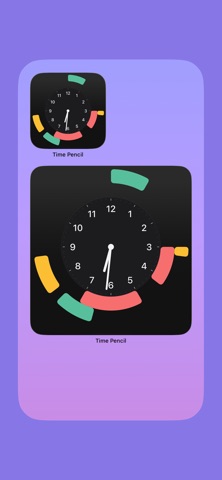
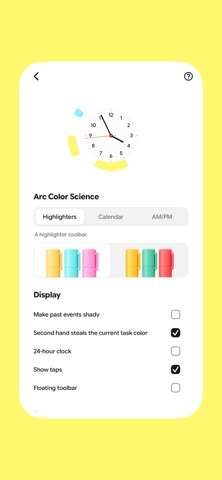
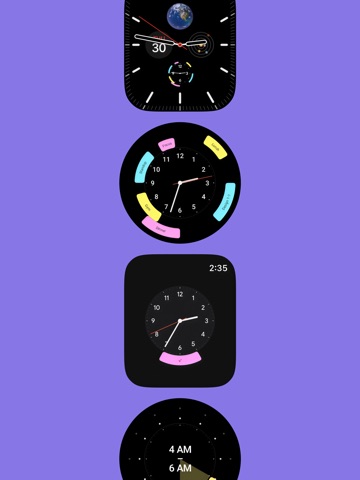
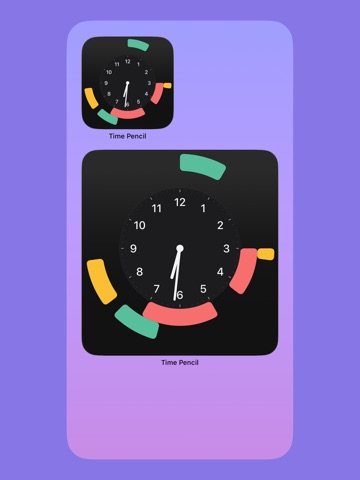
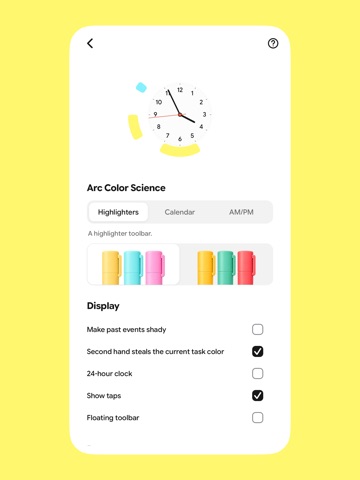
Time Pencil: draw your day on a clock Time Pencil is a clock you can draw on. Instead of a list of times, you sweep your finger around the dial to block out your day (a meeting, a walk, a nap, a deadline) and see the whole shape of it at a glance. Your calendar flows in automatically, so events appear as arcs alongside the ones you draw yourself. Give each block a colour with the highlighters, name it, drop a sticker note anywhere on the page, and drag things around until the day looks right. Highlights Draw blocks of time directly on an analog clock Your calendar events, shown as arcs Highlighter colours and sticker notes 12-hour two-ring view, or a 24-hour single ring Home screen widgets, StandBy, and Android screensaver Apple Watch and Wear OS apps, so you can draw from your wrist Light and dark, and it looks good in both
Latest release
What’s New
What's New (3.3) - Bug fixes on homescreen widget and arcs - New Lockscreen Widget What's New - Apple Watch + Wear OS — draw, rename, and delete arcs from your wrist, synced with your phone - StandBy & screensaver — your clock glows quietly while charging, on iPhone and Android - 24-hour mode — your whole day on a single ring - Mini day-clocks — every day in the calendar is drawn as its own tiny clock - Past-midnight arcs — late nights finally look the way they should - Type in place — write straight into a sticker - Drag to the bin — the pen bar turns into a bin when you drag something down - Smarter arc labels — bigger, better-fitting text on every arc - A flatter, calmer look — simpler title, flat toolbar, tidier settings Plus 40+ polish updates across the app: rounder arcs, brighter highlighters, softer dark mode, smoother scrolling, a more reliable keyboard, and countless small fixes to how drawing, selecting, and dragging feel.
Audience growth
Ratings growth
Baseline captured. Growth appears after the crawler observes a changed rating count.
Momentum comes from crawler snapshots for the tracked storefront. “Viral growth signal” means unusually fast recent rating gains; it is an indicator, not download data.
Price tracking
Price intelligence
First snapshot captured. The trend line starts after the next crawler price observation.
- First observed Aug 20, 2026 · 3:42 PM Free
Screenshots