About this app
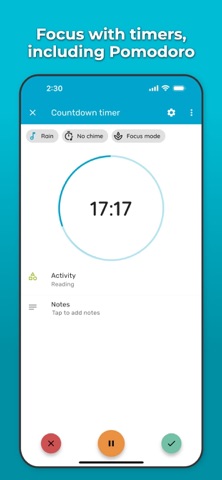
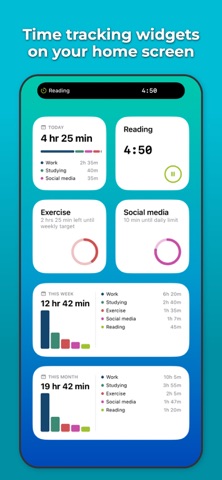
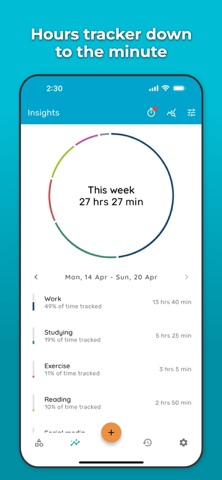
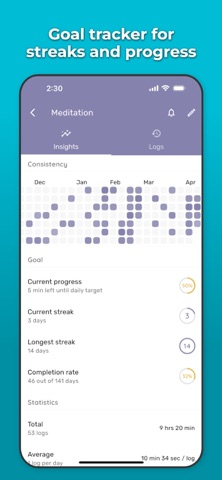
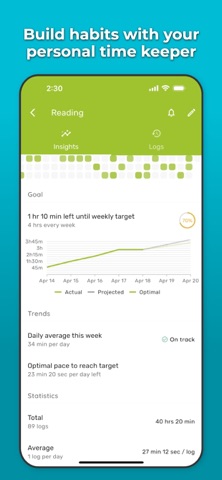
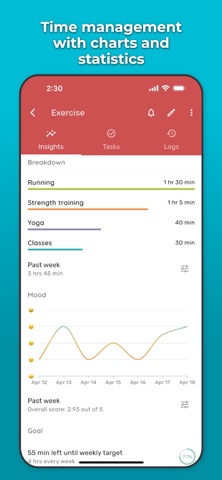
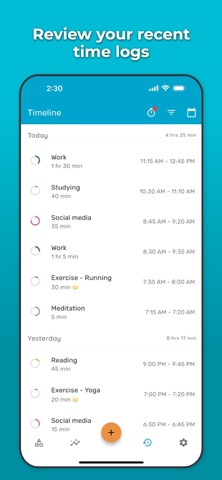
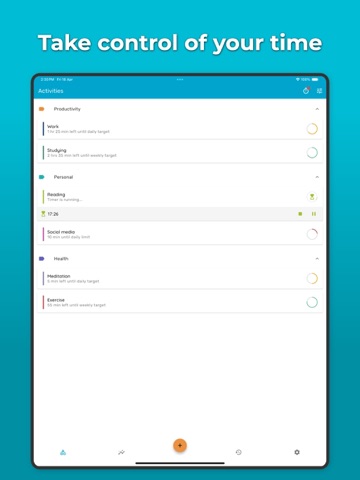
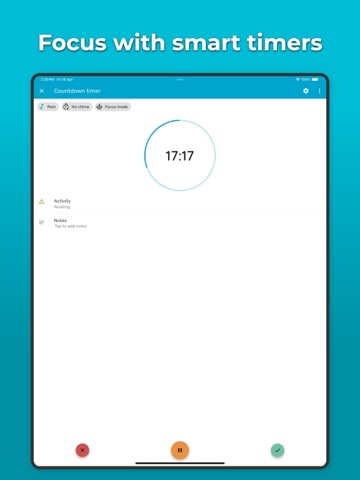
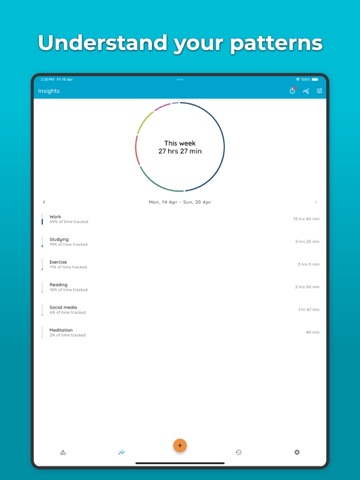
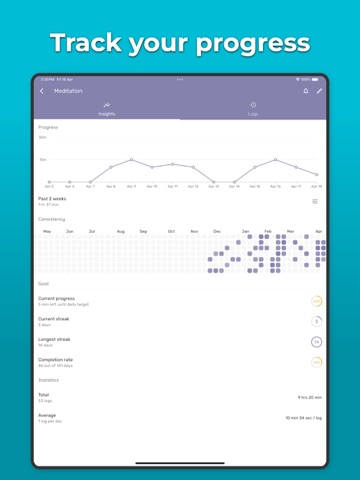
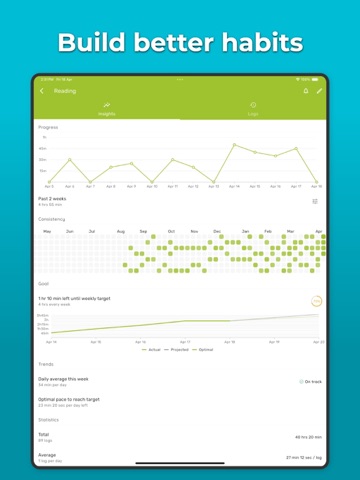
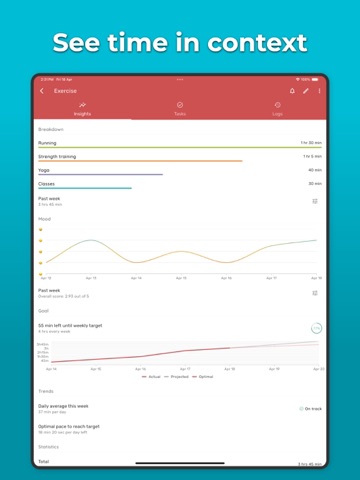
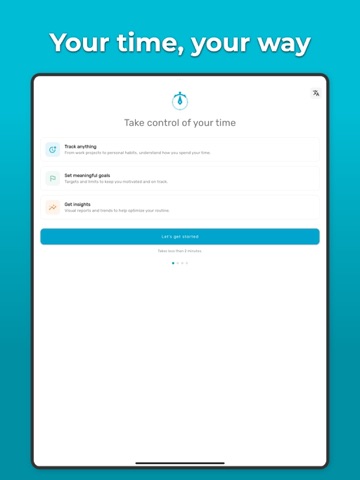
Track your time. Set goals. Build better habits. Timelog combines time tracking and goal tracking in one app — so you can see exactly where your time goes and make sure it aligns with what matters to you. TRACK ANYTHING Whether it's work, study, exercise, reading, music, or side projects — start a timer, log your hours, and see your patterns over time. Use a stopwatch, countdown, or Pomodoro timer depending on how you work best. SET MEANINGFUL GOALS Set daily, weekly, or monthly targets and limits for any activity. Track your streaks. Get predictions on whether you'll hit your goals based on your current pace. Stay motivated with reminders. GET CLEAR INSIGHTS See where your time actually goes with charts, statistics, trends, and weekly/monthly reports. Activity patterns, mood tracking, and task breakdowns help you understand not just how much time you spend — but how you spend it. STAY ORGANIZED Group activities into categories. Break them into tasks. Add notes and track your mood. Use it your way — Timelog adapts to how you work, study, or live. DESIGNED FOR YOU - Light, dark, and true black (OLED) modes - Home screen widgets - Live Activity with Dynamic Island - Available in multiple languages WHY TIMELOG? Most habit trackers just count checkmarks. Timelog tracks the time behind the habit — because spending 5 hours a week reading matters more than checking a box. You have more time than you think. Timelog helps you find it. Terms of Use (EULA): https://www.apple.com/legal/internet-services/itunes/dev/stdeula
Latest release
What’s New
2.25.0 - Improved activity page 2.24.1 - New languages: Armenian, Bengali, Czech, Kazakh, Uzbek, Vietnamese 2.24.0 - iCloud backup 2.23.0 - Lock screen widget - Control Center controls - Siri Shortcuts to start timers and log time - Timer mini bar for running timers
Audience growth
Ratings growth
Baseline captured. Growth appears after the crawler observes a changed rating count.
Momentum comes from crawler snapshots for the tracked storefront. “Viral growth signal” means unusually fast recent rating gains; it is an indicator, not download data.
Price tracking
Price intelligence
First snapshot captured. The trend line starts after the next crawler price observation.
- First observed Sep 15, 2026 · 7:59 AM Free
Screenshots