About this app
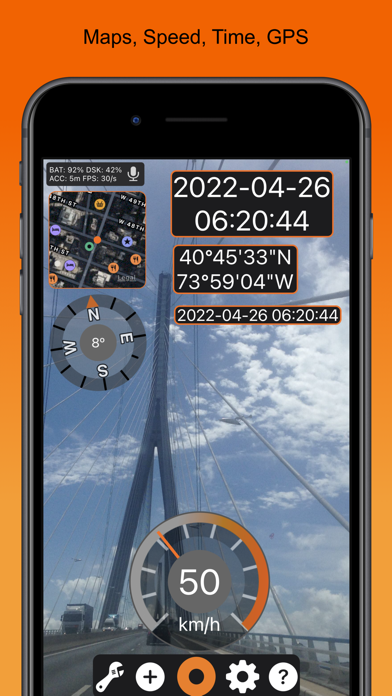
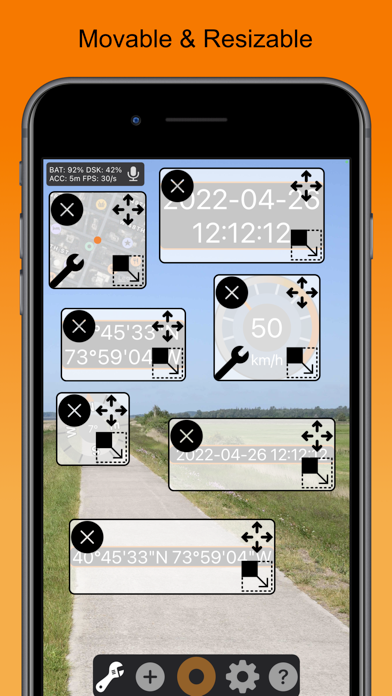
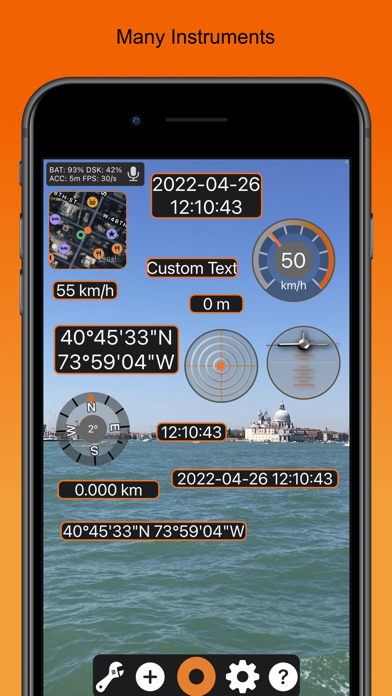
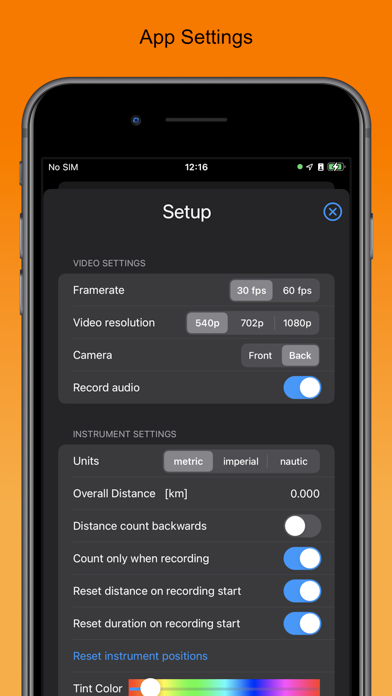
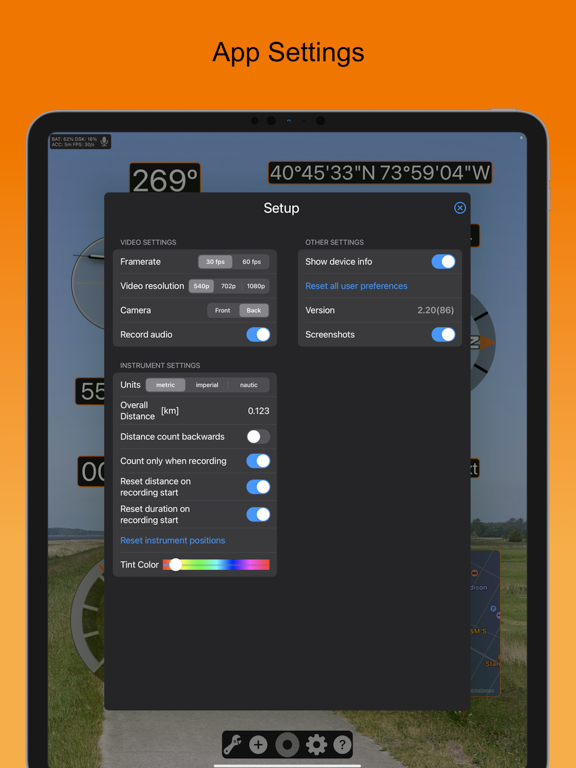
Turn your iPhone or iPad into a powerful action camera with live GPS, speed, and map overlays rendered directly into your video. Timestamp Camcorder: GPS, Maps enhances your footage with real-time telemetry, turning every clip into an action camera recording enriched with GPS data, speed information, map position, altitude, g force, compass, and timestamp displays. All instruments are written directly into the final MPEG-4 video, not just shown on screen. Every overlay can be moved, scaled, and arranged freely, giving you a customizable action camera layout that fits your style. Whether you are on the road, on the trail, or on the water, this app provides the GPS accuracy, speed tracking, and map visualization you need. ► Applications Use Timestamp Camcorder whenever you want to document your GPS position, speed, map route, altitude, heading, g force, or time inside your action video. Ideal for car racing, mountain biking, skating, skiing, hiking, surfing, sailing, flying, kiting, and any fast action sports where a true GPS enabled action camera is essential. ► Available Instruments • Speed graphical instrument • Speed digital text display • Map instrument with position and satellite or standard view • GPS position coordinates 1 or 2 line • Altitude based on GPS • Heading compass instrument • Course instrument true north movement vector • Roll and pitch instrument • G Force instrument for horizontal and vertical forces • Distance traveled since start • Duration since start • Current date • Current time • Combined date and time text display ► Recording Features • MPEG-4 720p video recording • Supports portrait and landscape • All instruments are movable and scalable • Real-time updates using GPS and gyroscope • Supports metric, imperial, and nautical units • iPhone and iPad supported • Audio recording supported • Notes: GPS, gyroscope, camera, and video encoding run simultaneously, so the app is battery intensive ► Important Notes Concerning Subscriptions All above AI Transcribe & Dictate subscriptions renew within 24 hours before the current period ends, and you will be charged through your iTunes account. Any unused portion of a free trial period, if offered, will be forfeited when you purchase a subscription. Manage or cancel your subscription from iTunes Account settings. See our Terms & Conditions (https://ibn-software.com/app-terms-conditions) and Privacy Policy (https://ibn-software.com/app-privacy-policy).
Latest release
What’s New
Maintenance Update: Enhanced localization, app stability, and instrument rendering
Audience growth
Ratings growth
Baseline captured. Growth appears after the crawler observes a changed rating count.
Momentum comes from crawler snapshots for the tracked storefront. “Viral growth signal” means unusually fast recent rating gains; it is an indicator, not download data.
Price tracking
Price intelligence
- First observed Aug 8, 2026 · 1:05 AM Free
Screenshots