About this app
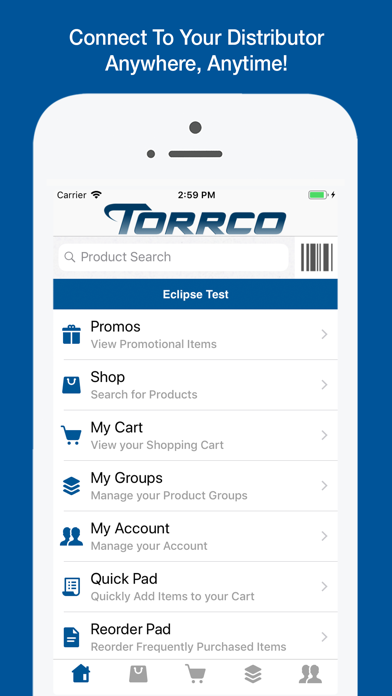
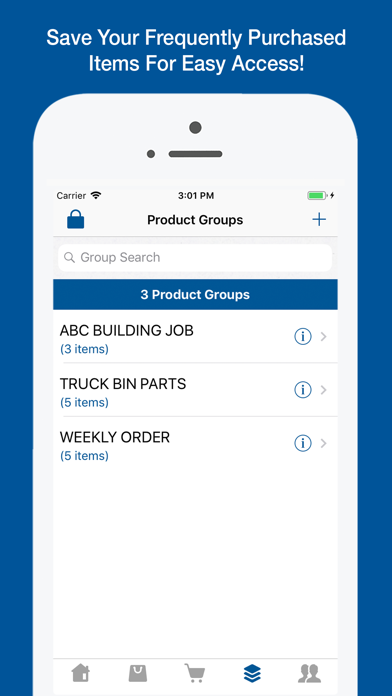
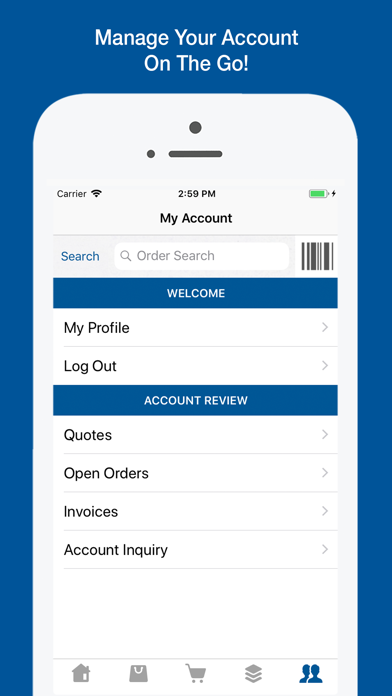
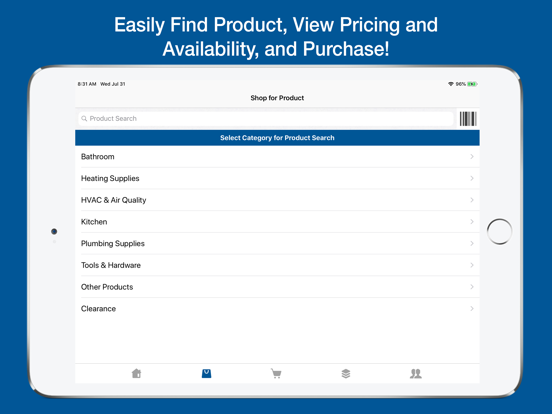
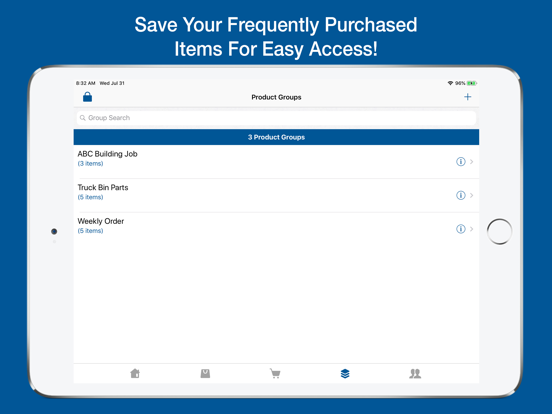
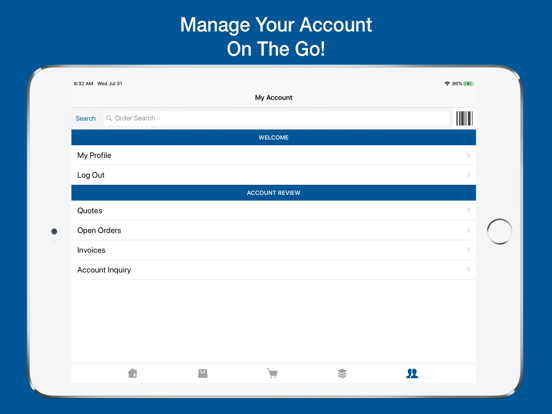
Torrco Touch connects you to your distributor anywhere, anytime. Create orders based on realtime pricing and company-wide availability, view your account information, take photos of requested product, and more… - View customer specific pricing and company-wide availability - Create orders - Quickly add Product Groups to your shopping cart - Scan barcode labels in the Quick Pad - Contact a branch for special order items - Map branch locations - View bids, open orders, and order history - Advanced search for finding items on order - View product spec sheets
Latest release
What’s New
Added: Ability to apply OE Touch Coupons on checkout Added: Ability to create Product Group folders Added: Ability to limit customers from only ordering products in their product groups Added: Include active links (web URLs, products, product families, resource pages) in marketing push notifications Added: Show Future and History ledgers on the Product Detail page Added: Limit branch selection during checkout by ship-via Added: Ability to consolidate multiple occurrences of a product into a single line item Added: Ability to set a minimum threshold for Order Approval Added: Ability to display the alternate product description on the Product Detail page Added: Ability to see current deliveries in app using the Innovo Track Package feature Added: Dark Mode support Added: Notification Center to My Account page Added: Additional order header information to the Order Detail page Added: Internal Notes to always display in the Order Detail page for employees Added: Shipping Instructions icon to Order Approval Checkout Added: Ability to require phone number and email address on checkout Added: An Approve label to the quotes view for customers to easily identify the orders ready for approval Added: Ability to search through authorized buyer list on checkout for employees Added: Ability to save a product group from the Quick Pad page Fixed: Ability to search for an invoice, not just limited to the past 30 days, from the My Account page
Audience growth
Ratings growth
Baseline captured. Growth appears after the crawler observes a changed rating count.
Momentum comes from crawler snapshots for the tracked storefront. “Viral growth signal” means unusually fast recent rating gains; it is an indicator, not download data.
Price tracking
Price intelligence
First snapshot captured. The trend line starts after the next crawler price observation.
- First observed Aug 10, 2026 · 3:38 PM Free
Screenshots