About this app
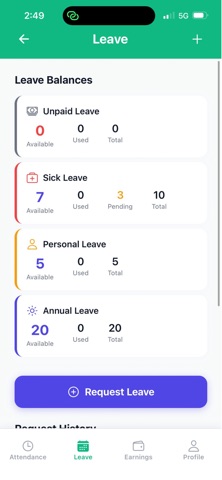
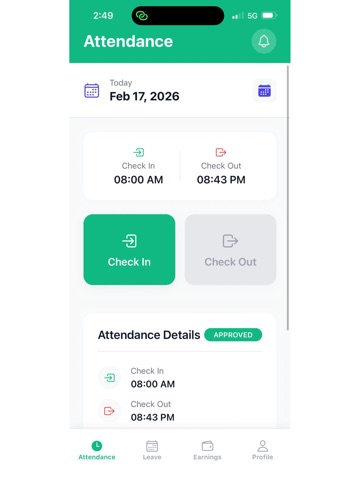
TrackFlow is a simple, secure time-tracking app for companies and employees. Company admins can manage attendance, leave, and workforce insights in one place. Employees can quickly check in/out, submit leave requests, and view earnings progress from their own dashboard. Key Features Real-time check in/out tracking Manual attendance support by admin Late, on-time, and absent status visibility Leave request submission and approval flow Earnings overview based on worked hours In-app notifications for important updates Export-ready attendance and department reports (PDF/CSV) Built for Two Roles Company Admin: team management, approvals, attendance oversight, reporting Employee: attendance actions, leave requests, earnings, profile access TrackFlow is designed for clarity, speed, and everyday operations—helping teams stay organized and accountable with minimal effort.
Latest release
What’s New
Bug fixes.
Audience growth
Ratings growth
Baseline captured. Growth appears after the crawler observes a changed rating count.
Momentum comes from crawler snapshots for the tracked storefront. “Viral growth signal” means unusually fast recent rating gains; it is an indicator, not download data.
Price tracking
Price intelligence
First snapshot captured. The trend line starts after the next crawler price observation.
- First observed Sep 8, 2026 · 4:30 AM Free
Screenshots