About this app
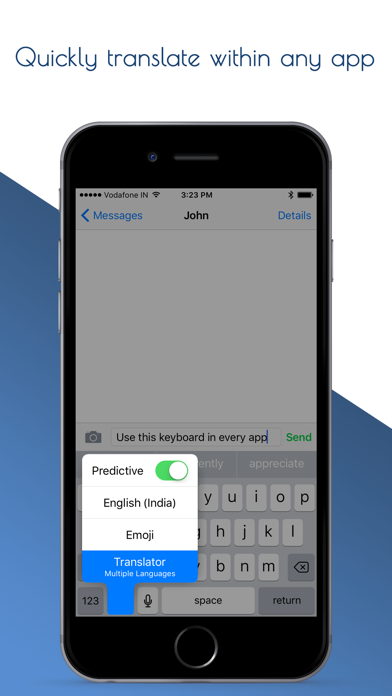
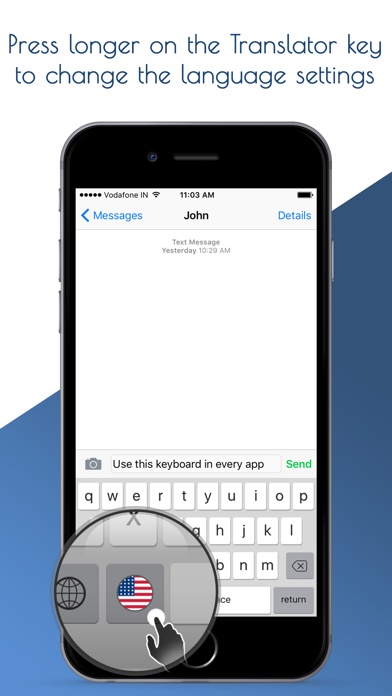
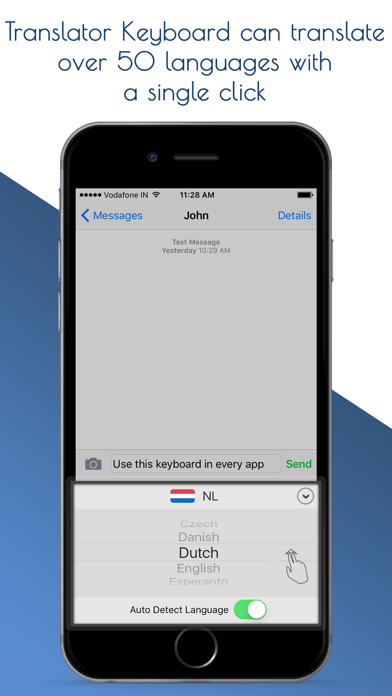
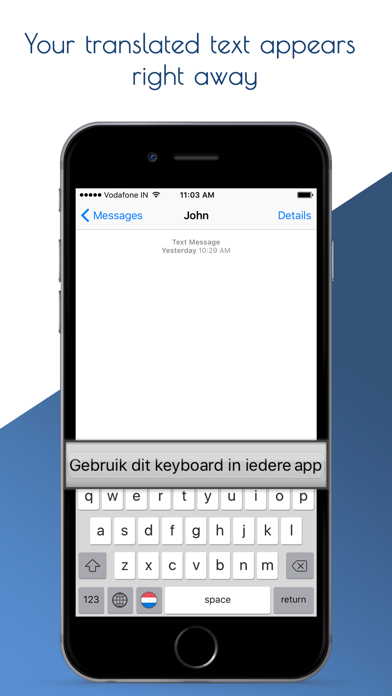
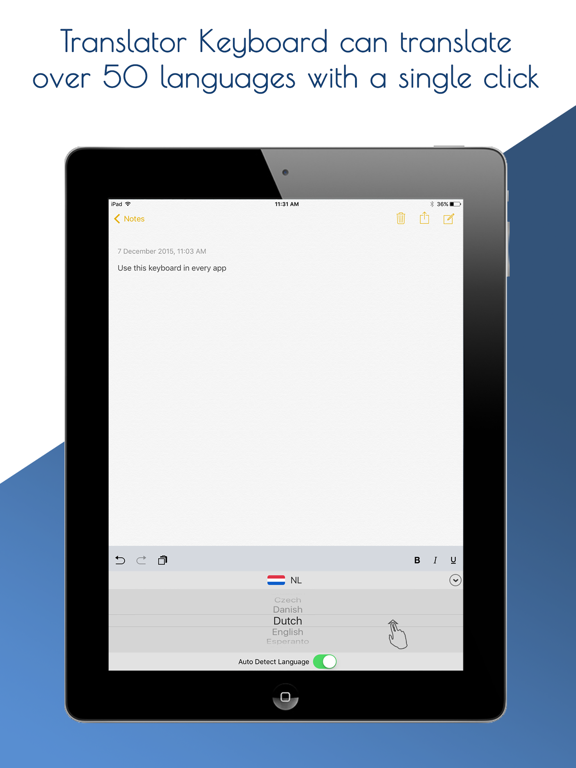
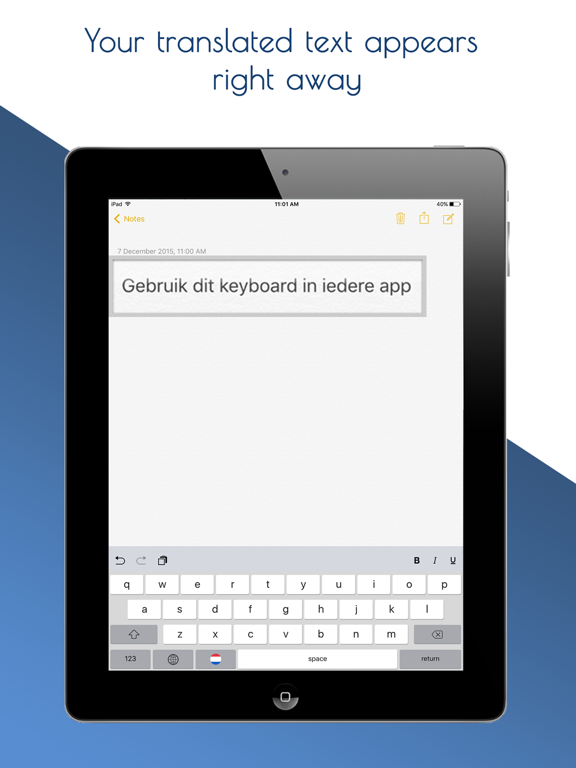
Translator keyboard is the easiest and most convenient translator you will find. You no longer have to switch to and from a translator app, translations are built into your keyboard! This means you can translate to and from any language in any app. It is a regular keyboard with an added single button for translation. Works in any app that uses a keyboard. The translate button is shown as a flag, indicating the current selected language for translation. A single click on the button is all that is needed for a translation straight away. Change the language setting? Just do a long press, change the language, and the button will show the new flag. No more copying and pasting translations! Just a single click and you are done, in any app, for (almost) any language. For initial use, you need to set up the keyboard. Press the 'configure keyboard' button in the app. Then ensure that the option 'Allow Full Access' is set to 'ON'. You can always switch to a different keyboard if you need to. Only the words typed with the Translator Keyboard will be available for translation though. So keep this in mind while switching back and forth. Note that Translator Keyboard needs an internet connection to work (this can be either wifi, 2g, 3g, or 4g). Translator Keyboard is free to use for 20 translations. If you wish to continue using it after that, you need to unlock the keyboard using the in-app purchase option. After that, translations will be free for life. Enjoy your new practical translation tool!
Latest release
What’s New
This update from Apple will improve the functionality of this app. No new features are included. -Improved translations and performance.
Audience growth
Ratings growth
Baseline captured. Growth appears after the crawler observes a changed rating count.
Momentum comes from crawler snapshots for the tracked storefront. “Viral growth signal” means unusually fast recent rating gains; it is an indicator, not download data.
Price tracking
Price intelligence
- First observed Aug 13, 2026 · 5:40 AM Free
Screenshots