About this app
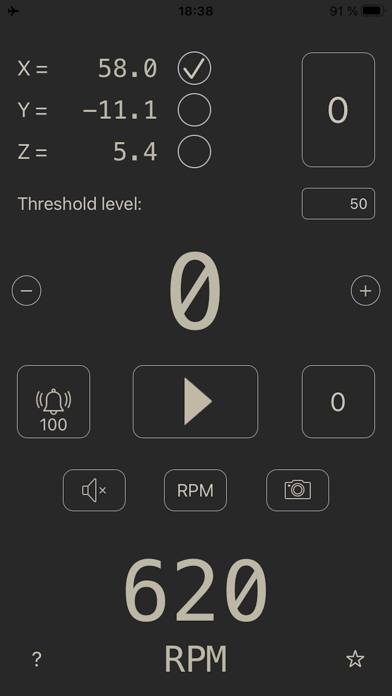
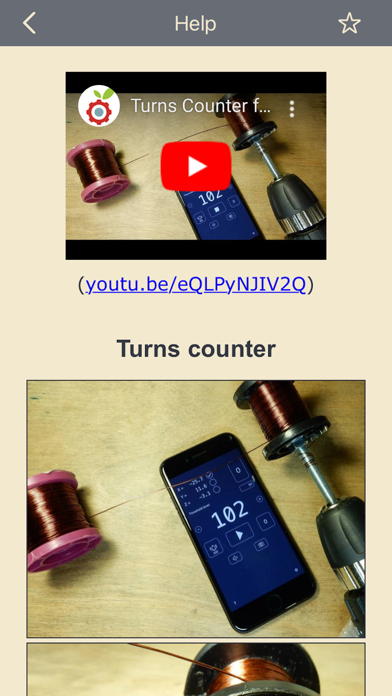
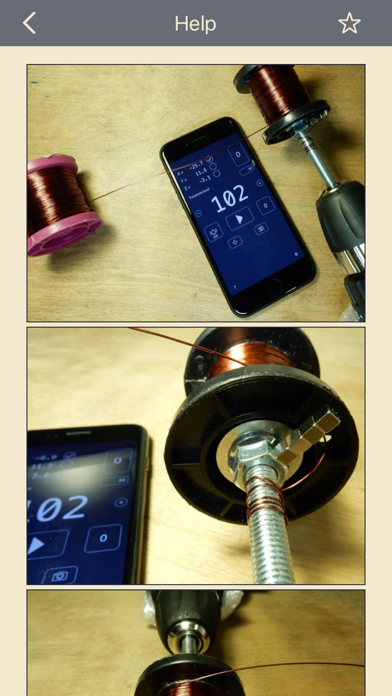
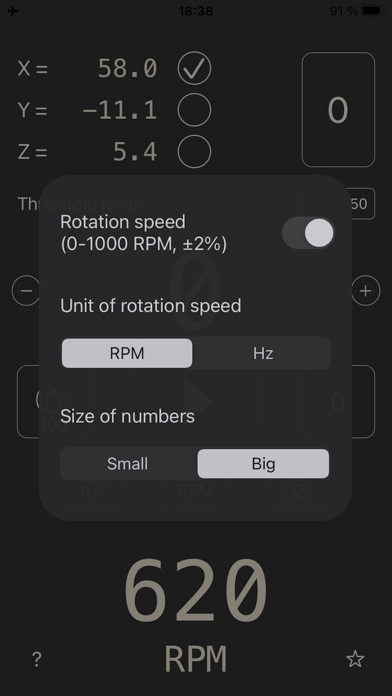
The app is designed to calculate the number of turns when winding an inductor (inductance coil). A MAGNET SHOULD BE ATTACHED TO THE ROTATING PART. The app (by means of the built-in smartphone magnetic field sensor) determines the number of rotations of the magnet and, therefore, the number of coil turns. It is also possible to determine the rotation of a smartphone without using the magnet (e.g., when winding a large coil). BEFORE TAKING ANY MEASUREMENTS, IT IS NECESSARY TO CALIBRATE THE MAGNETOMETER. To do this, you need to put the smartphone at the selected place (where measurements will be taken), make sure that there is no magnet nearby, and press the TOP "0" button. To reset the number of turns, press the DOWN "0" button TWO TIMES. • Selection of the magnetometer axis. • Sensitivity setting (threshold level). • Alert on reaching the required number of turns. • Notification about each addition of a certain number of turns. For example, a beep after adding every 15 turns. To do this, click on the button with the bell and write down the line "+15!!" (without spaces). The number of exclamation marks ("!") is used to select the sound signal. Can be from 0 to 5 exclamation marks. • Countdown. Write a negative number for the countdown. • A photo with the result of the measurement written on it. • Maximum rotation speed: 1000 rpm (16 Hz). AVOID HIGH ROTATIONAL SPEEDS, BECAUSE THE MAGNET CAN COME OFF AND BREAK THE SMARTPHONE. • Measurement of rotation speed (0-1000 RPM, ±2%). DO NOT USE VERY LARGE MAGNETS. THEY ARE VERY INCONVENIENT TO USE AND CAN BREAK ANYTHING OR INJURE YOU. Sometimes the iPhone's speakers can interfere with magnetometer measurements. Therefore, at revolutions over 400 rpm, the sound that sounds after each revolution is turned off.
Latest release
What’s New
The app has been updated only to answer new age rating questions.
Audience growth
Ratings growth
Baseline captured. Growth appears after the crawler observes a changed rating count.
Momentum comes from crawler snapshots for the tracked storefront. “Viral growth signal” means unusually fast recent rating gains; it is an indicator, not download data.
Price tracking
Price intelligence
First snapshot captured. The trend line starts after the next crawler price observation.
- First observed Sep 7, 2026 · 6:49 AM Free
Screenshots