About this app
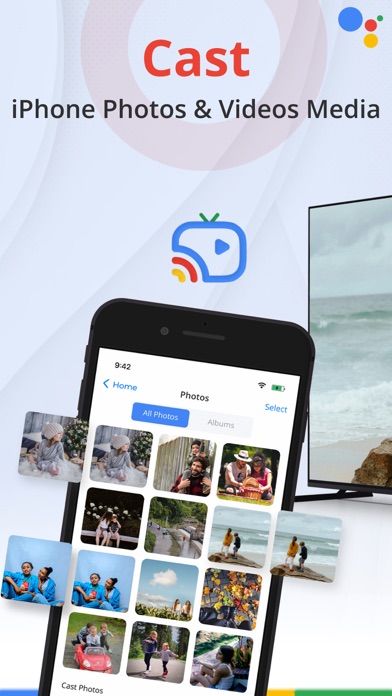
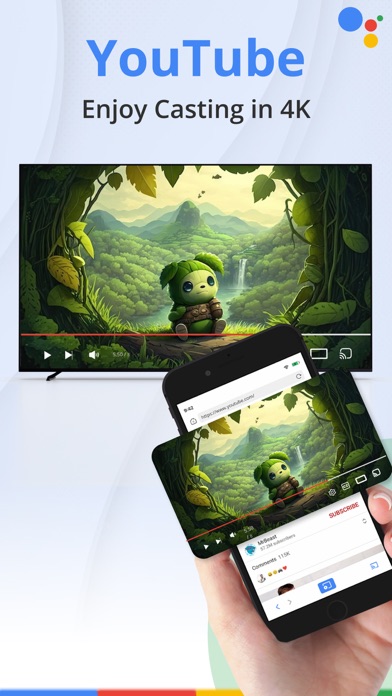
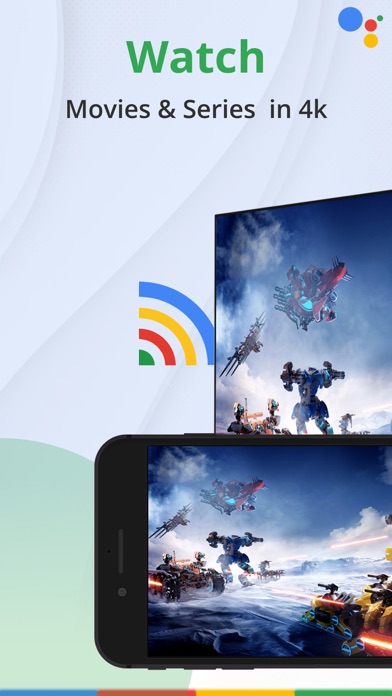
Transform your living room into an awesome multimedia hub with TV Cast! Effortlessly share your favorite photos, videos, and web content on the big screen for a fantastic experience. Perfect for movie nights, family photo sharing, and exploring web videos. Exciting features include -Casting from your Photo Library in stunning 4K quality -Mirroring your phone screen -Streaming videos directly from your browser to TV -Easily connect and control -Elevate your entertainment with TV Cast Cast Photos: Share your special moments in style with TV Cast Turn your living room into a stunning gallery of memories effortlessly. Share heartwarming photos in high-definition detail, from vacations to birthdays. TV Cast showcases every pixel beautifully, making it a powerful tool to impress guests and create lasting connections through shared memories. Cast Videos: Maximize your Entertainment Experience Say goodbye to buffering and low-quality streams as you dive into stunning 4K Ultra HD resolution. Enjoy a home theater experience that rivals the big screen, whether it's the latest blockbusters or your favorite TV series. TV Cast ensures top-notch visuals and audio, creating an entertainment extravaganza in the comfort of your own home. Cast Browser Videos: Make web video browsing more exciting Enhance your online viewing experience instantly with TV Cast, allowing you to cast web videos from popular streaming websites effortlessly. No more straining your eyes—simply tap, cast, and enjoy. Dive into new content, explore the web, and discover captivating videos, all without leaving the comfort of your couch. If there would be any recommendation or any query please feel free to contact us at our support info@vpnmasterproxy.com. We are always happy to help. Premium Subscription: This app includes optional auto-renewable subscriptions to access current and future premium categories (price may vary depending on location): 1-Month Subscription: $5.99 / 3 Days free trial 1-Weekly Subscription: $2.99 • Payments will be charged to your iTunes account at confirmation of purchase and will automatically renew (at the duration/price selected) unless auto-renew is turned off at least 24 hours before the end of the current period. • Account will be charged for renewal within 24 hours prior to the end of the current period, and identify the cost of the renewal. • You can manage your subscription and/or turn off auto-renewal by going to your iTunes Account Settings, but refunds will not be given for any unused portion of the term. Disclaimer: This app is not affiliated with Google or any other trademark mentioned here. Subscription Terms https://docs.google.com/document/d/19uSOVfbRuqIoXbXLv82blpTyLsDOa6NancD8bMNmQas/edit?tab=t.0 Terms and Conditions https://docs.google.com/document/d/14PxNa0a9XSusDBSHSjGlomC17S0mjKUeO_c_yhpInsE/edit?tab=t.0 Privacy Policy https://docs.google.com/document/d/1iz65GfpMKGW7VQw2_kDE82Bb-NfeDsUtULducvW0ggk/edit?tab=t.0
Latest release
What’s New
New Update: - Functionality Enhancements - UI Improvements - Minor Bug Fixes
Audience growth
Ratings growth
Baseline captured. Growth appears after the crawler observes a changed rating count.
Momentum comes from crawler snapshots for the tracked storefront. “Viral growth signal” means unusually fast recent rating gains; it is an indicator, not download data.
Price tracking
Price intelligence
First snapshot captured. The trend line starts after the next crawler price observation.
- First observed Aug 27, 2026 · 12:56 PM Free
Screenshots