About this app
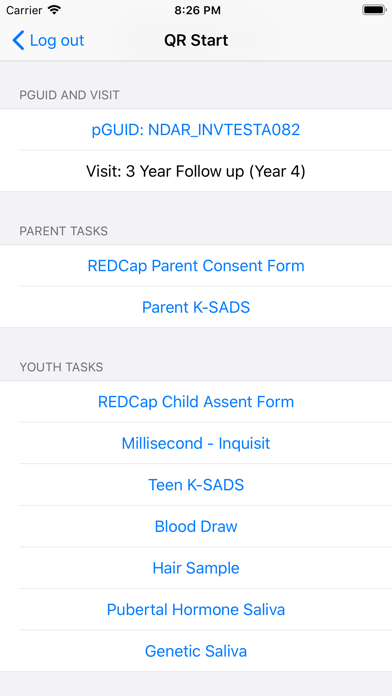
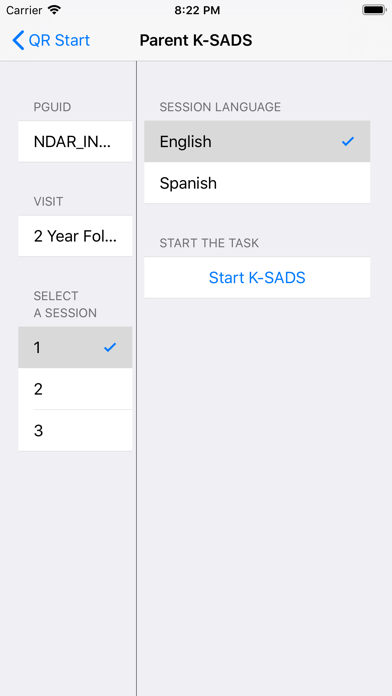
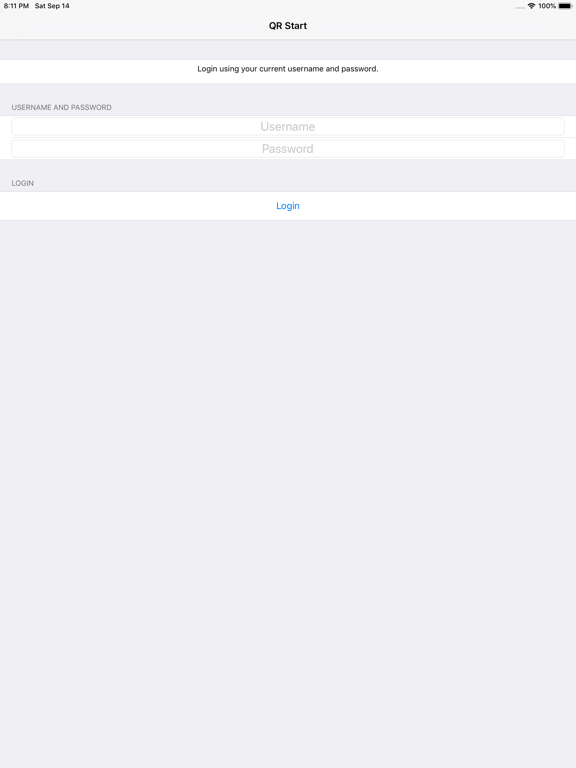
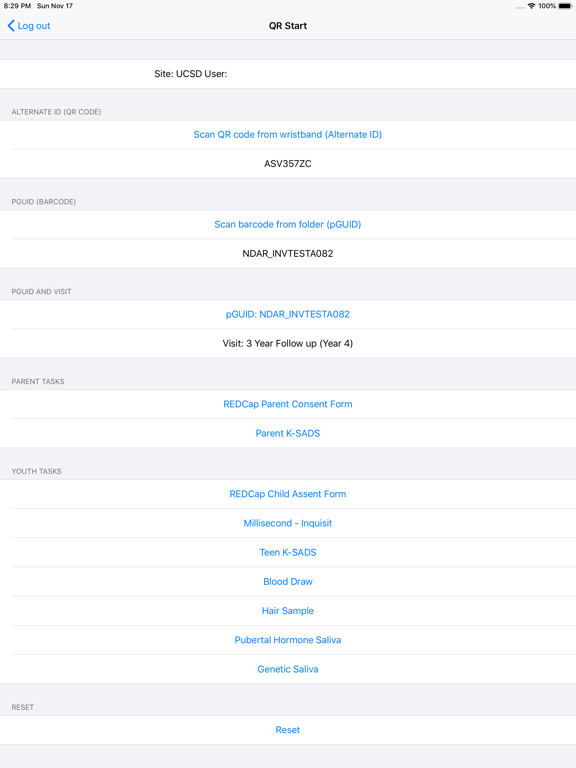
ABCD research study at the University of California San Diego. Allow research staff to scan a QR code and barcode to verify research participants. Research staff must log in with their provided username and password. QR codes and barcodes are given to staff before the participant's appointment. - Who is the target audience? The target audience are researchers at universities across the country involved in our research study. - How do users obtain an account? Users obtain accounts by participating in our research study. We create and send account information to our users. - Is this app meant for internal distribution in your own company, in the company of one target client, or in multiple target clients’ companies? The app is not meant for internal distribution within our university. It is meant for researchers at participating universities across the country.
Latest release
What’s New
Fix issue with barcode scanning
Audience growth
Ratings growth
Baseline captured. Growth appears after the crawler observes a changed rating count.
Momentum comes from crawler snapshots for the tracked storefront. “Viral growth signal” means unusually fast recent rating gains; it is an indicator, not download data.
Price tracking
Price intelligence
First snapshot captured. The trend line starts after the next crawler price observation.
- First observed Aug 12, 2026 · 7:03 PM Free
Screenshots