About this app
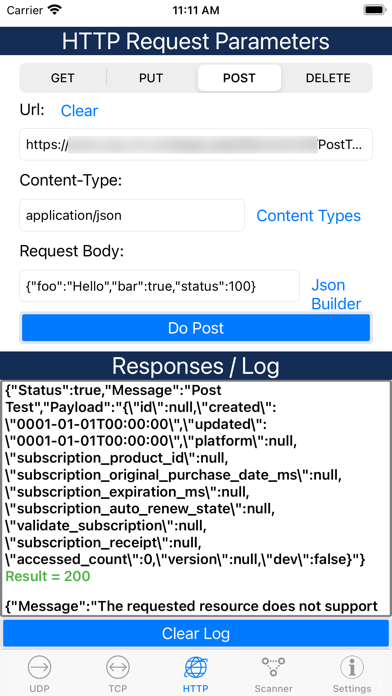
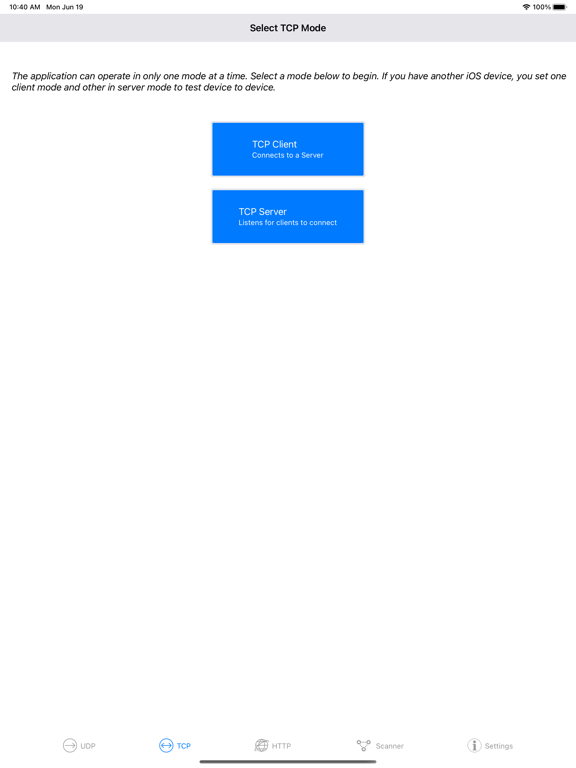
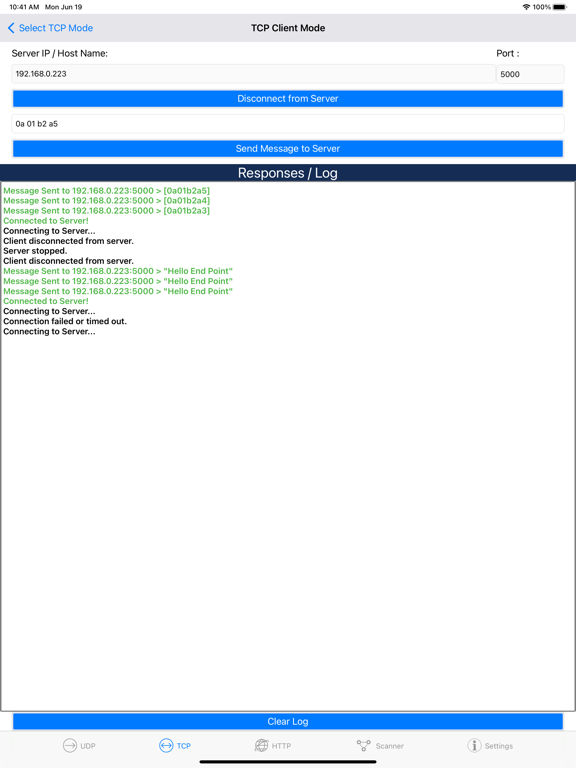
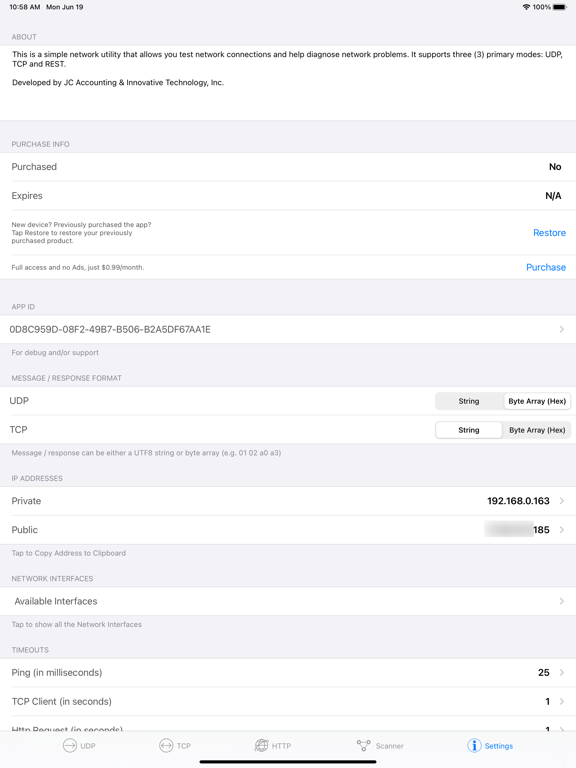
The only network utility application you will ever need: 1) UDP Send and/or receive datagrams in both string and hexadecimal format. You can send the datagrams to another instance of the application, a server that is set up to receive datagrams or to the same instance of the application. If you are receiving datagrams, you can specify any valid port to bind to. 2) TCP TCP Mode supports two (2) submodes: 1) TCP Client and TCP Server. TCP Client allows you to to connect to a TCP Server via specifying the remote host and port the server is operating on. Once connected, messages can be sent to the server; any responses will be displayed in the output view. 2) TCP Server allows you to create an instance of a tcp server operating on a port that is user configurable. Once one or more clients connect, messages can be sent to the set of connected clients. All responses from the client will be displayed in the output view. Messages and responses can be a utf8 string or raw data in hexadecimal (go to settings to configure format). 3) REST REST mode supports four (4) request method/verbs: GET, POST, PUT,DELETE. In 'GET' mode, given a url, will display the output in output view. In 'POST' and 'PUT' mode, given a url and a body (e.g. parameters), the output will be displayed in the output view. In all cases, the output can be formatted in RAW or JSON. JSON builder feature to easily build the request body is available if POST/PUT is selected. 4) Network Scanner Scan a single or a range of IP Addresses. Optionally, test if a port is open. Response of scan includes number of packets sent, received, lost, response time and status of port. By going to Settings/Info, you can specify the timeout period for ping and port scans. • Current private and public IP Address available in Settings/Info tab. • Network interfaces available in Settings/Info tab. Privacy Policy: http://www.jcaccountingcpa.com/NetworkAppPrivacy.php Terms of Use (EULA): https://www.apple.com/legal/internet-services/itunes/dev/stdeula/
Latest release
What’s New
• Fixed UDP port issue.
Audience growth
Ratings growth
Baseline captured. Growth appears after the crawler observes a changed rating count.
Momentum comes from crawler snapshots for the tracked storefront. “Viral growth signal” means unusually fast recent rating gains; it is an indicator, not download data.
Price tracking
Price intelligence
- First observed Aug 21, 2026 · 12:02 PM Free
Screenshots