About this app
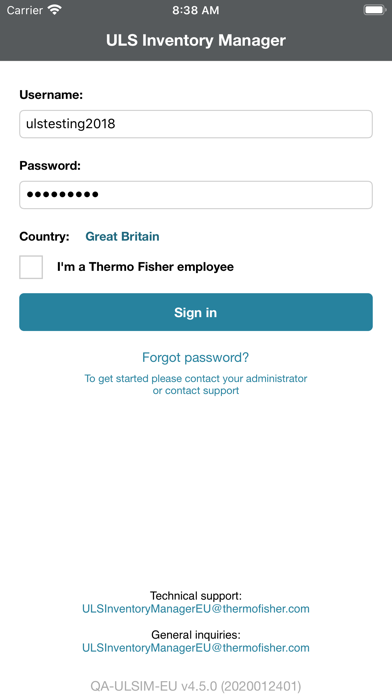
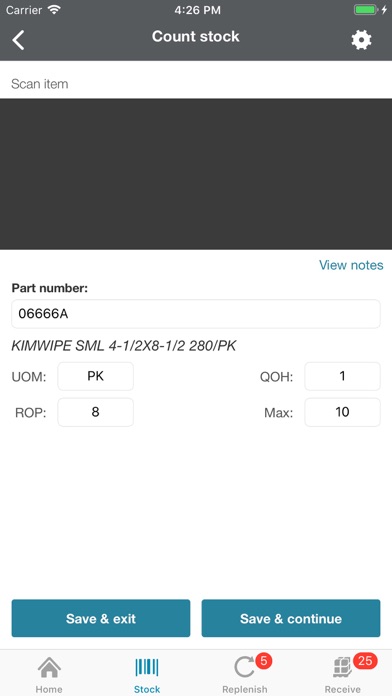
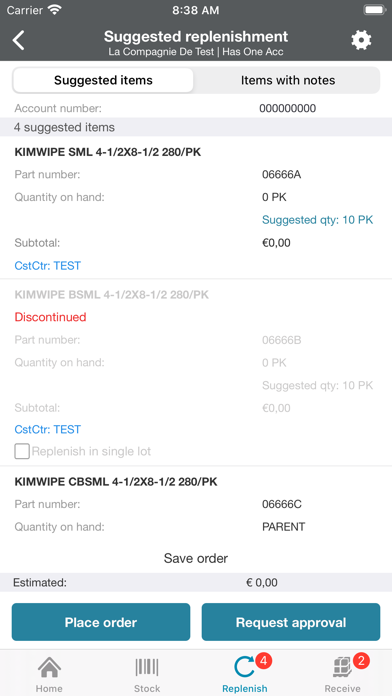
ULS Inventory Manager provides flexible, configurable options to help you track your inventory. It connects you with the supplies you need to help reduce inventory costs, improve productivity, and deliver critical data that allows you to make informed supply management decisions. The ULS Inventory Manager mobile app uses an intuitive, highly automated system to make managing inventory quick and easy. By using the mobile app to scan and order products, you’ll minimize the time and money spent on managing your lab supplies. The mobile app helps you be more productive by providing one simple place to scan, replenish, track, and receive inventory. It’s designed to make inventory management easy and accurate, and includes different functions to meet your needs, including scanning to count and take stock, replenishment ordering and receiving. Inventory can be managed to align with organizational goals on maximum and minimum stocking levels. Please contact inventorymanager.support@thermofisher.com for app support.
Latest release
What’s New
1. Added quantity on order while searching for a part 2. Bug fixes and improvements
Audience growth
Ratings growth
Baseline captured. Growth appears after the crawler observes a changed rating count.
Momentum comes from crawler snapshots for the tracked storefront. “Viral growth signal” means unusually fast recent rating gains; it is an indicator, not download data.
Price tracking
Price intelligence
First snapshot captured. The trend line starts after the next crawler price observation.
- First observed Aug 18, 2026 · 5:54 AM Free
Screenshots