About this app
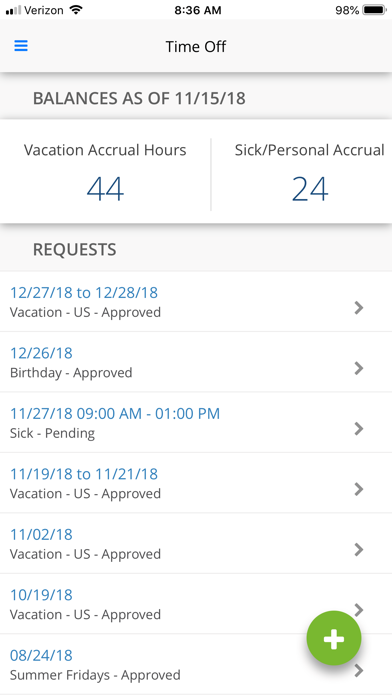
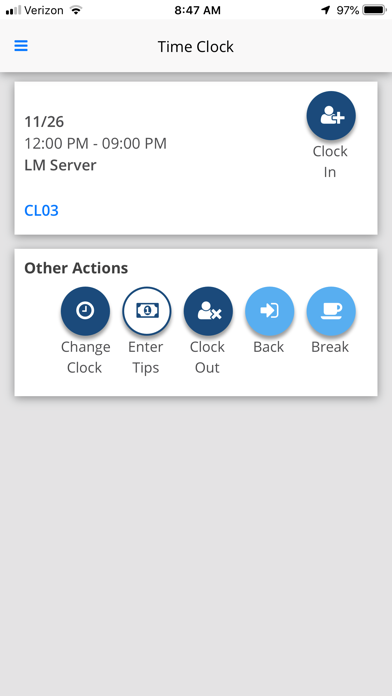
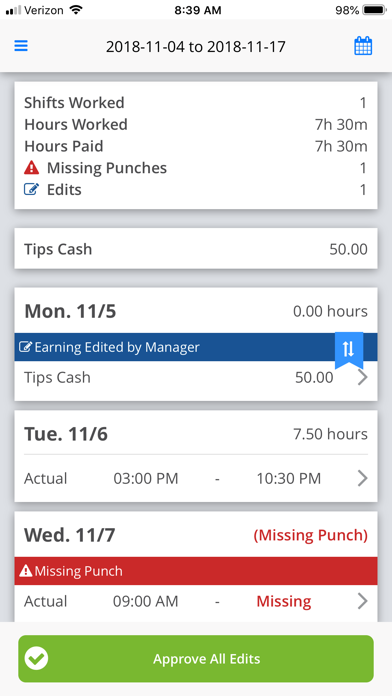
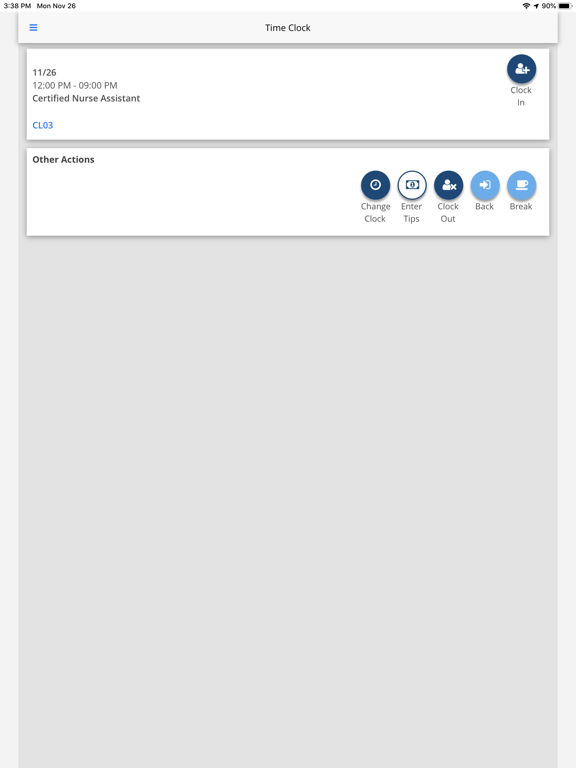
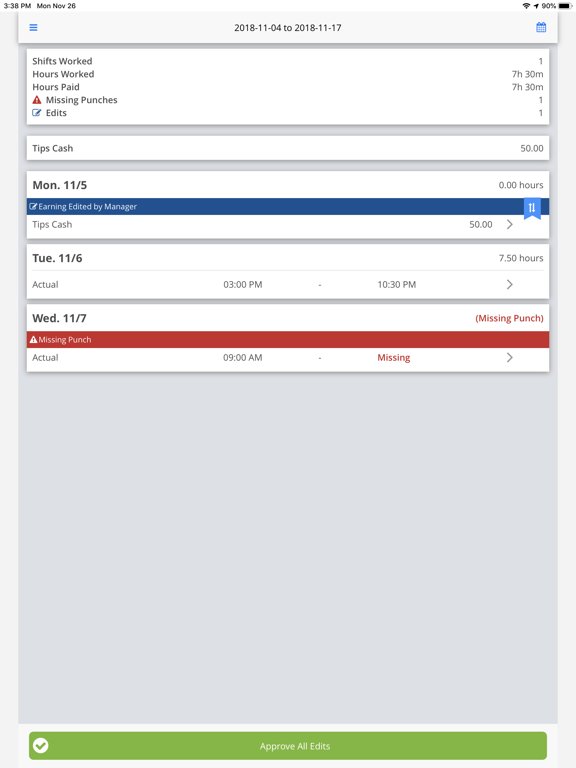
Utilizing UniFocus' Time and Attendance Mobile Apps organizations can: *Empower managers to manage remotely with scheduling intelligence thru customized alerts (and quick access to call-ins, late staff clock ins/outs, employees in/not scheduled) *Free up more time for customer and employee interaction and cultivating relationships *Eliminate time theft with an acceptable radius GPS location verification *Increase employee engagement with the power to manage work life balance (easy access to review work schedules, respond quickly to accept shifts, view time cards and to track hours) Managers can: *Control overtime costs with alerts when employees are due for a break or approaching overtime *Ensure quality service for all shifts by quickly creating and sending broadcast messages to see who is available *On the go approvals of scheduling requests *Check schedules anywhere by employee or date *Manage call-ins, late staff clock ins or clock outs, and employees in but not scheduled *Instantaneously access employee contact information for easy communication Employees can: *Review work schedules easily *View Time Cards and track hours *Respond quickly to accept shifts *Swap or drop shifts, and request time off from any place at any time *Manage work life by requesting time off quickly *Notify manager with “call-in” absence or tardy feature *Communicate via message system NOTE: To successfully login and edit/view schedules, the Mobile App feature must be activated for your property. Please contact your property's manager to confirm whether this has been done.
Latest release
What’s New
- Mobile password improvement: Mobile users can change their passwords up to three times a day. - Added a needs assistance link on the Mobile sign-in screen. - Added a prompt for feedback feature in the Mobile App.
Audience growth
Ratings growth
Baseline captured. Growth appears after the crawler observes a changed rating count.
Momentum comes from crawler snapshots for the tracked storefront. “Viral growth signal” means unusually fast recent rating gains; it is an indicator, not download data.
Price tracking
Price intelligence
First snapshot captured. The trend line starts after the next crawler price observation.
- First observed Sep 1, 2026 · 2:44 PM Free
Screenshots