About this app
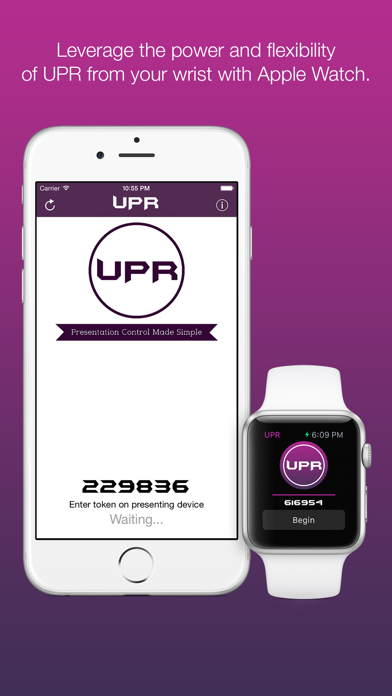
Using a presentation remote instead of advancing your slides manually can allow you to connect with audiences and utilize your presentation space more effectively, but you typically had to buy your own or hope the venue you were presenting at had one on hand. Fear no more, UPR has you covered! All you need is the presenting computer, your iOS device or Apple Watch, and an internet connection. UPR allows you to control the presentation computer to advance your slides remotely from anywhere in the world. Simply install the UPR Controller application on the presenting computer and enter the token into the iOS App and you'll be presenting in no time. Universal Presenter Remote natively supports both iPhone, iPad, and Apple Watch with comprehensive instructions that make setup a breeze. Companion applications and further instruction can be found at https://universalpresenterremote.com.
Latest release
What’s New
- Updated the placement of refresh/instruction buttons on Apple Watch to be more prominent - Fixed several bugs in the Apple Watch app to improve performance
Audience growth
Ratings growth
Baseline captured. Growth appears after the crawler observes a changed rating count.
Momentum comes from crawler snapshots for the tracked storefront. “Viral growth signal” means unusually fast recent rating gains; it is an indicator, not download data.
Price tracking
Price intelligence
- First observed Aug 14, 2026 · 9:24 PM Free
Screenshots