About this app
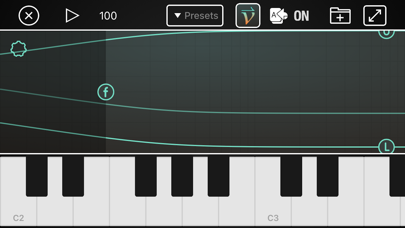
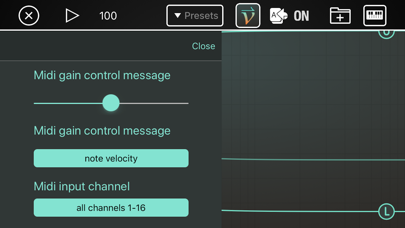
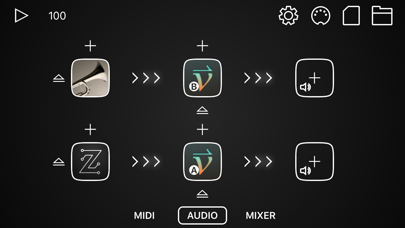
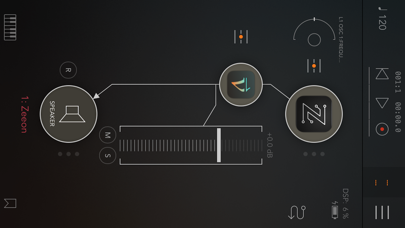
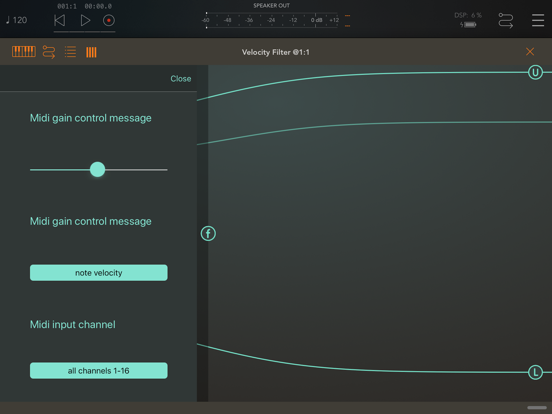
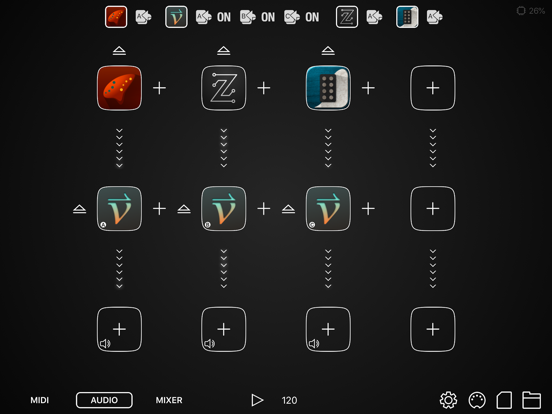
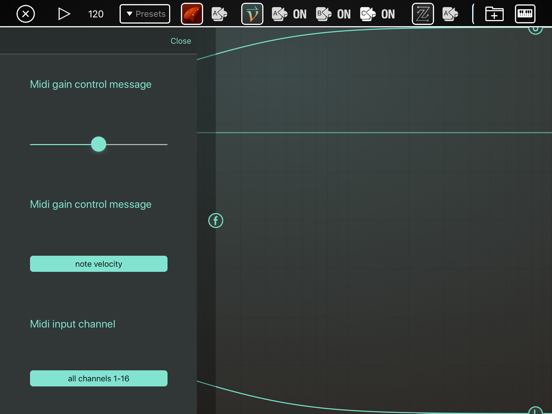
WHAT IS VELOCITY FILTER? Velocity Filter is the fastest way to make all your synthesizer patches respond to MIDI velocity in a natural and musical way. Just add it to your audio unit effects on the synth track and you are done! WHAT DOES IT DO? It converts non-velocity-sensitive synths sounds into velocity-sensitive ones. Velocity Filter can be configured as either a MIDI-controlled filter or a MIDI-operated volume control. In filter mode, it adds or removes high frequency energy according to the velocity of each MIDI note, so that lower velocity notes sound softer and have less high harmonic content. You can control the amount of boost or cut and the frequency range. In volume control mode, it adjusts the volume according to incoming MIDI velocity. WHAT ELSE DOES IT DO? In addition to MIDI velocity, you can also control the filter using MIDI-CC or aftertouch controls. So you can control it in a variety of ways. HOW IS THIS BETTER THAN EDITING MY SYNTH PATCHES TO MODULATE THE FILTER CUTOFF BY MIDI VELOCITY? Most synthesizers respond to velocity either by modulating the cutoff frequency of a lowpass filter or by modulating the gain. Doing velocity response that way distorts the tone of the patch in an un-musical way, especially if it uses a resonant lowpass filter. Instead of modulating the gain of a lowpass filter, Velocity Filter modulates the gain of a high-shelf filter. The sound is very different, and can be applied on top of the existing filters in the synth patch without destroying the tone of the patch. Also, if you are browsing through a collection of 1000 patches, it's much easier to apply this filter to the output than to modify each and every patch to modulate the filter cutoff with MIDI velocity. However, it's not necessarily "better"; it's just very different. Read the limitations section below for why it's not always better. WHAT LIMITATIONS DOES IT HAVE? All notes go through one filter, so if you play two notes at the same time, with different velocities, it will set the filter for the loudest of the two notes. Also, the filter takes about 1 millisecond to change from loud to soft, so if you quickly switch from loud to soft, you'll hear the filter clamping down AFTER the initial attack. This is problematic for synth patches that have near zero attack time. Velocity Filter does not support GarageBand because GarageBand does not support sending MIDI messages to audio effects. Velocity filter is an audio unit plugin ONLY. It runs inside of host apps such as AUM, Audiobus, Cubasis, Auria, and Beatmaker 3.
Latest release
What’s New
Smaller fixes and improvements.
Audience growth
Ratings growth
Baseline captured. Growth appears after the crawler observes a changed rating count.
Momentum comes from crawler snapshots for the tracked storefront. “Viral growth signal” means unusually fast recent rating gains; it is an indicator, not download data.
Price tracking
Price intelligence
First snapshot captured. The trend line starts after the next crawler price observation.
- First observed Aug 31, 2026 · 12:57 PM $2.99
Screenshots