About this app
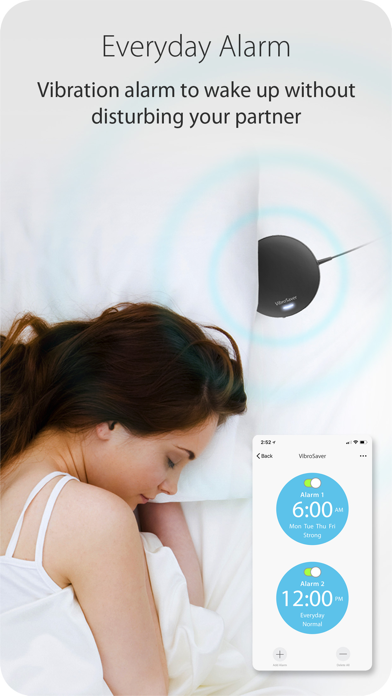
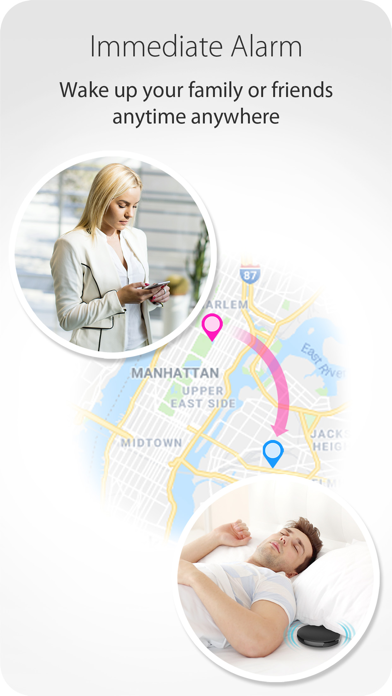
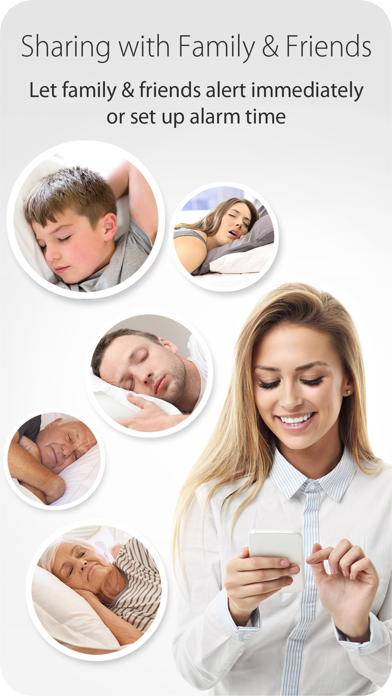
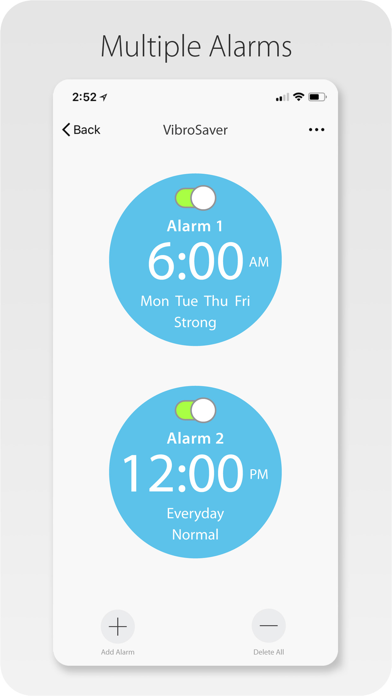
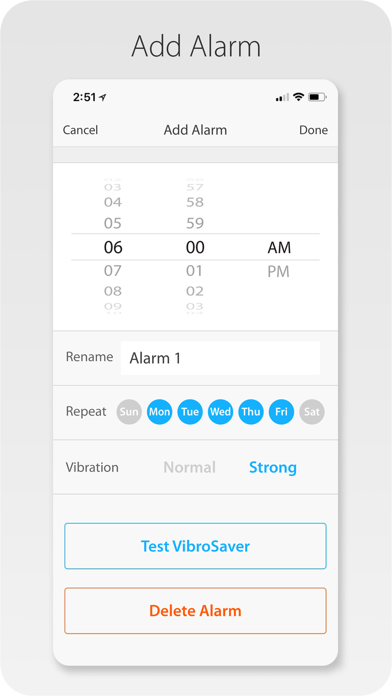
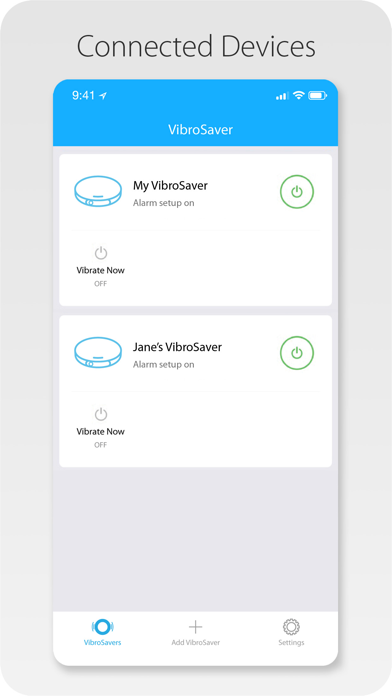
VibroSaver is the world first WiFi vibrating alarm clock to make sure even heaviest sleepers can wake up. VibroSaver connects to your smartphone via WiFi. With VibroSaver you can make sure you wake up on time without disturbing your spouse or roommate even if your are a heaviest sleeper. It also allows you to wake up your family member on schedule or immediately even in a remote location. You do not need to shout or go upstairs to wake up your kids any more. In the VibroSaver app, create multiple alarms, select vibration level of normal or strong, and set weekdays or weekend. VibroSaver will work even when your phone is not connected or the phone's battery dies. Never worry about the battery power since it runs on AC power with included AC power adapter. Utilizing Amazon Alexa or Google assistant, you can turn off/on and change the vibration level with your voice. If you have Alexa enabled device or Google Home, simply say “Alexa”, “Hey, Google”, or “OK, Google” and give your command. VibroSaver will serve you.
Latest release
What’s New
Bug fixes.
Audience growth
Ratings growth
Baseline captured. Growth appears after the crawler observes a changed rating count.
Momentum comes from crawler snapshots for the tracked storefront. “Viral growth signal” means unusually fast recent rating gains; it is an indicator, not download data.
Price tracking
Price intelligence
First snapshot captured. The trend line starts after the next crawler price observation.
- First observed Aug 23, 2026 · 12:03 PM Free
Screenshots