About this app
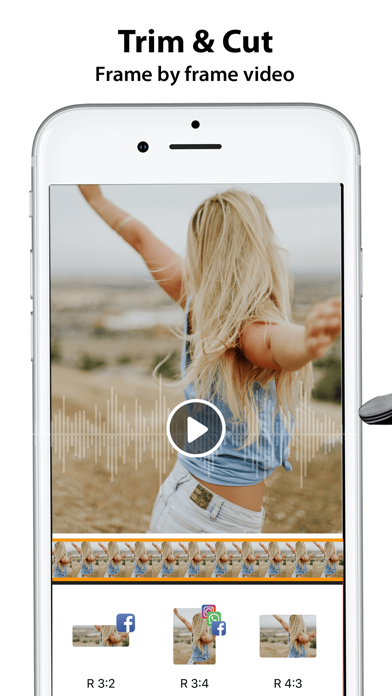
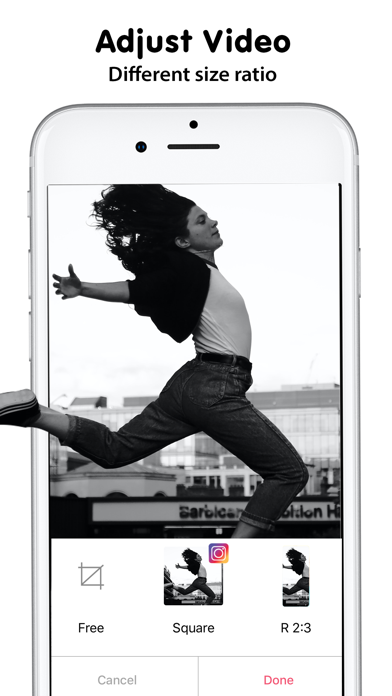
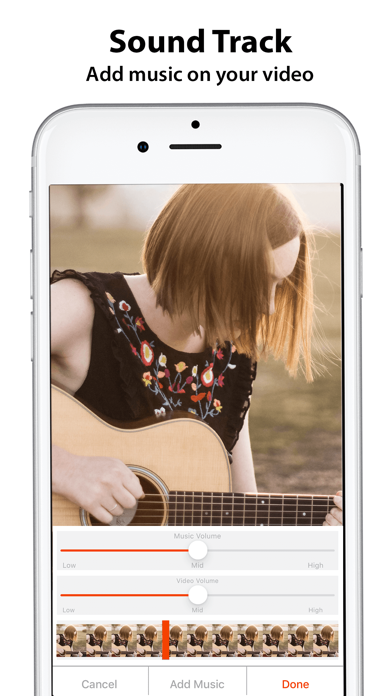
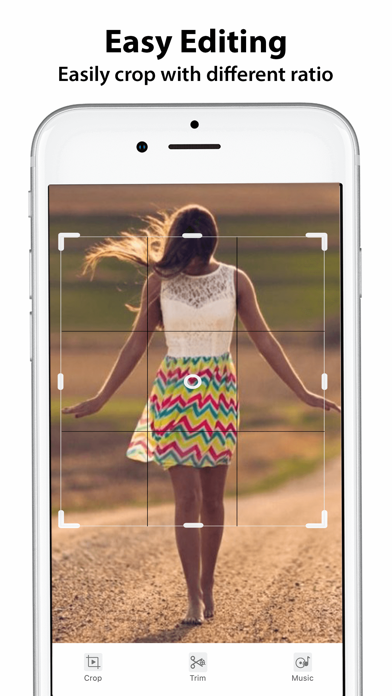
Video Crop, Cut - Adjust Music is for cropping your Videos in selected portion. Crop Video is not easy before Video Crop. You can crop video by selecting the video view portion and also trim a video by selecting part of that video by using our Video Crop. Video Crop is a tool for cropping the videos in a moments. Video Crop gives the best HD quality to your video after cropping. Video Crop takes little more time to crop your video because it crops the each frame of the video with HD clarity. If you want then minimize the video crop app it is running on background and cropping your video so you can do other work as well. Features & Use of Video Crop, Cut - Adjust Music: ---------------------------------------------------- -> Select the Video from your library -> Many Video Formats are supported to crop -> Set the position that you want to crop by using your finger or by default crop selector -> Set the range of your video to cut that portion with crop applied. -> You can play selected portion of the video to test -> Click on ok button to start cropping your video process -> Take some time to complete the cropping process or you can minimize app by pressing home button till cropping process continues on background ->Now you can play that video here and you can share video with your friends or in social media Thank you for using Video Crop, Cut - Adjust Music. SUBSCRIPTION: You can subscribe to premium features, choosing from the following plans: – 1 Month – 12 months – Lifetime (One Time Purchase) The subscription automatically renews unless auto-renewal is turned off at least 24 hours before the end of the current period. Payment will be charged to your iTunes account at confirmation of purchase. Account will be charged for renewal within 24 hours of the end of the current period, and the cost of the renewal will be provided. Subscriptions may be managed by the user. Auto-renewal may be turned off by going to the user’s Account Settings after purchase. No cancellation of the current subscription is allowed during active subscription period. Any unused portion of a free trial period, if offered, will be forfeited when the user purchases a subscription to that publication.
Latest release
What’s New
- Enhancement in UI and bug fixes.
Audience growth
Ratings growth
Baseline captured. Growth appears after the crawler observes a changed rating count.
Momentum comes from crawler snapshots for the tracked storefront. “Viral growth signal” means unusually fast recent rating gains; it is an indicator, not download data.
Price tracking
Price intelligence
First snapshot captured. The trend line starts after the next crawler price observation.
- First observed Aug 12, 2026 · 4:32 PM Free
Screenshots